

This guide walks you through the process of changing project settings in Fusionmap
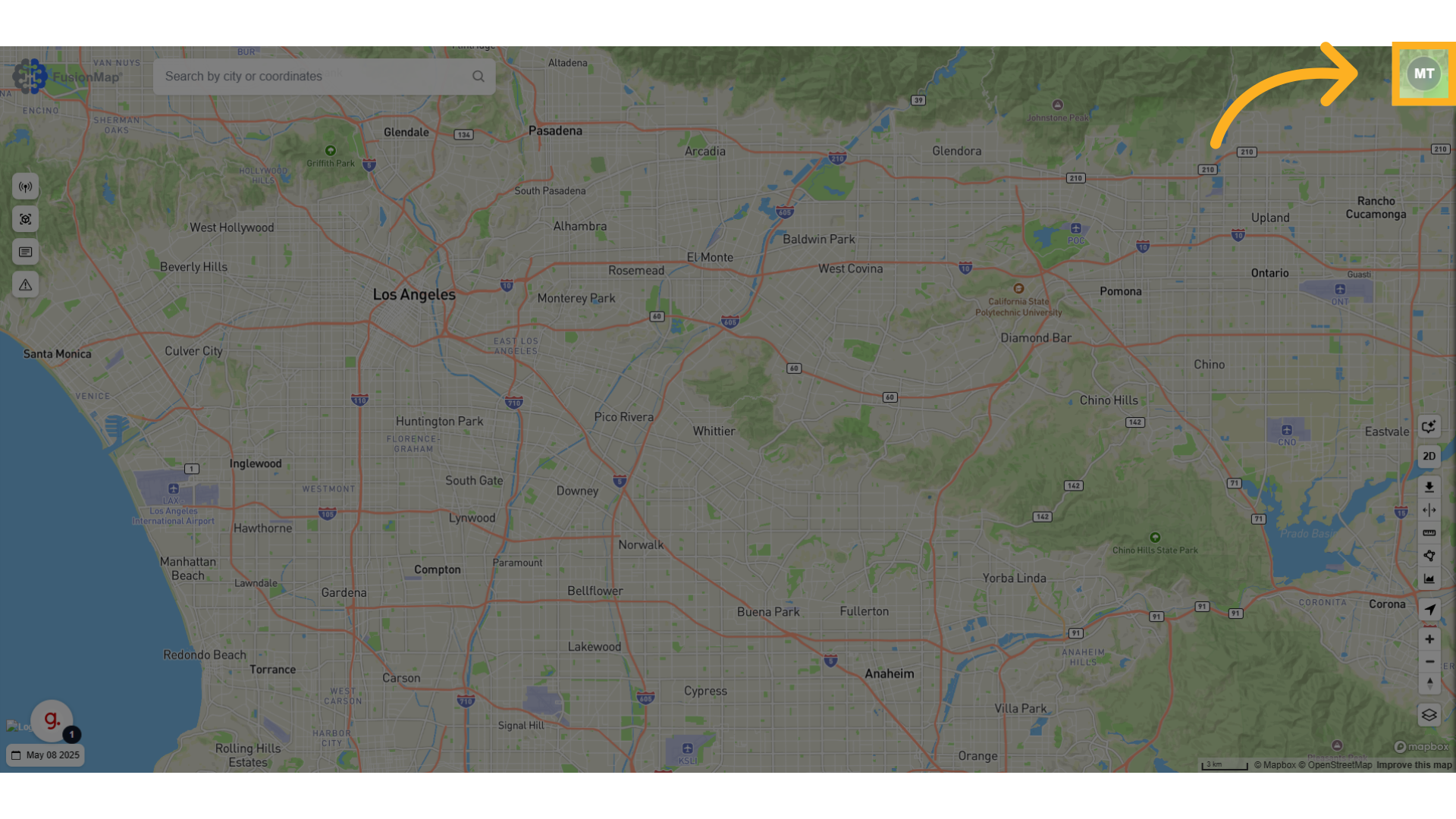
1. Click the profile bubble #
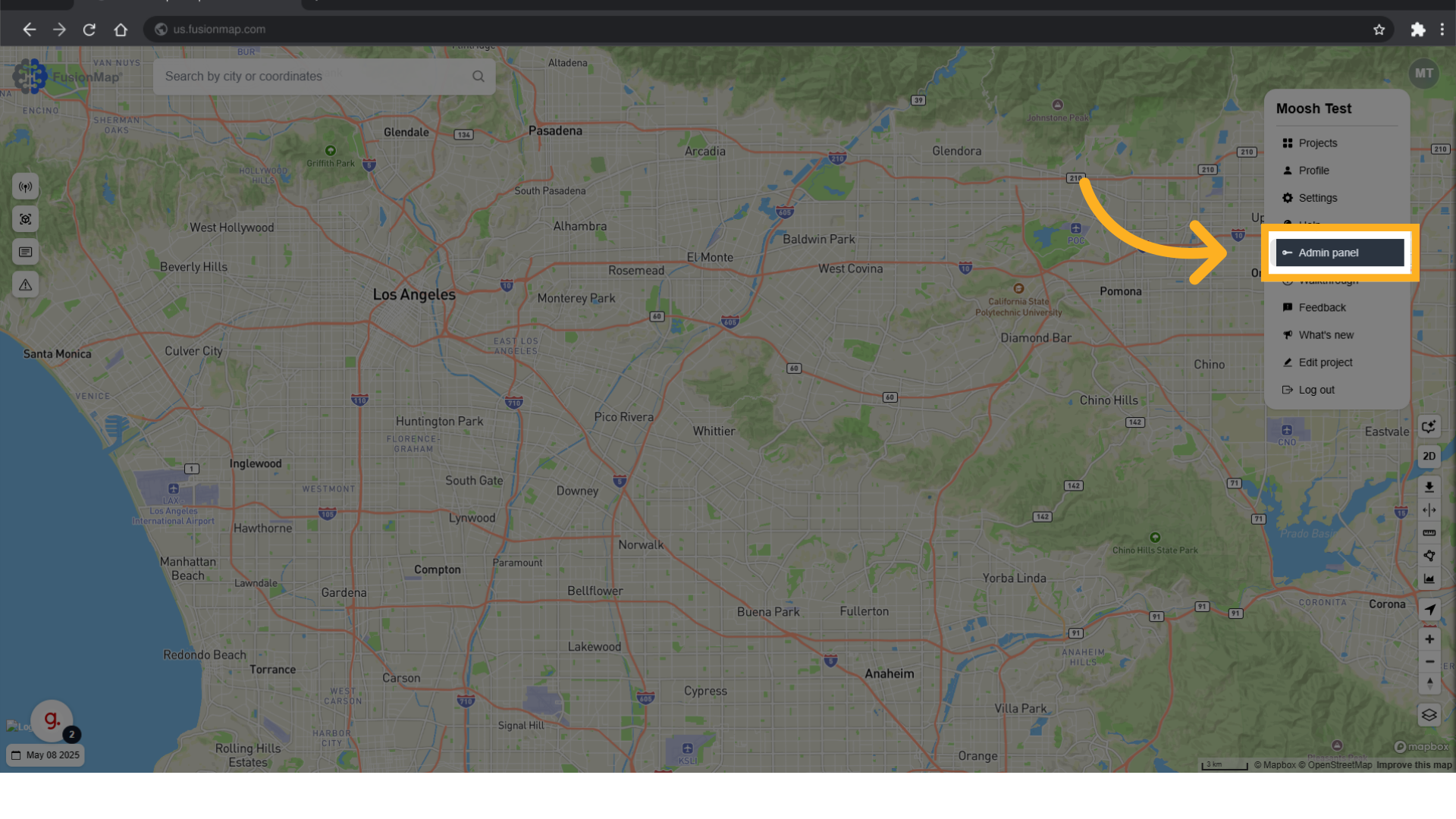
2. Click “Admin panel” #
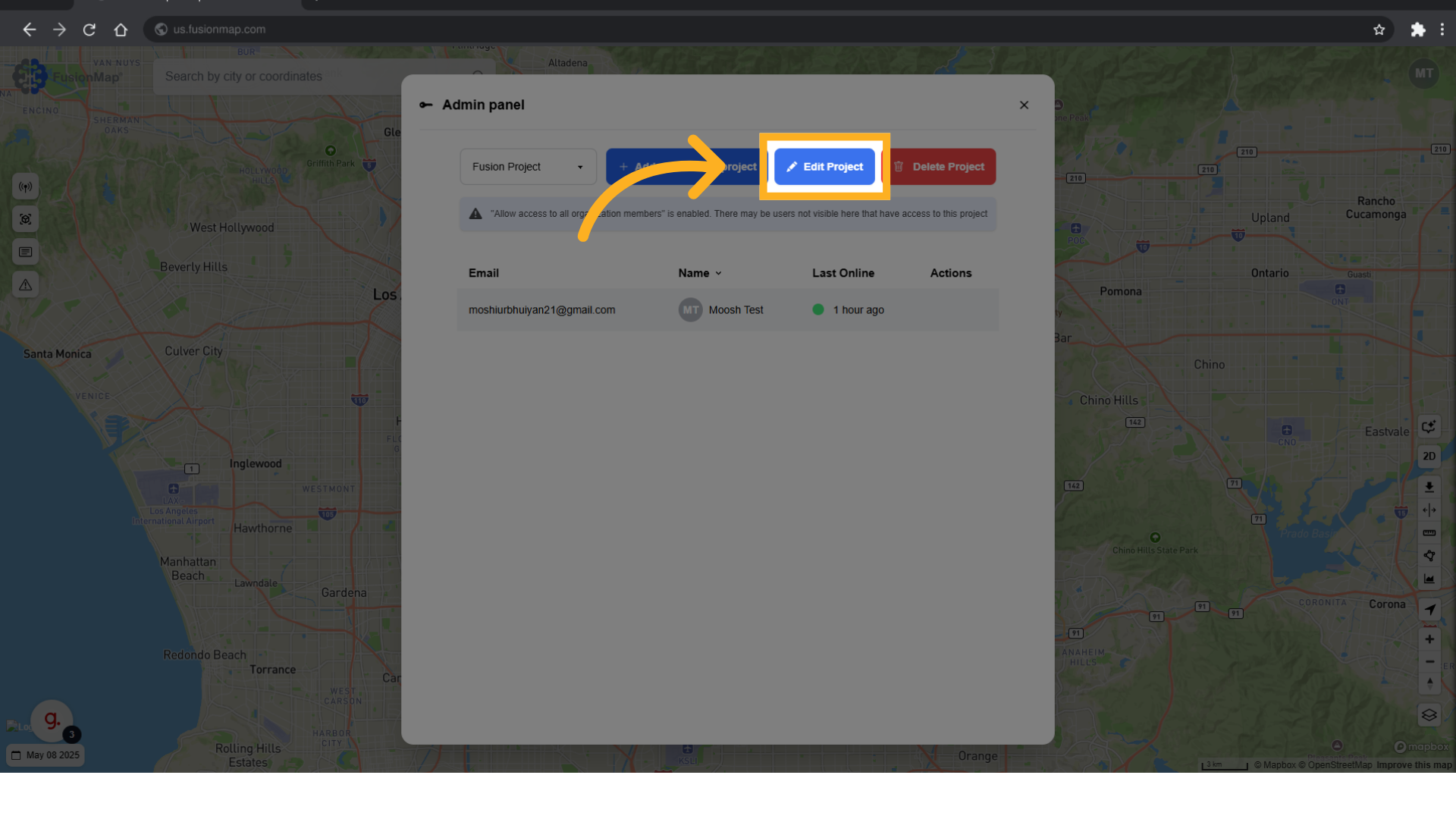
3. Click “Edit Project” #
4. Change your project name here #
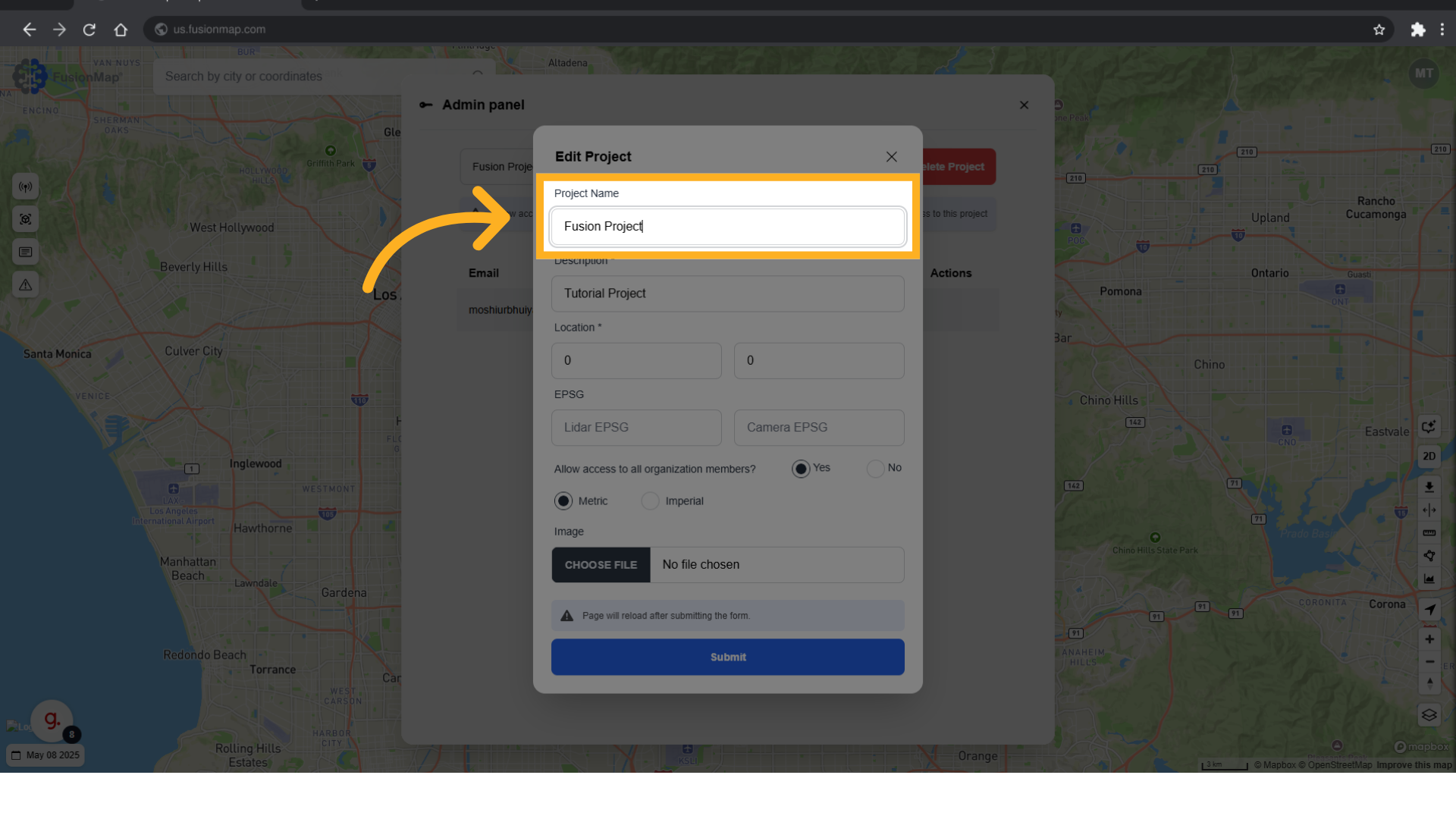
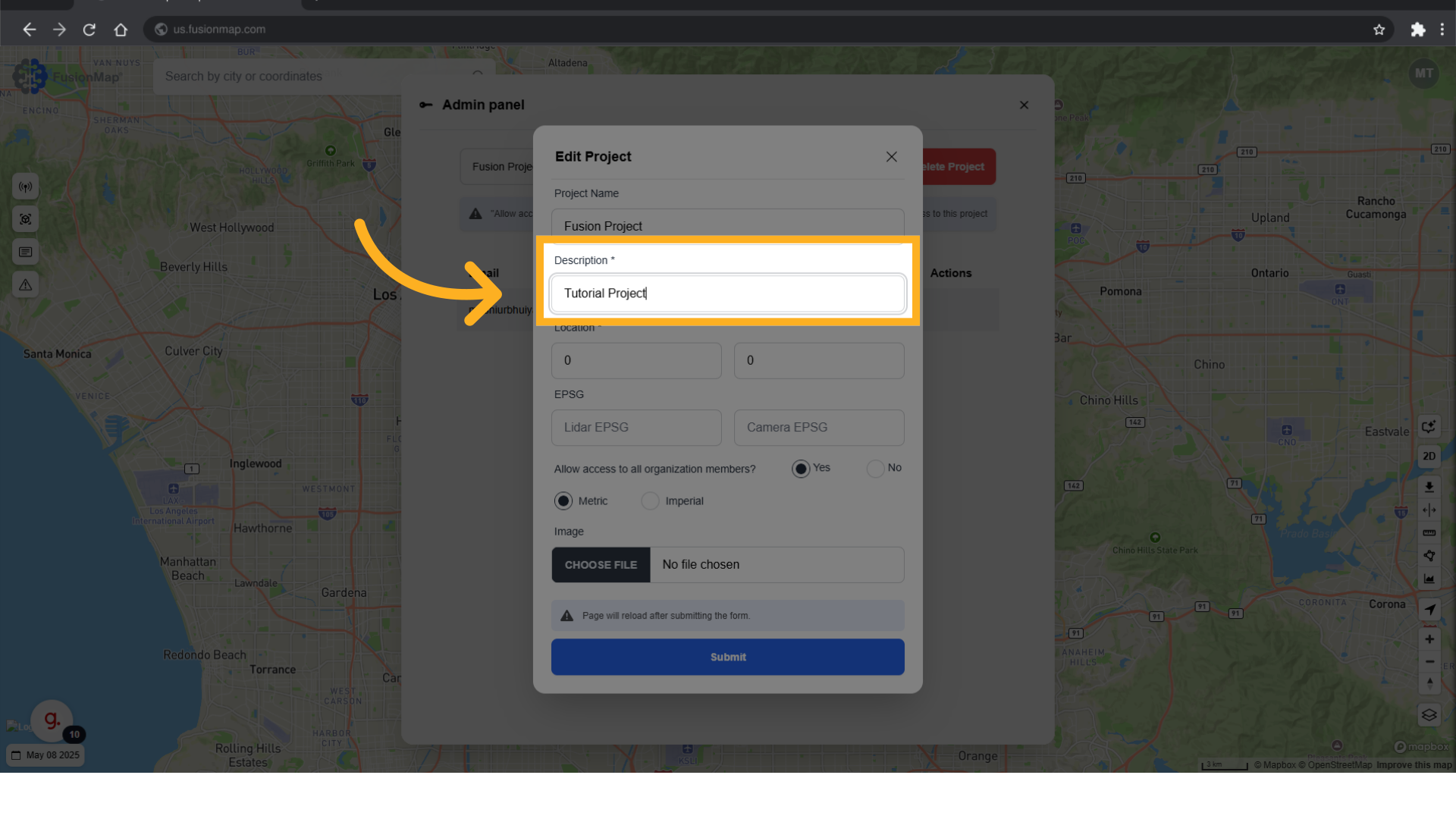
5. Change your project’s description here #
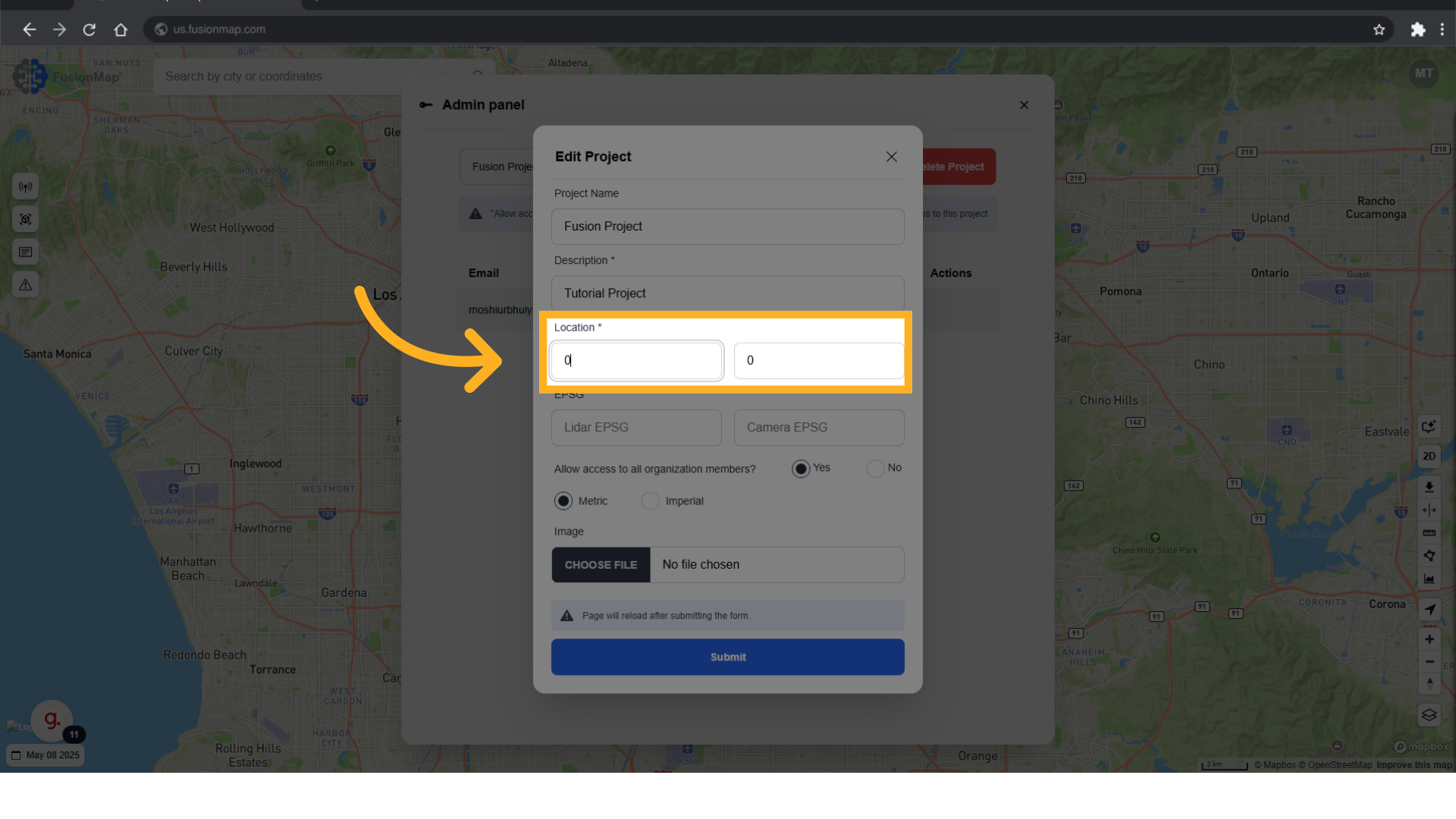
6. Change your project location here #
Change the location that new members to your project start at (your project’s location).
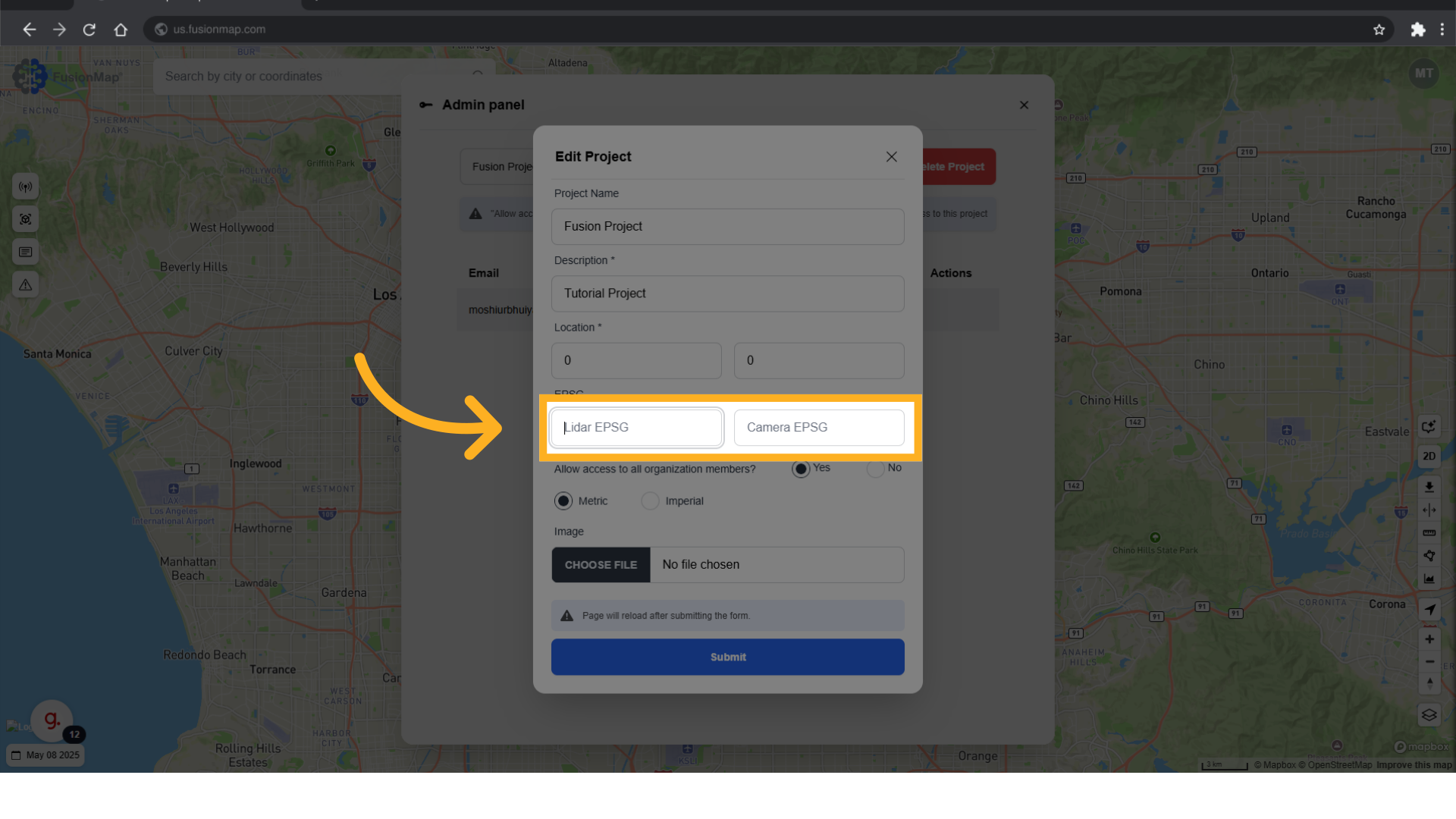
7. Set your LiDAR and Camera EPSG here #
Adjust the EPSG values according to your files and equipment.
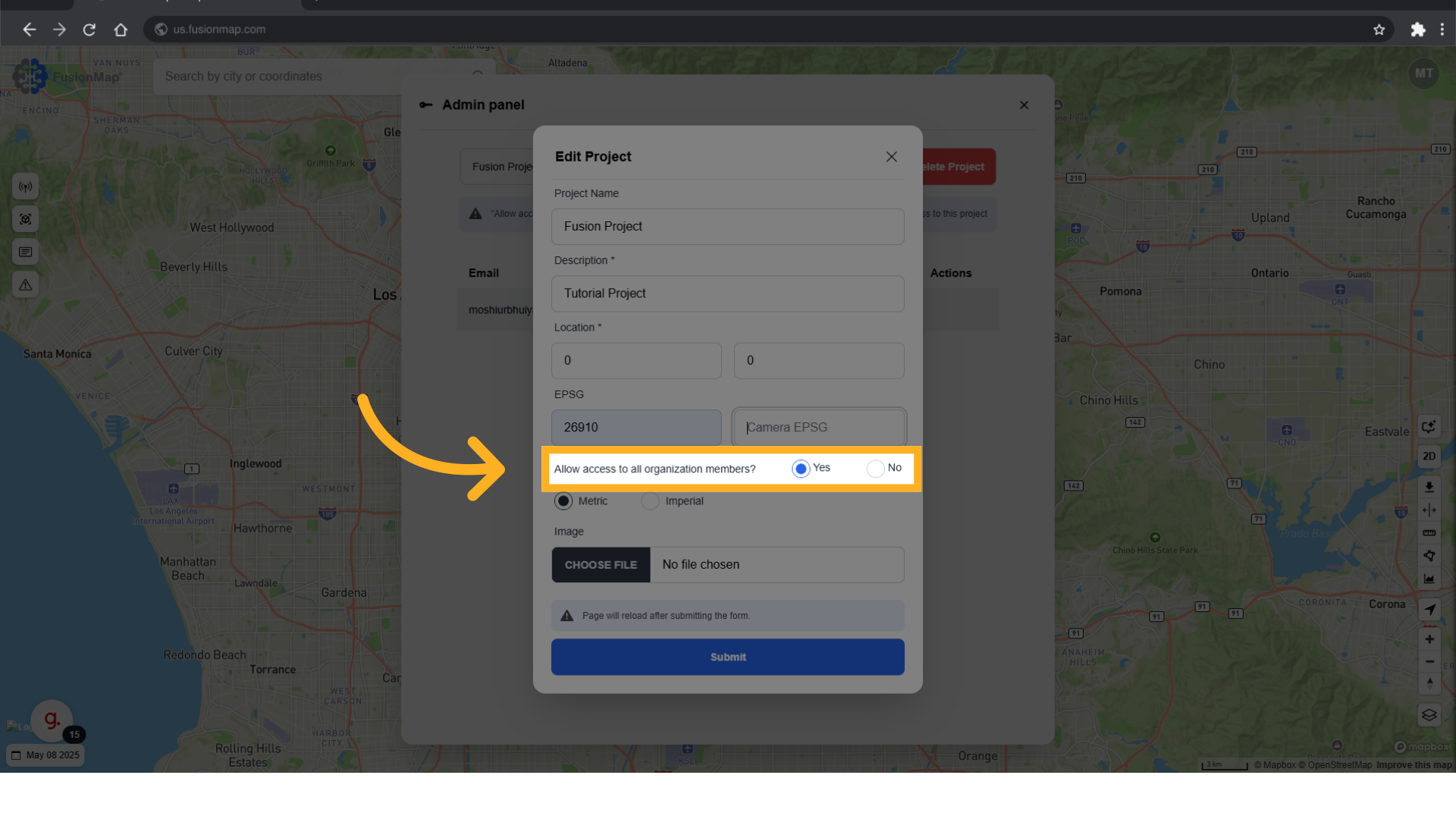
8. Adjust your access settings here #
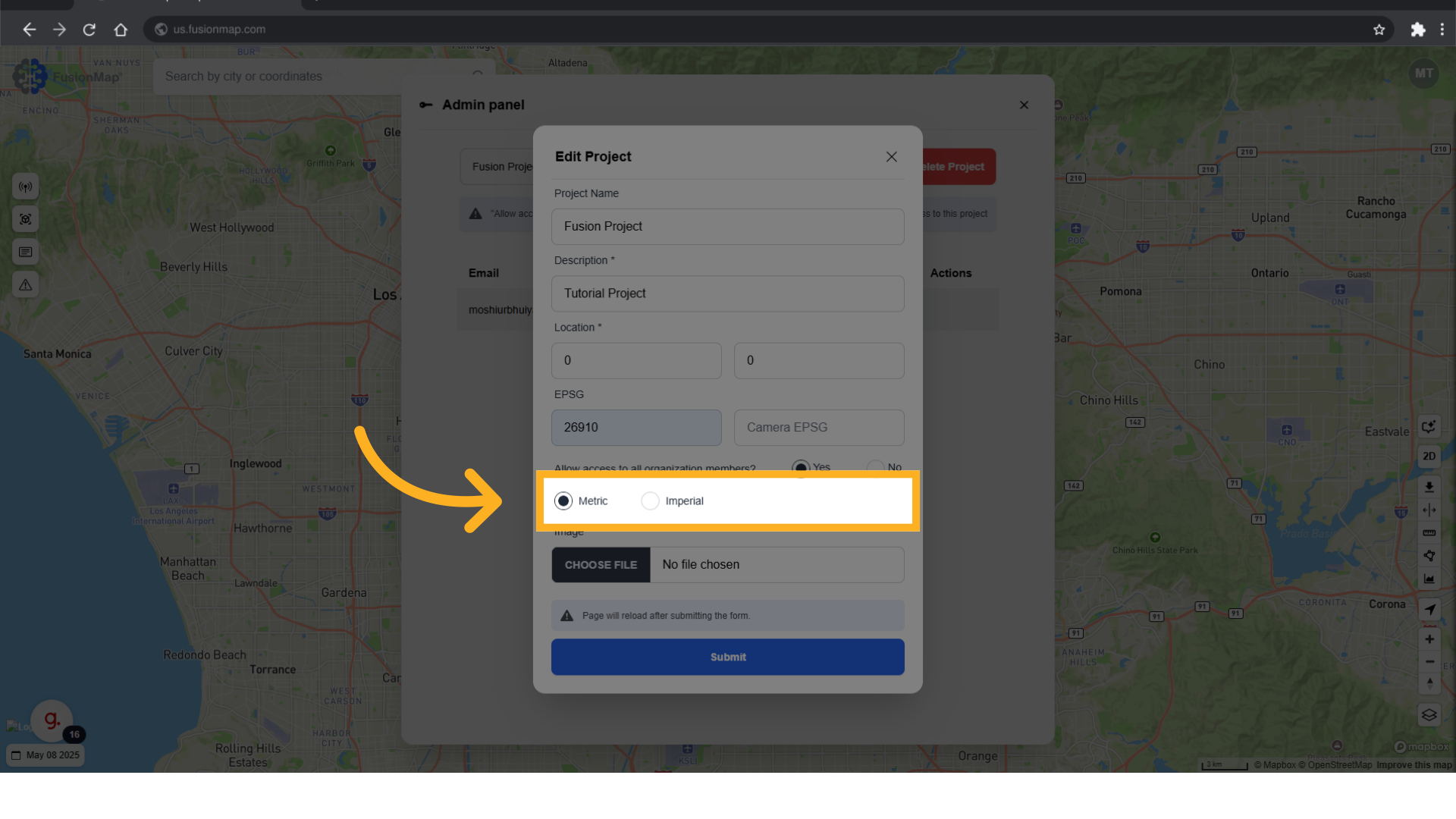
9. Change your project’s units here #
Select between “Metric” or “Imperial” units.
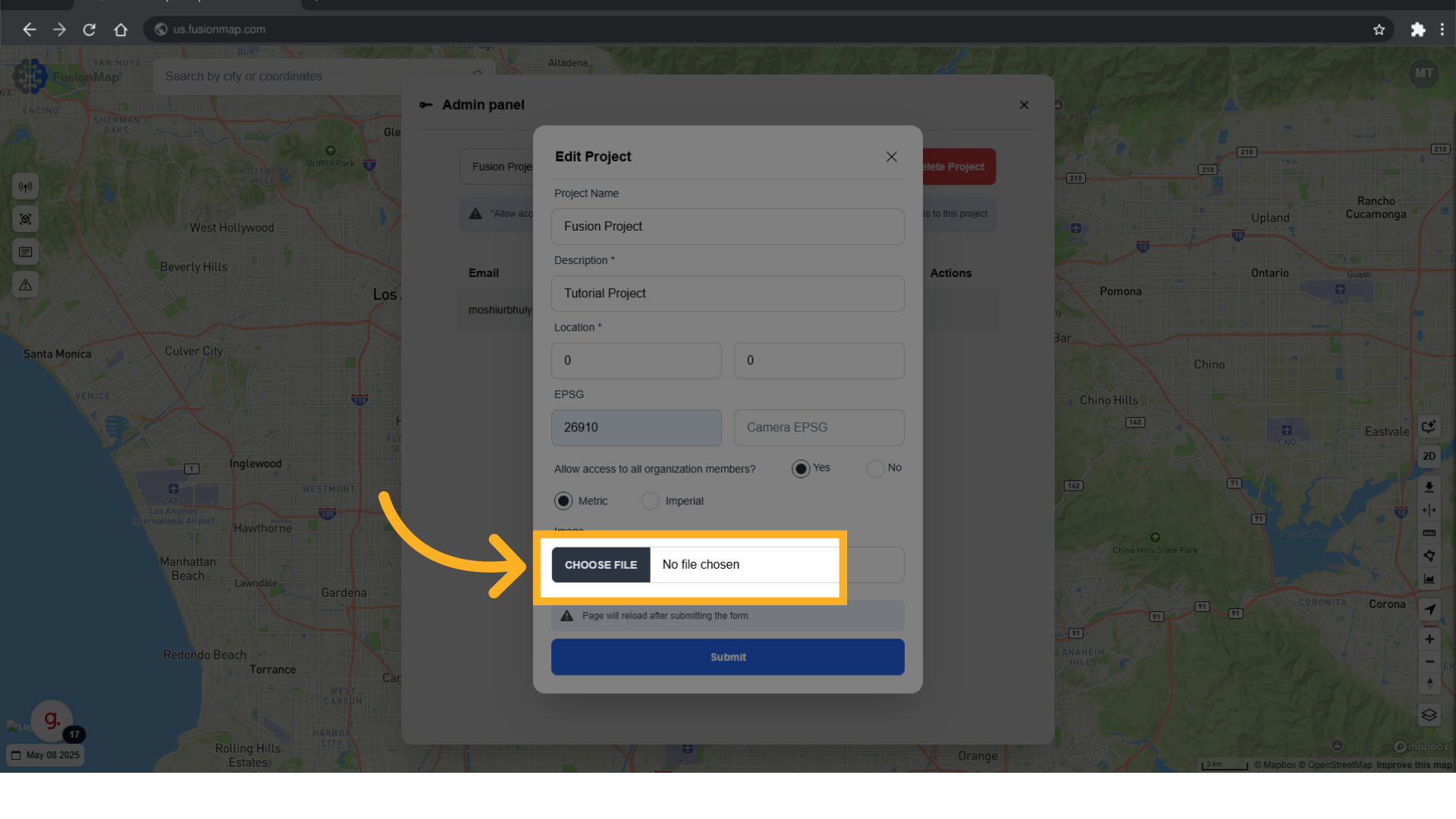
10. Change your project thumbnail here #
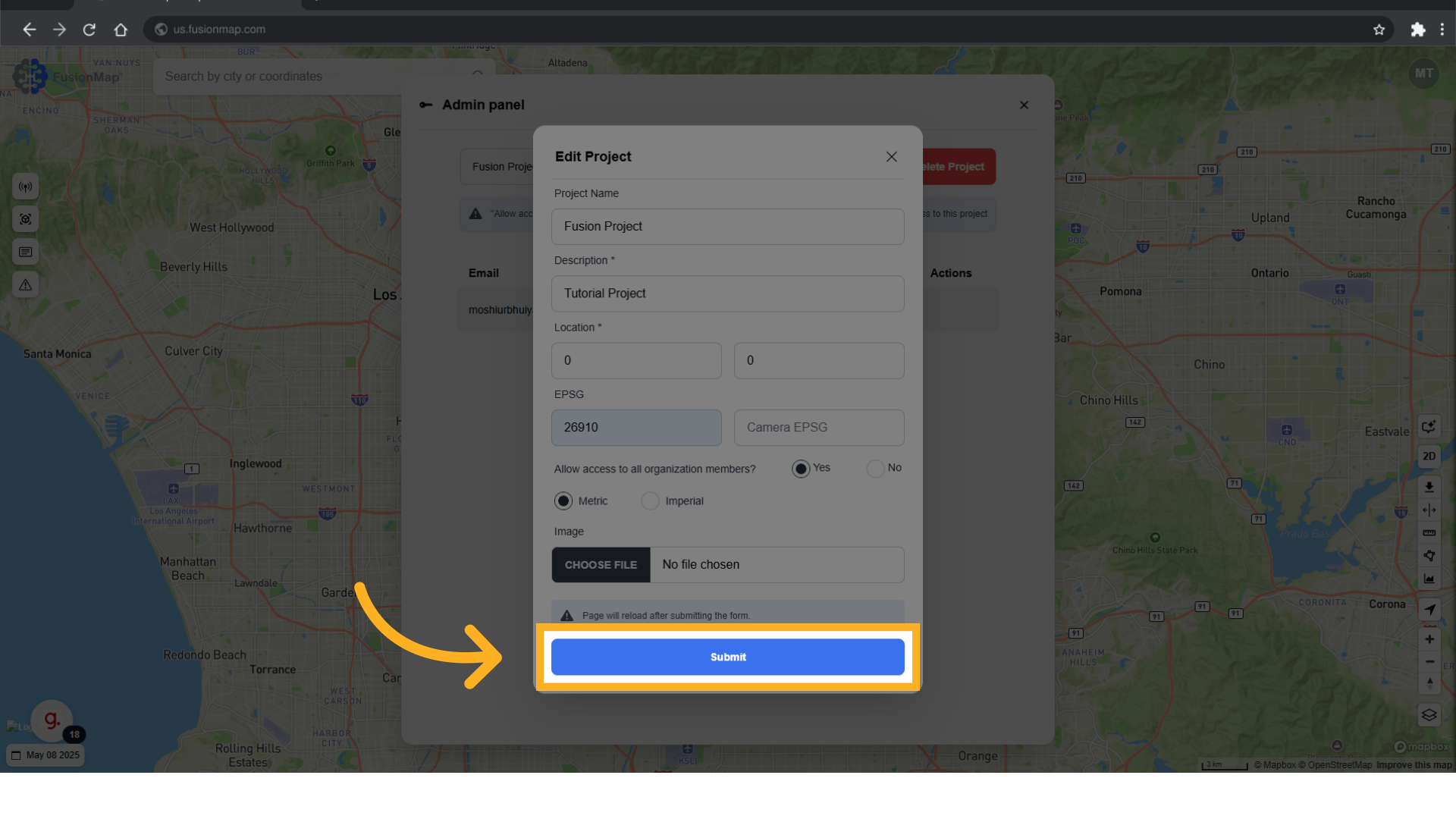
11. Click “Submit” #
Click “Submit” to confirm the changes.
The guide walks the user through changing project settings in FusionMap including accessing the admin panel, modifying project details and adjusting access permissions.