
Learn how to download point clouds, notes, and alerts from FusionMap
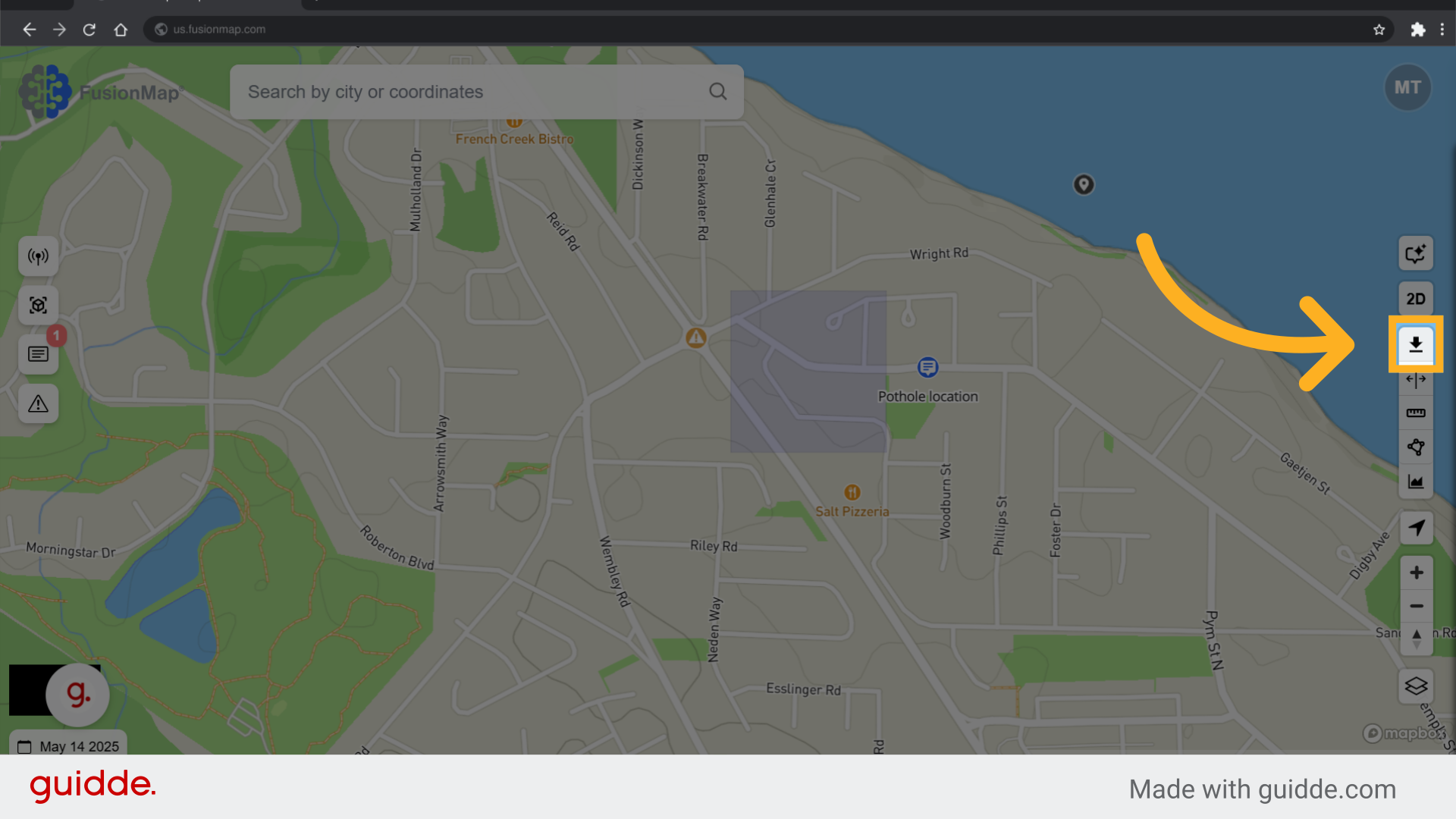
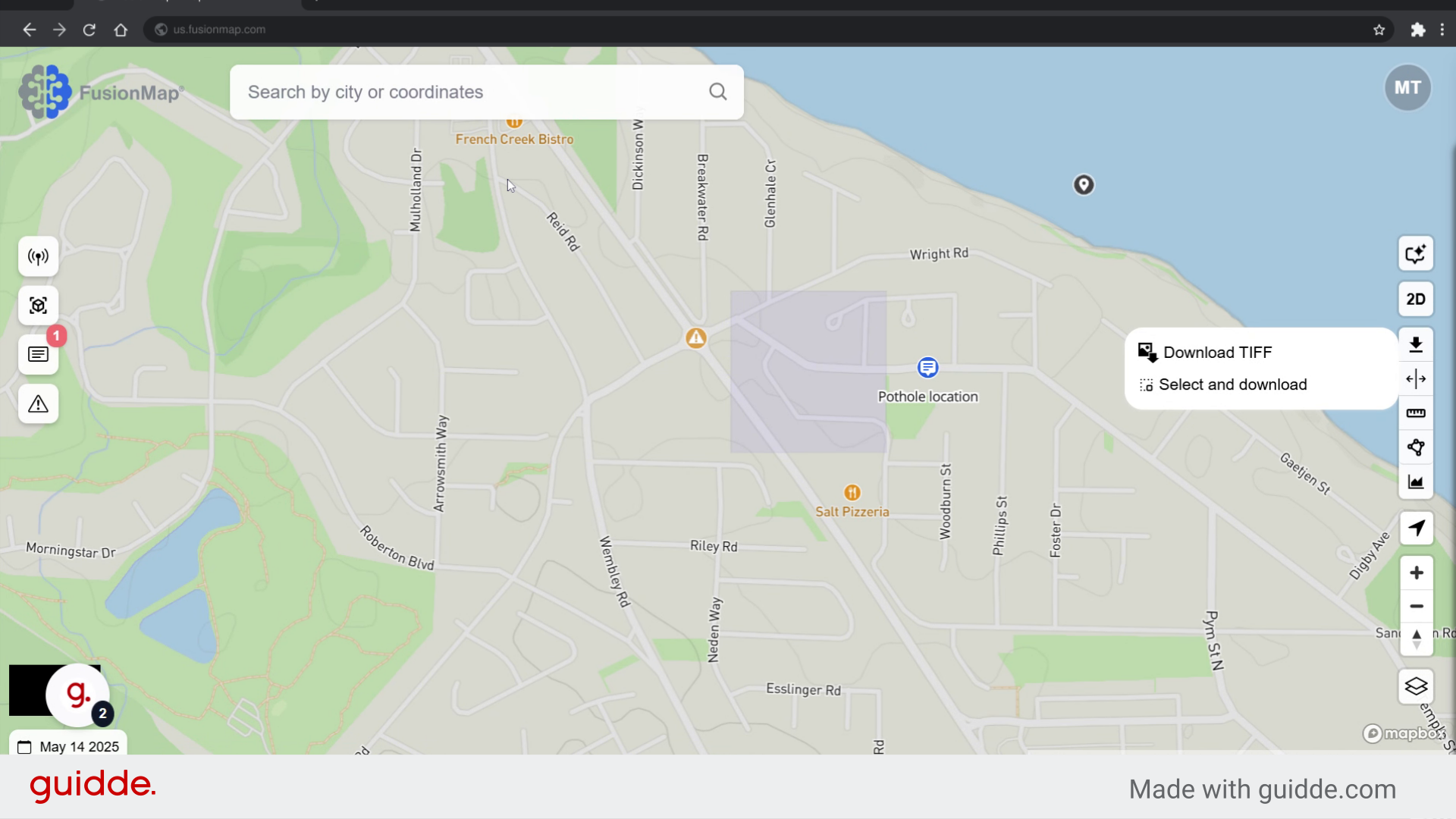
1. Click here #
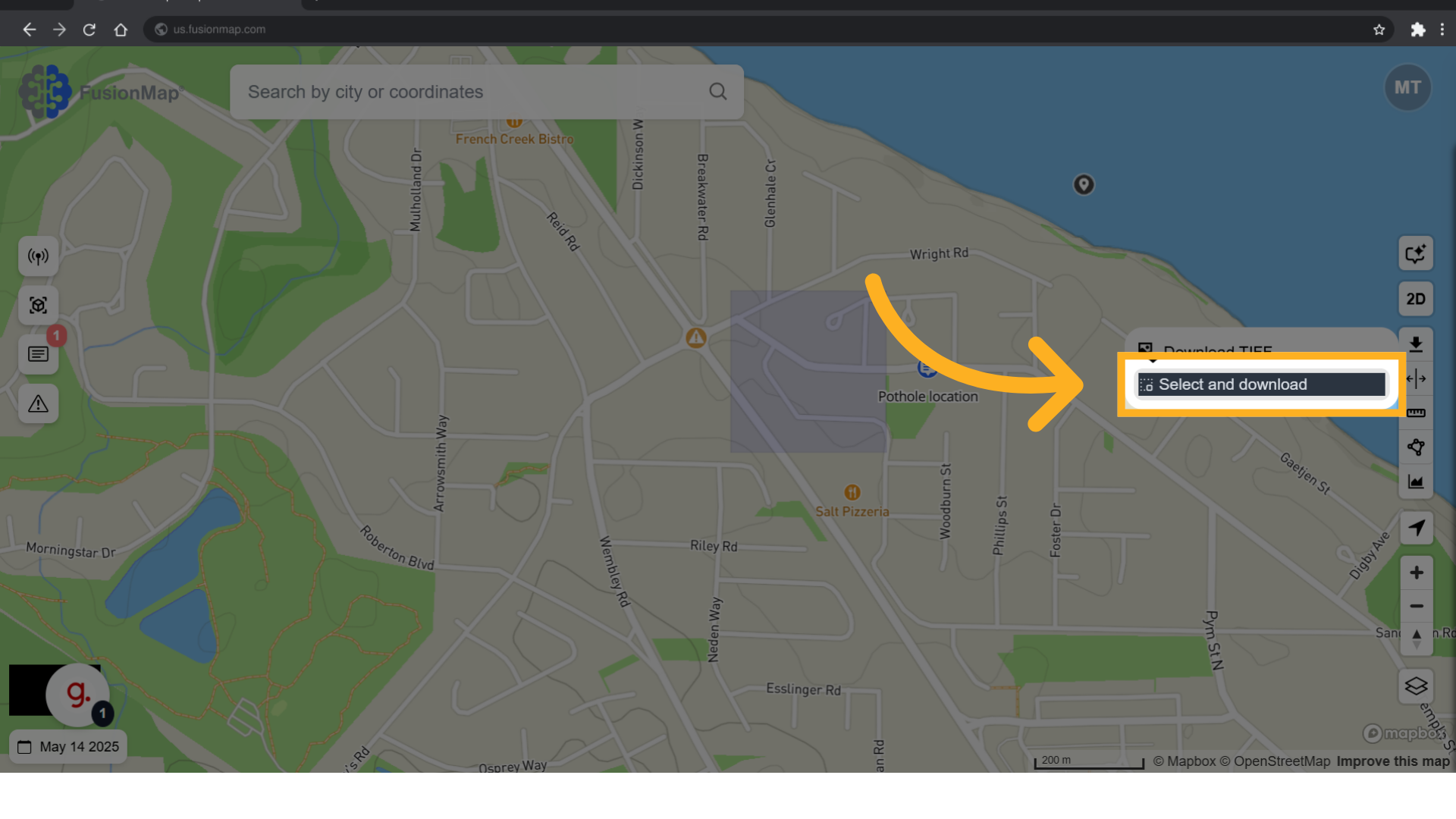
2. Click “Select and download” #
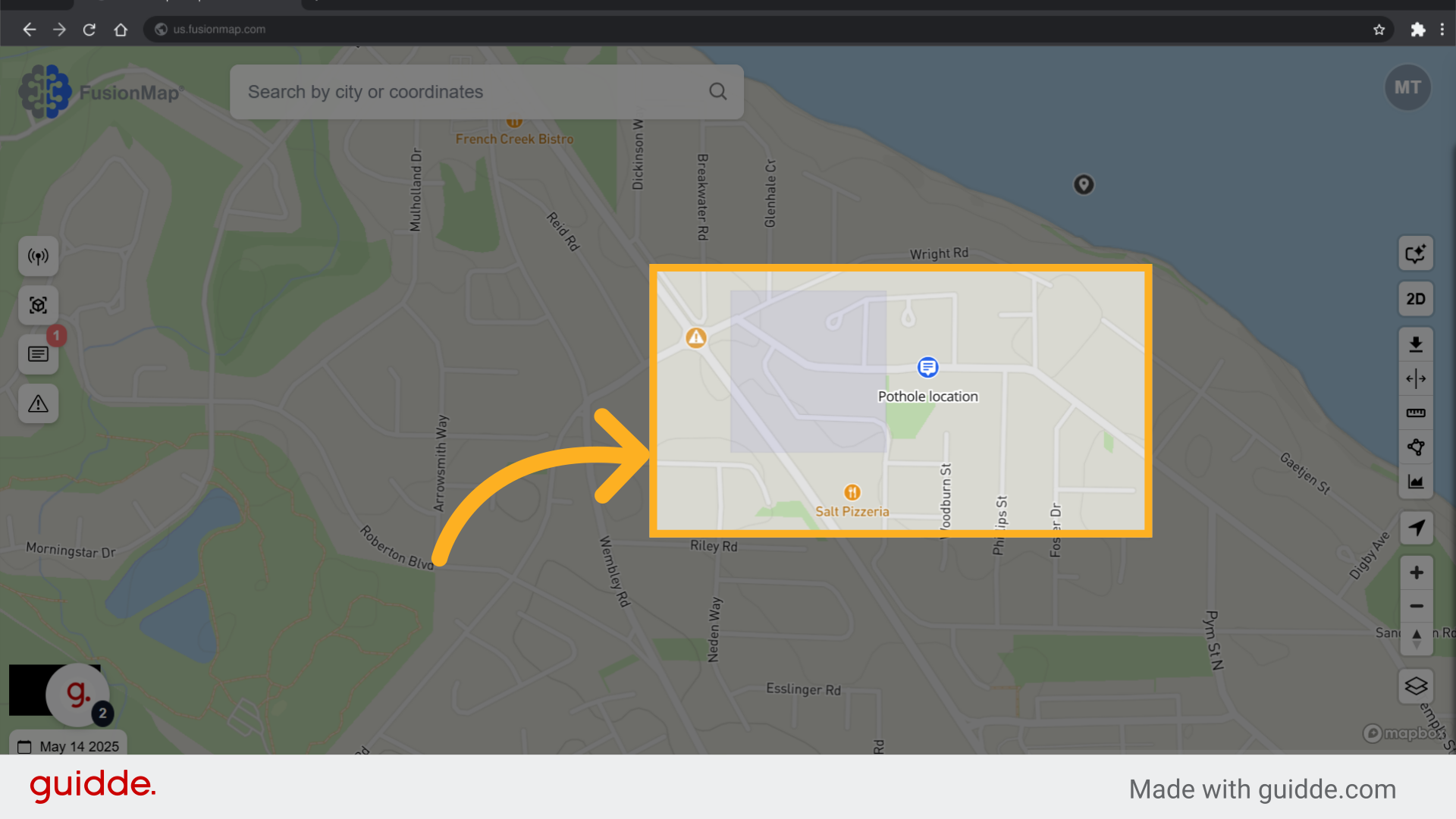
3. Select the area containing the items to be downloaded #
Click and drag to select the area that contains all the items that you wish to download.
4. Watch the selection demonstration #
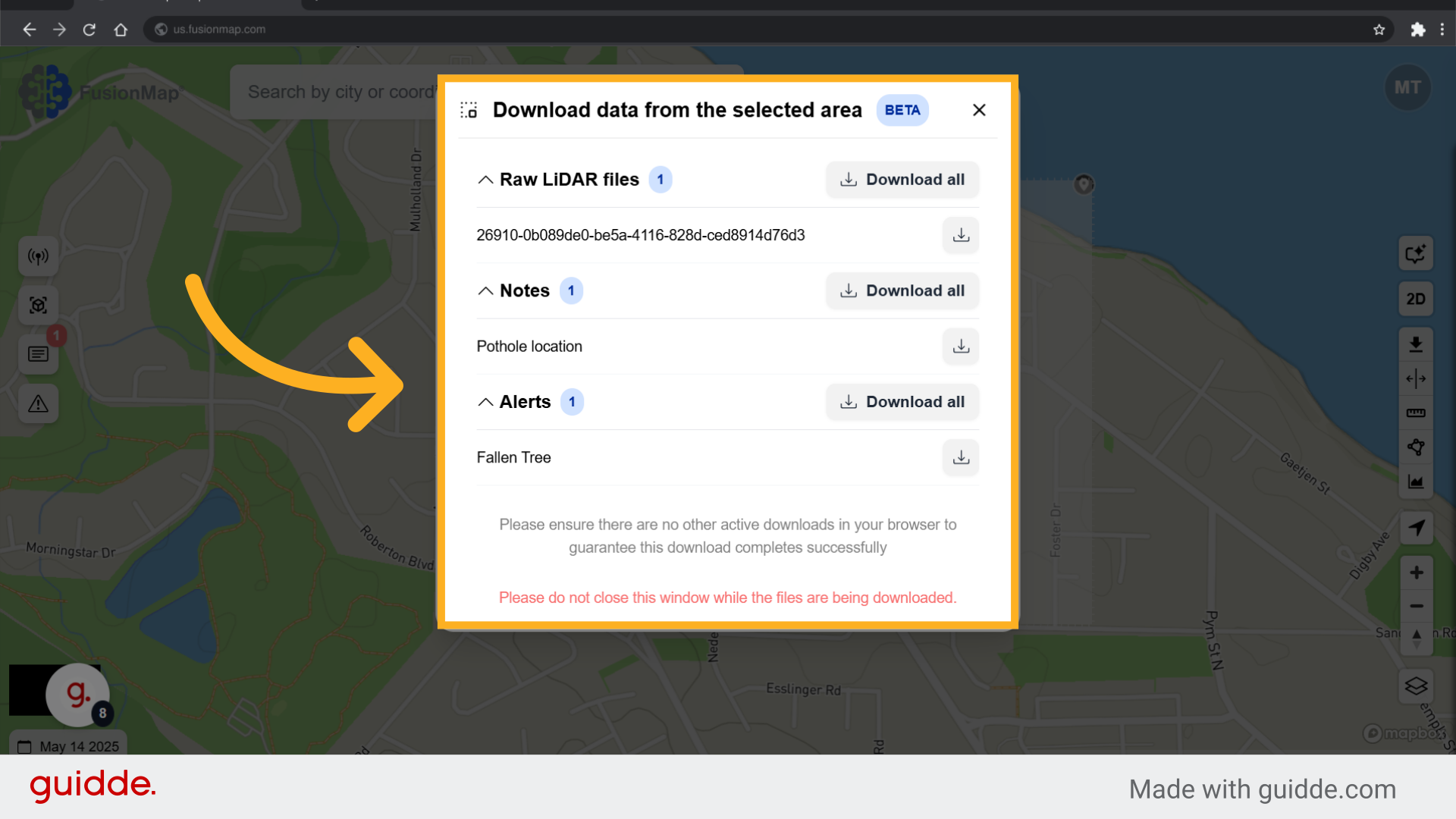
5. The dialog box with all your components opens #
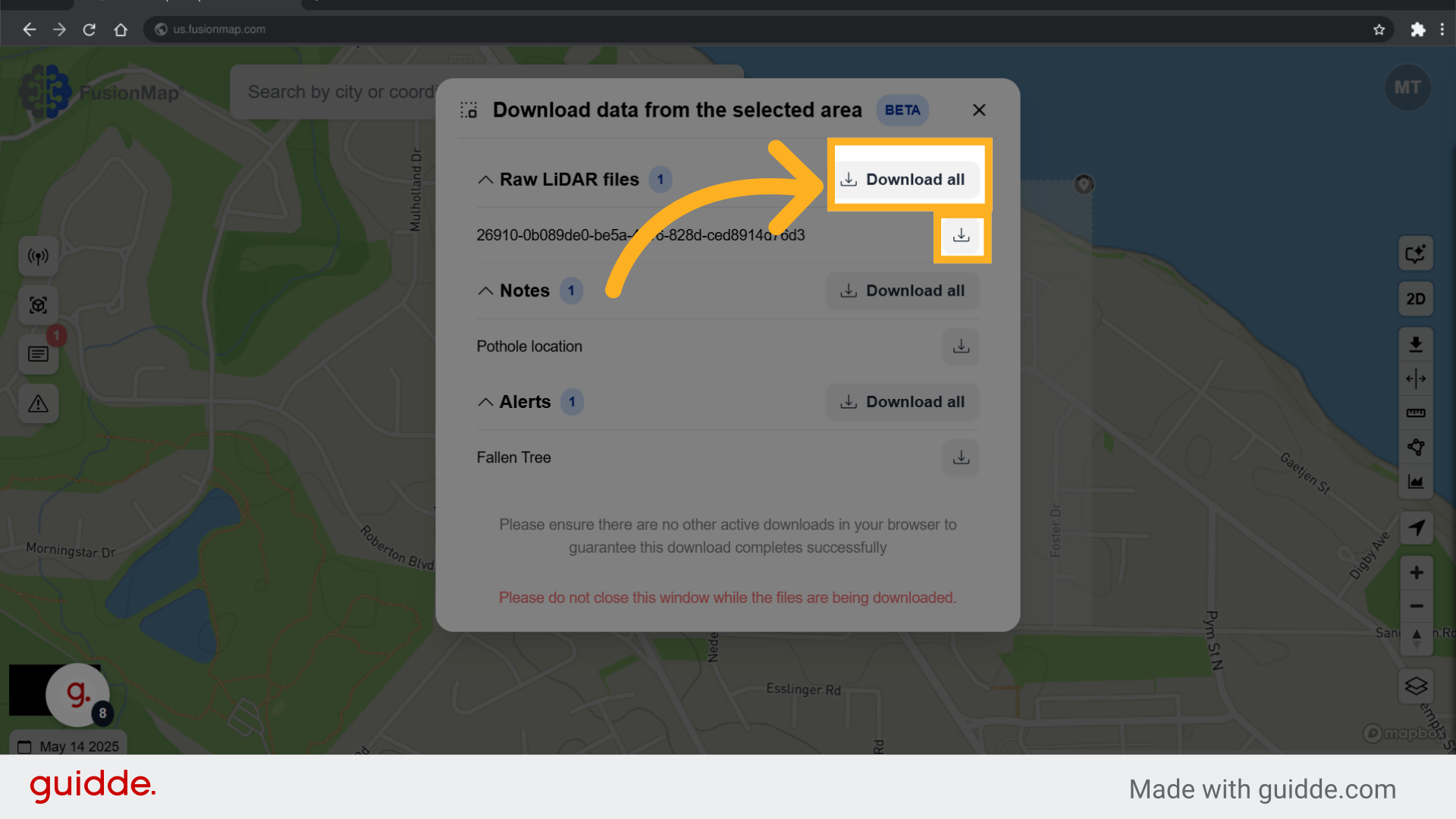
6. Hit download all or download files separately #
This guide walked the user through the process of downloading point clouds, notes, and alerts from FusionMap.