
This guide will walk you through utilizing mentions efficiently within the Fusionmap application
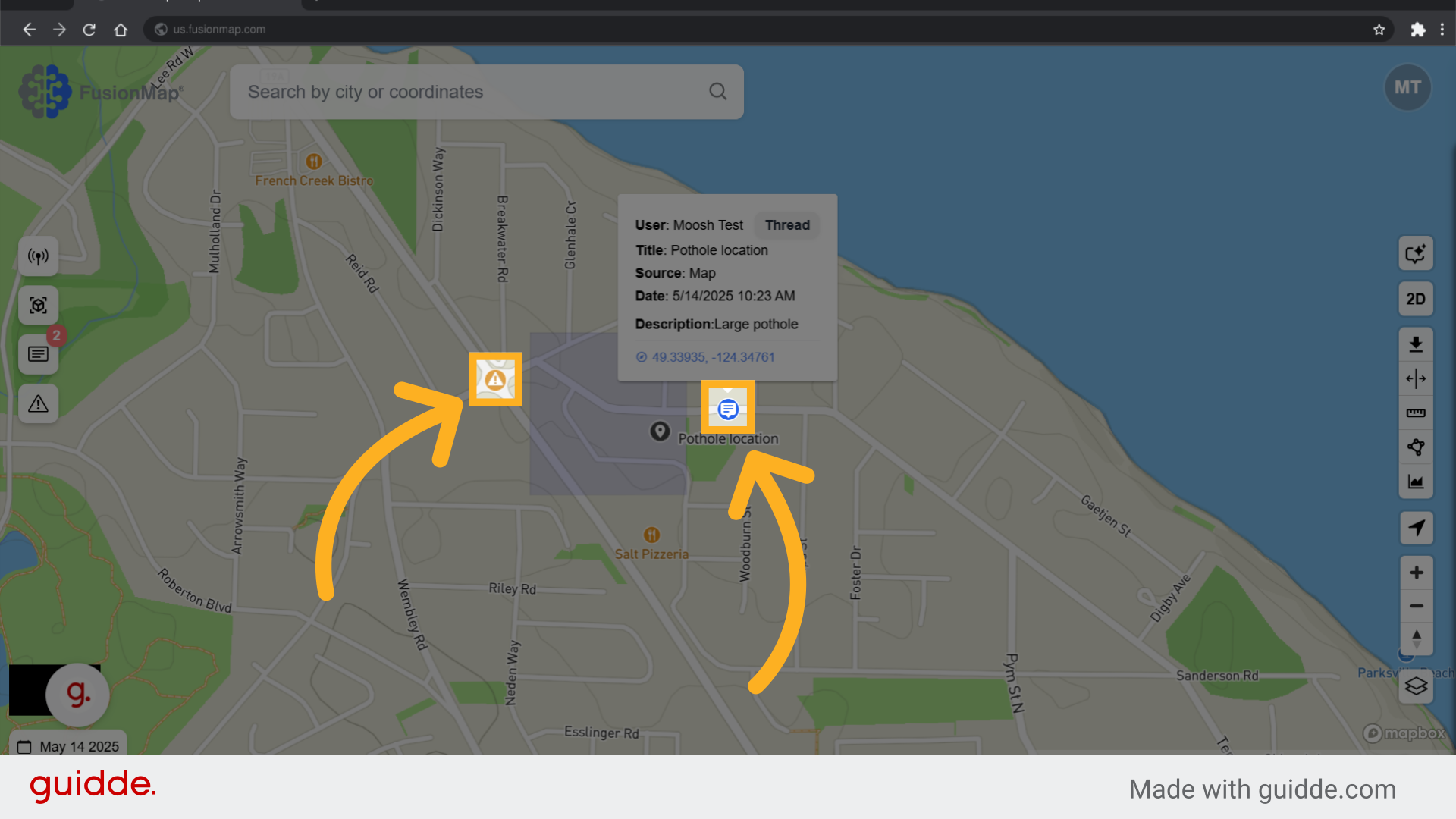
1. Click on a note or alert #
Mentions is a feature for both notes and alerts.
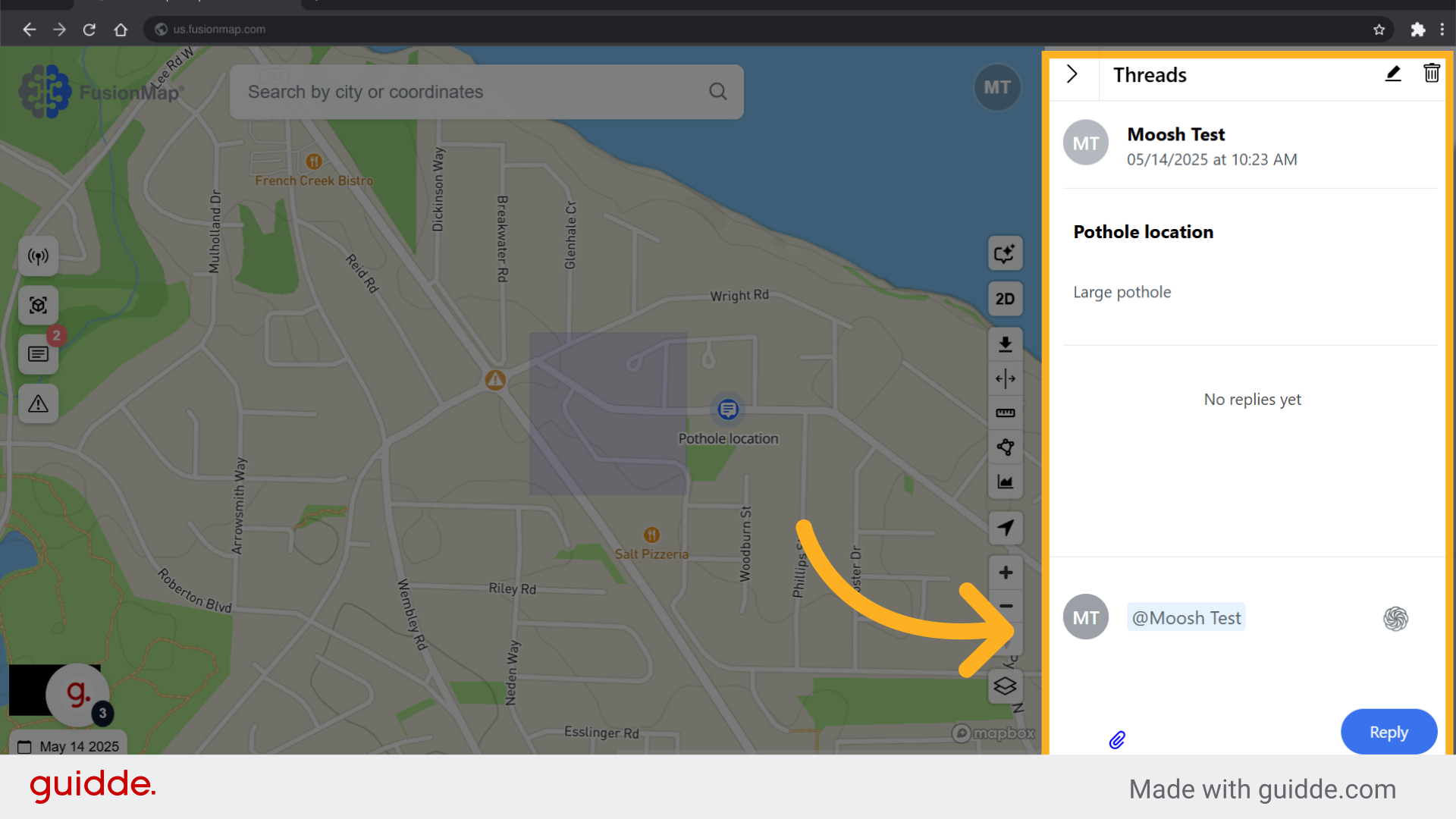
2. Tag a user and hit reply #
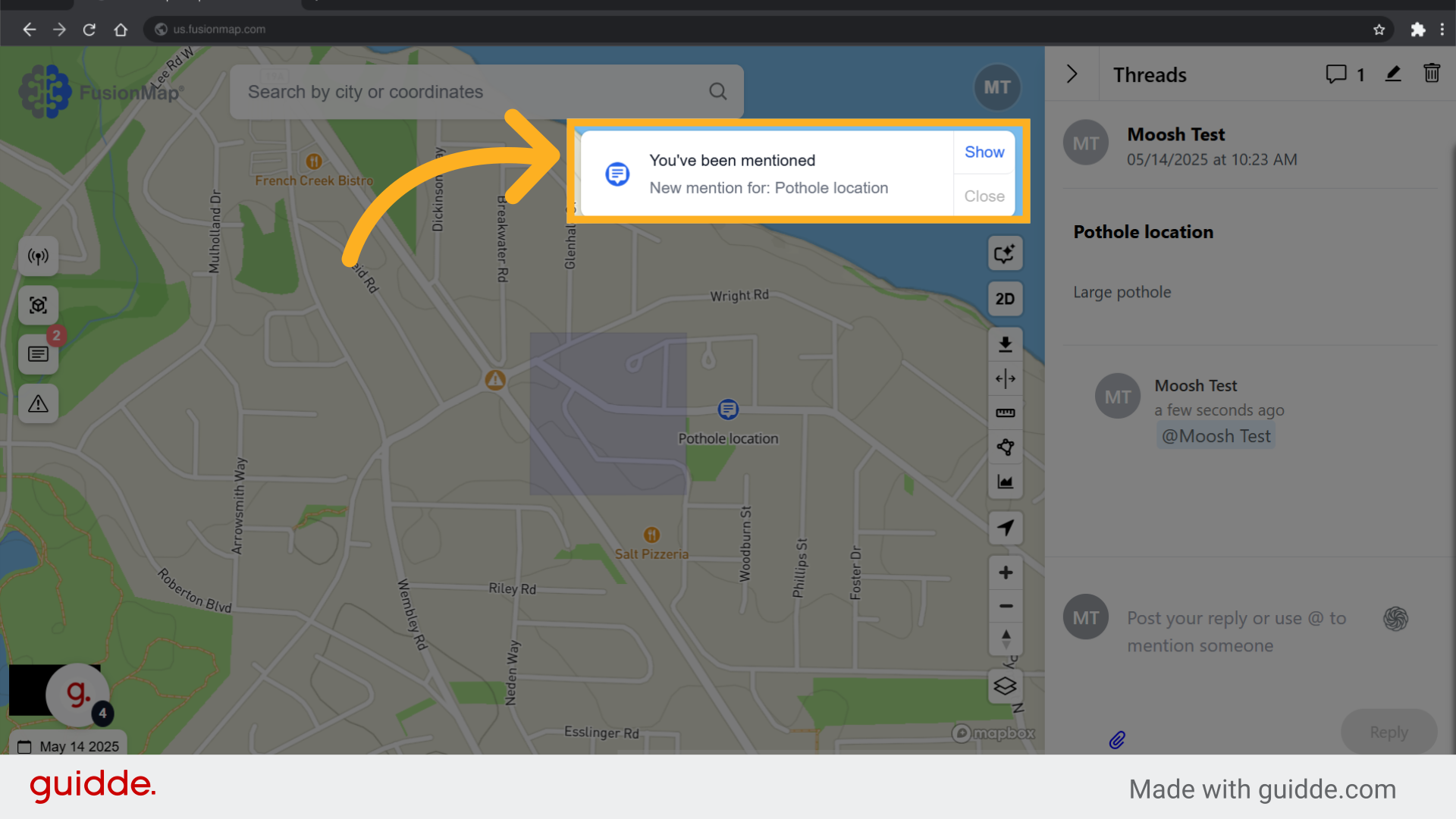
3. The user receives a notification #
The user receives an email as well as an in-app notification for the mention.
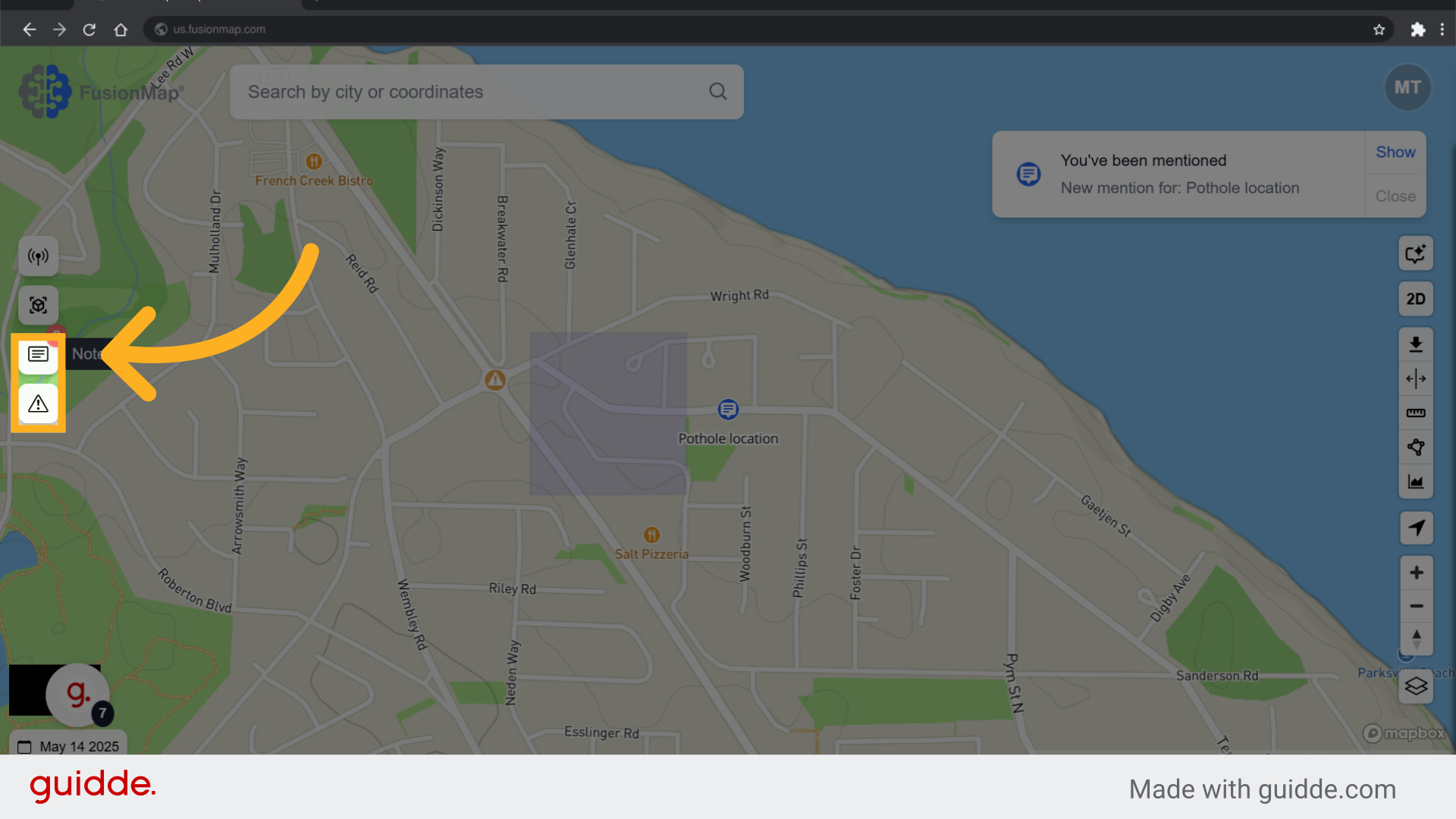
4. Click the notes or alerts button #
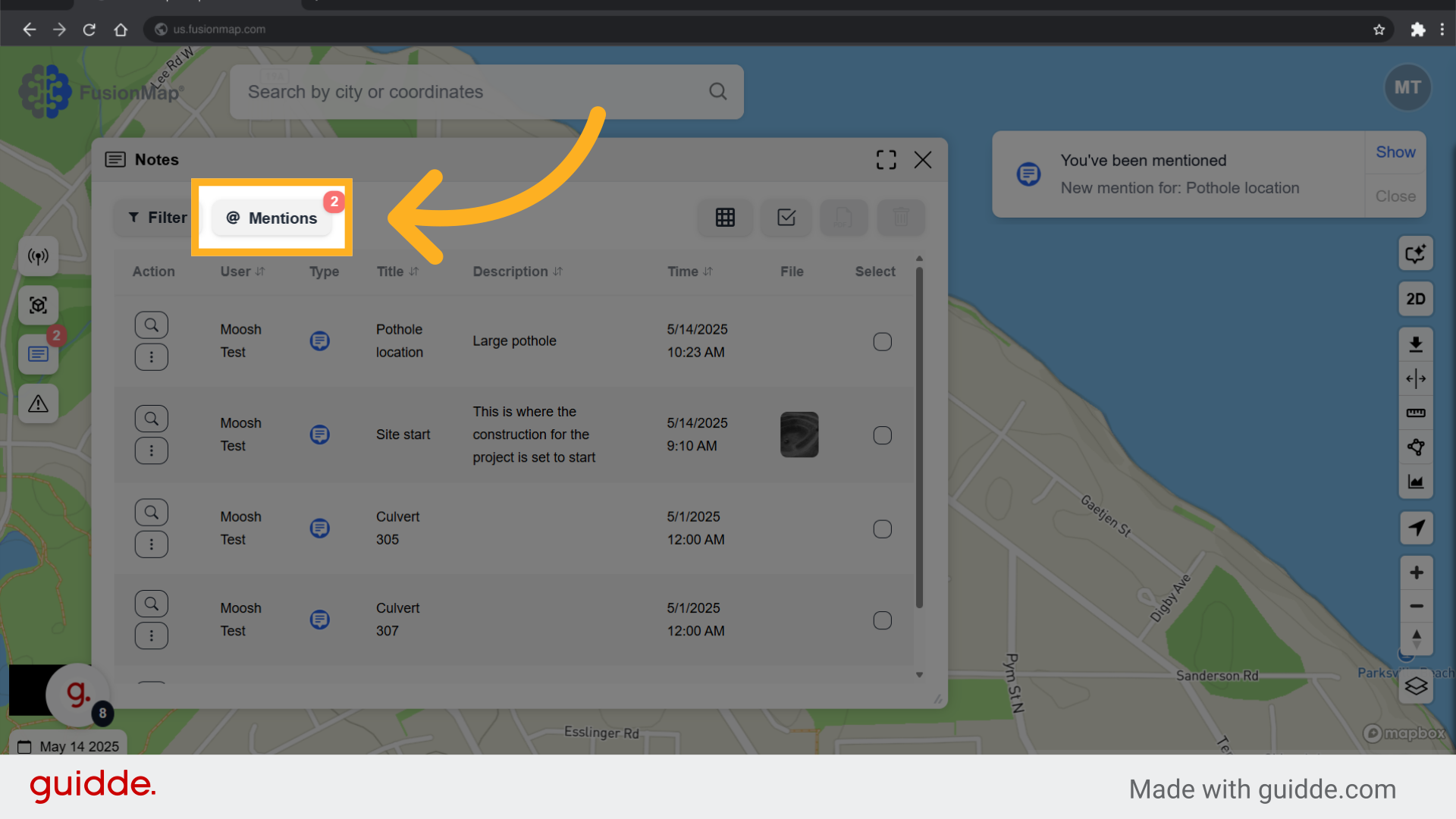
5. Click Mentions #
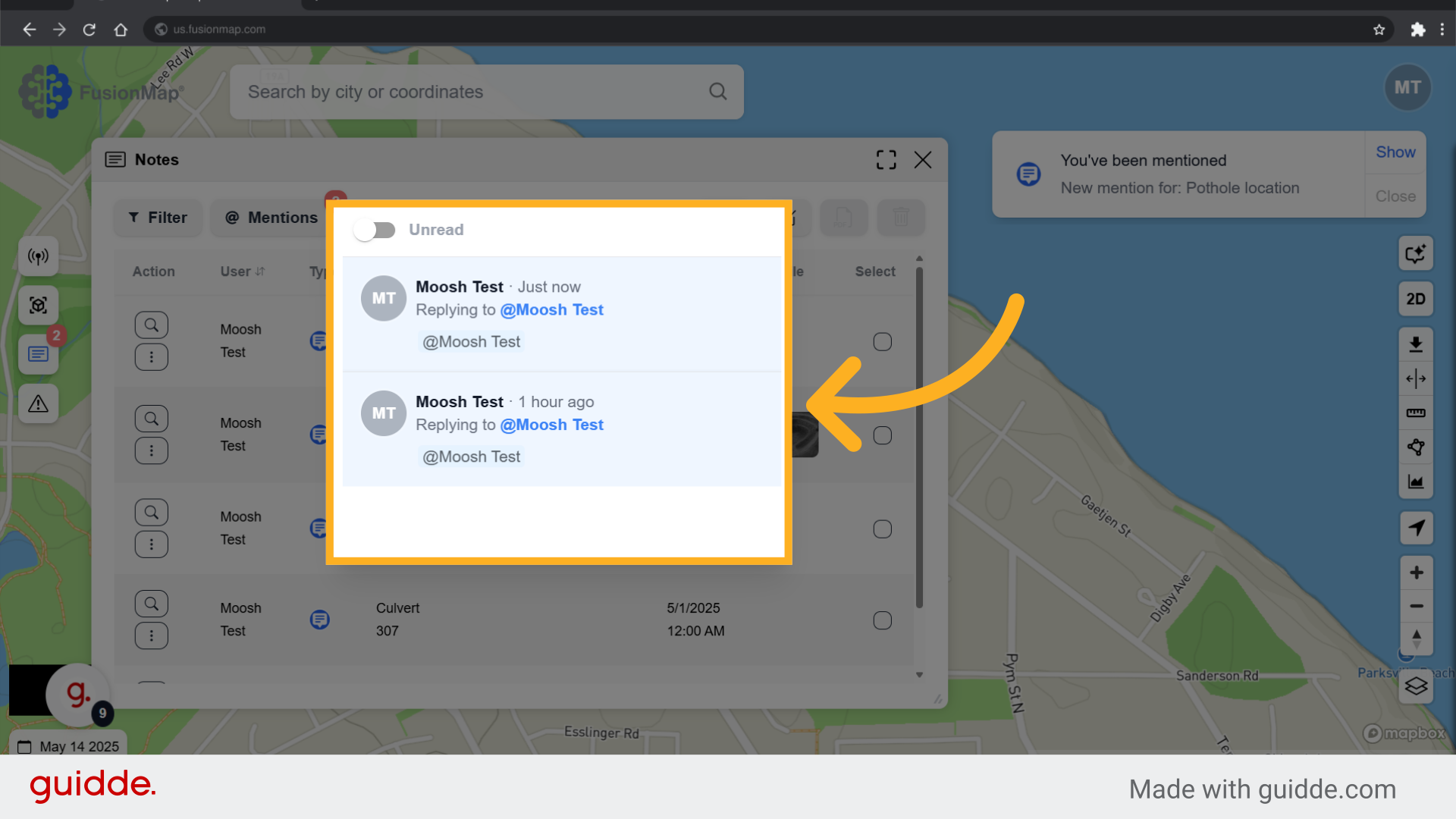
6. All your mentions are displayed #
Filter through all your mentions
This guide walked the user through using mentions for effective team collaboration.