

Learn how to effortlessly add a new user to your project in Fusionmap
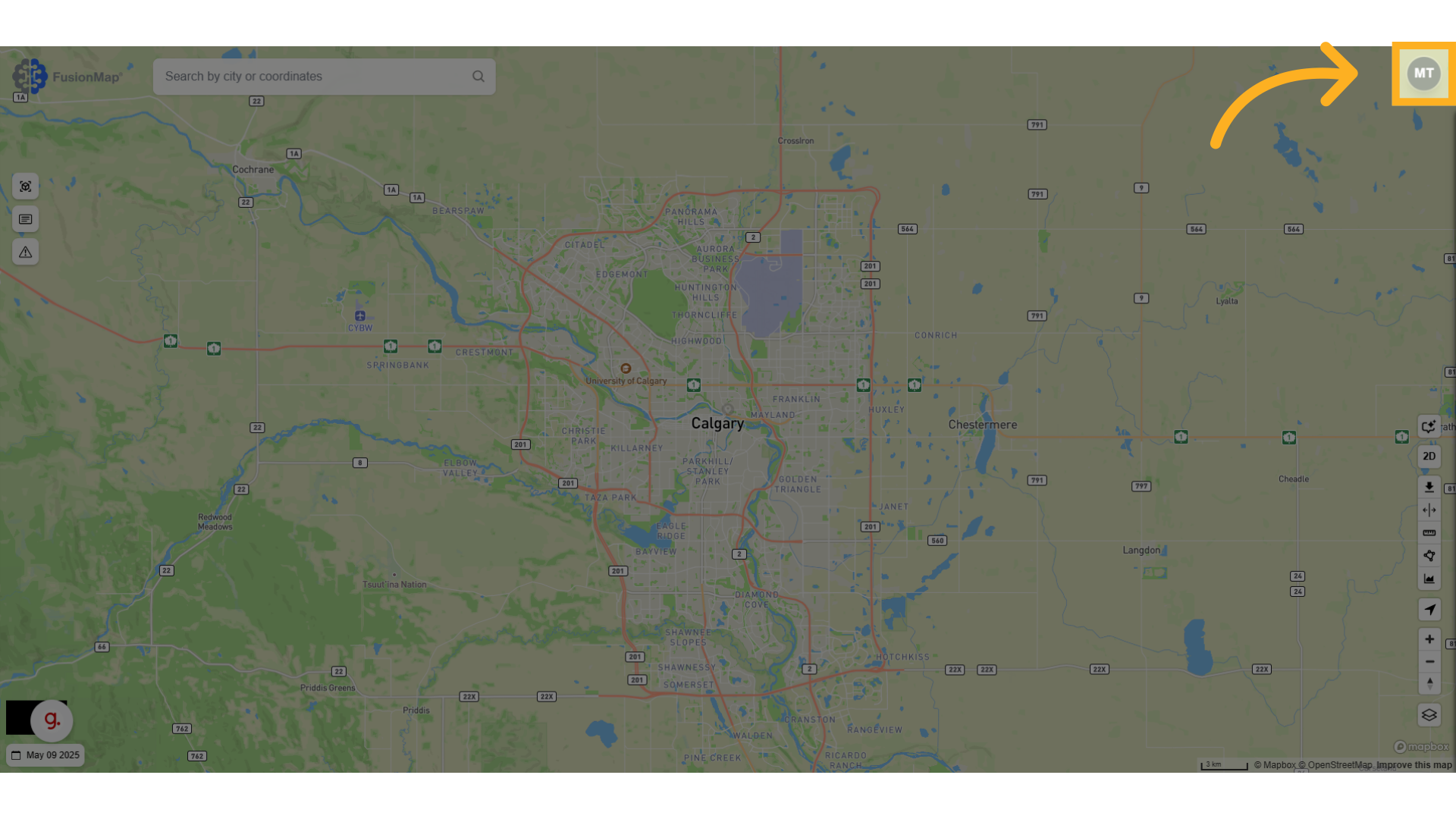
1. Click the profile bubble #
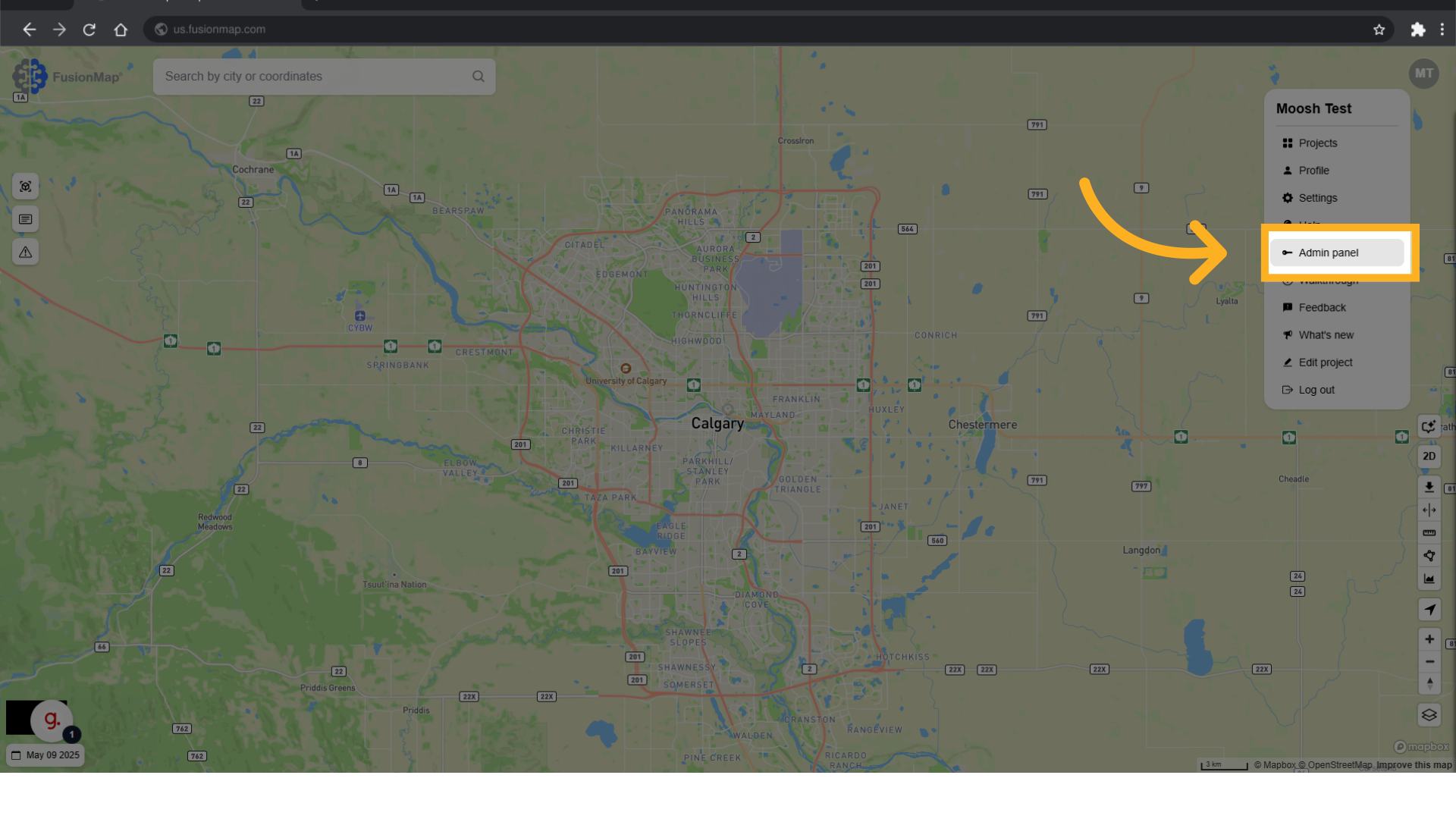
2. Click “Admin panel” #
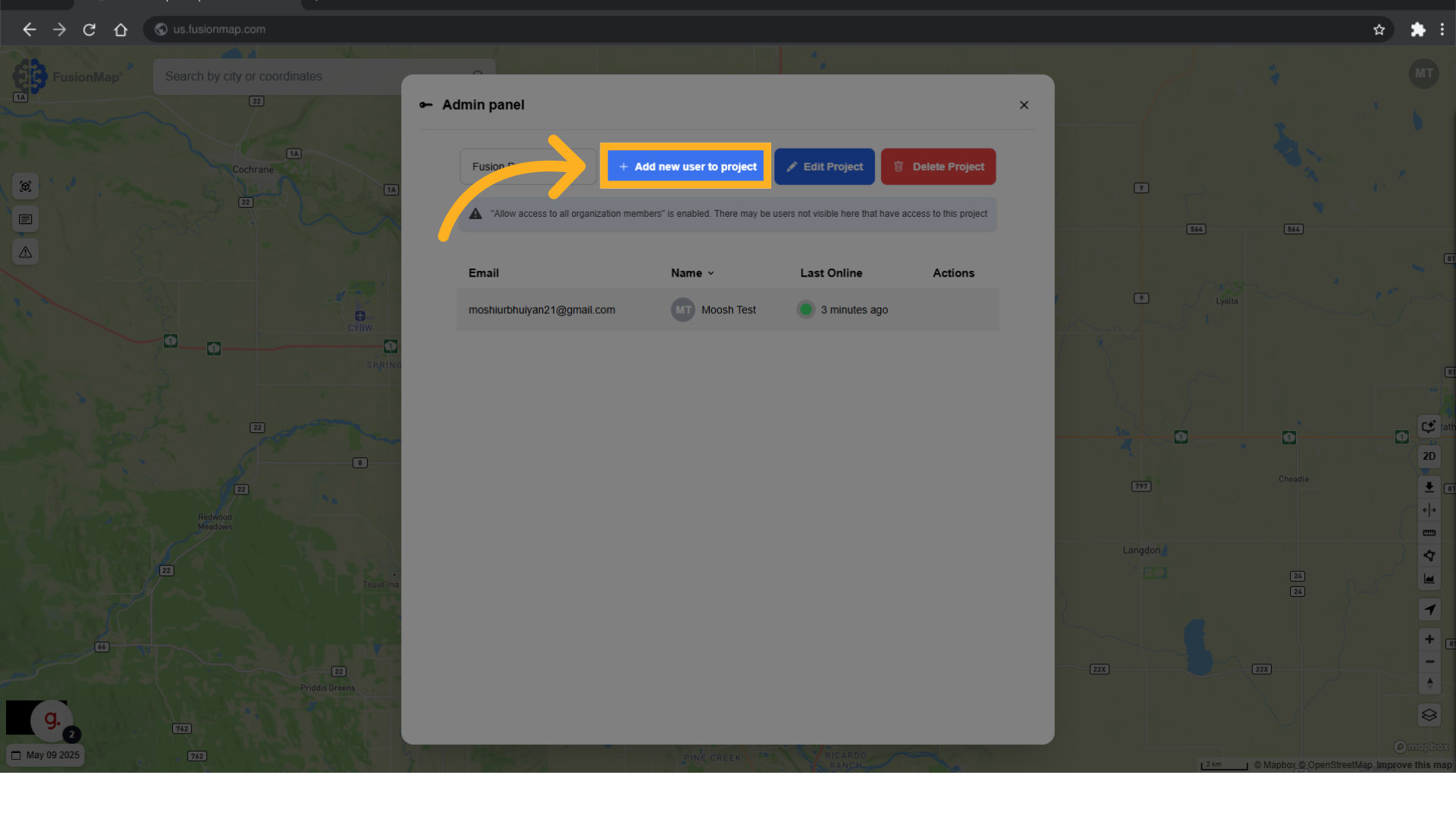
3. Click “Add new user to project” #
4. Enter their email #
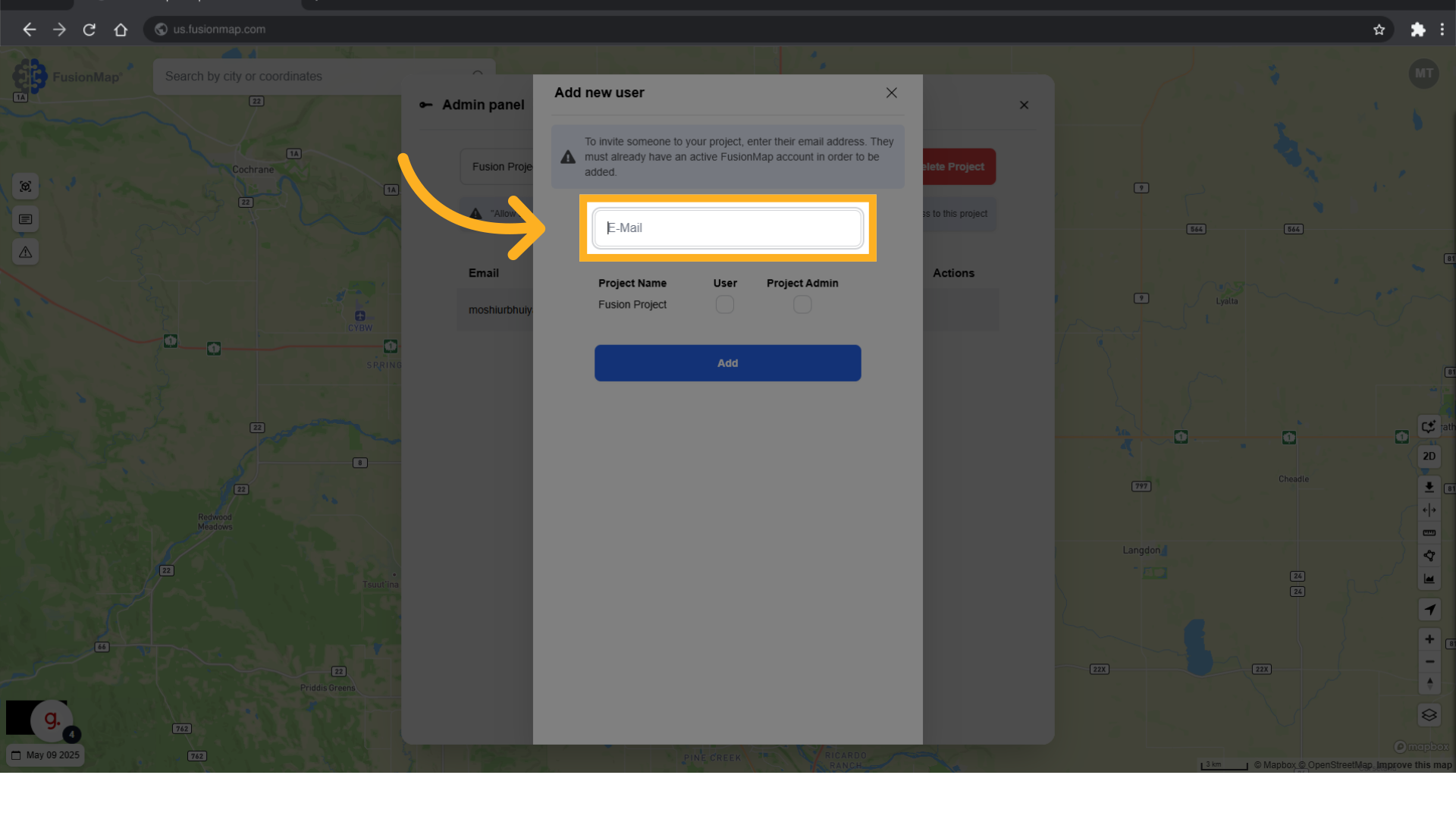
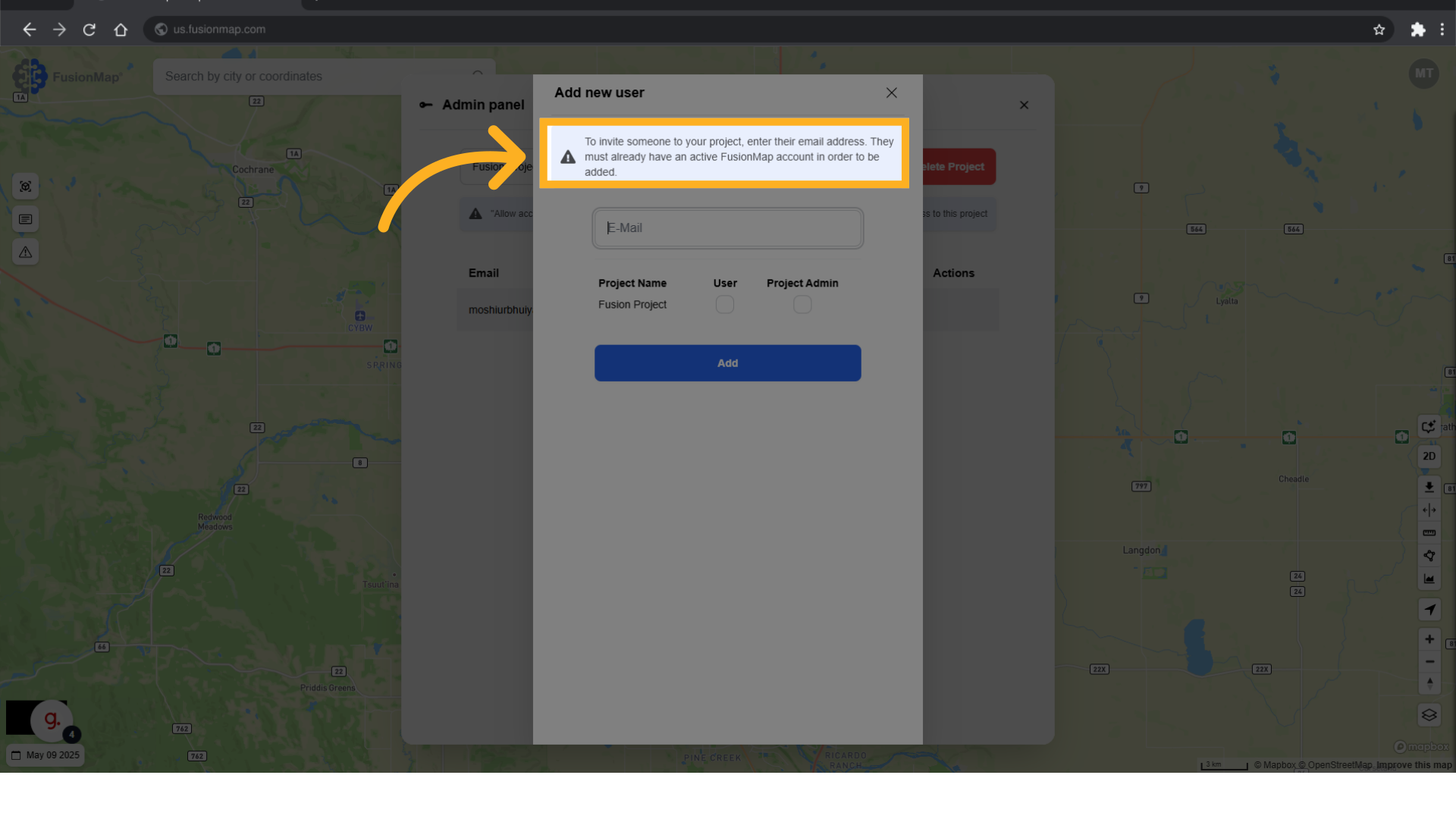
5. Ensure that the user has a FusionMap account with the email. #
The email that you enter must have an active FusionMap account associated with it in order to be added.
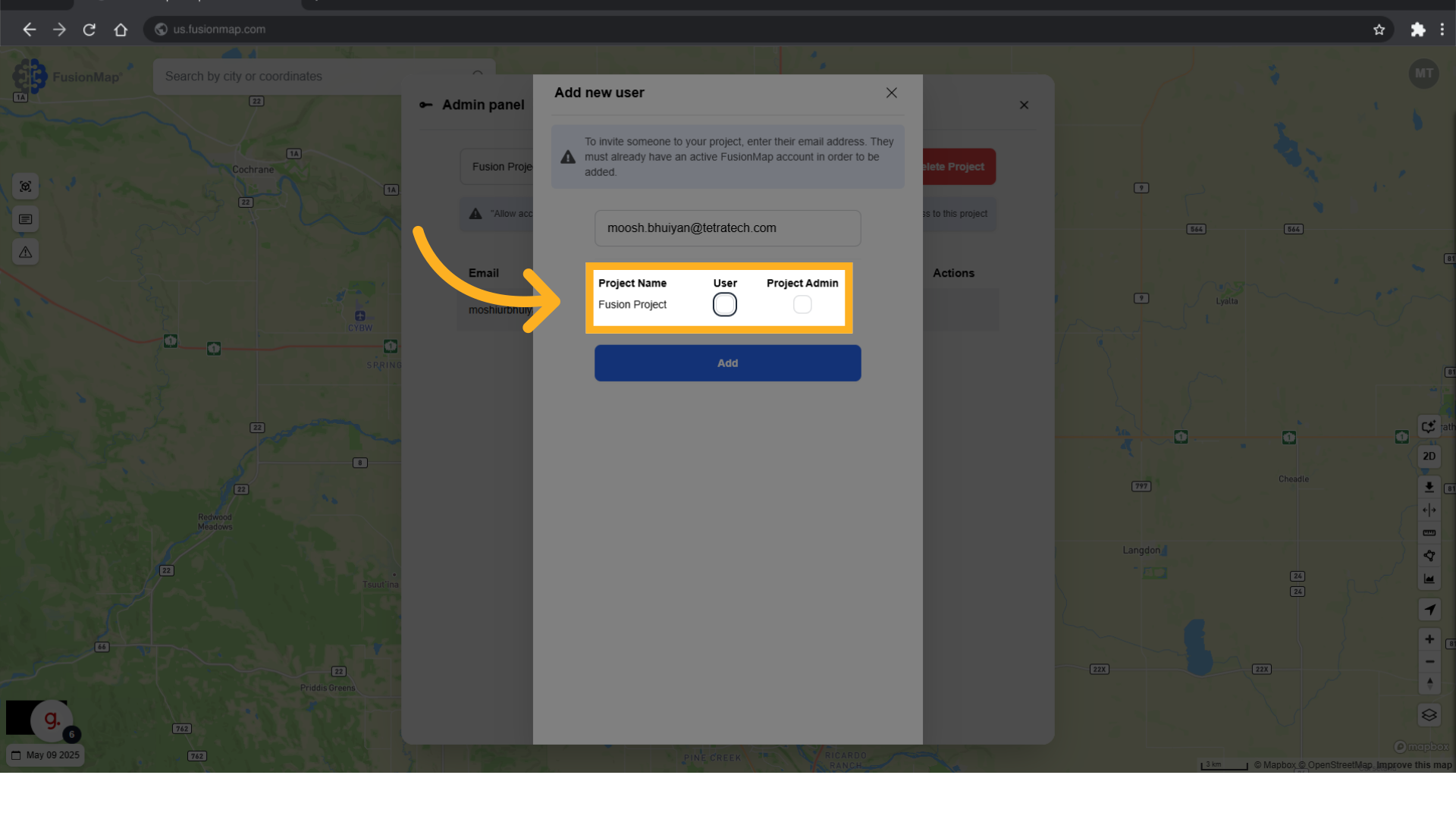
6. Set the user’s permissions #
7. Click “Add” #
The user is sent an email with an invitation to join the project.

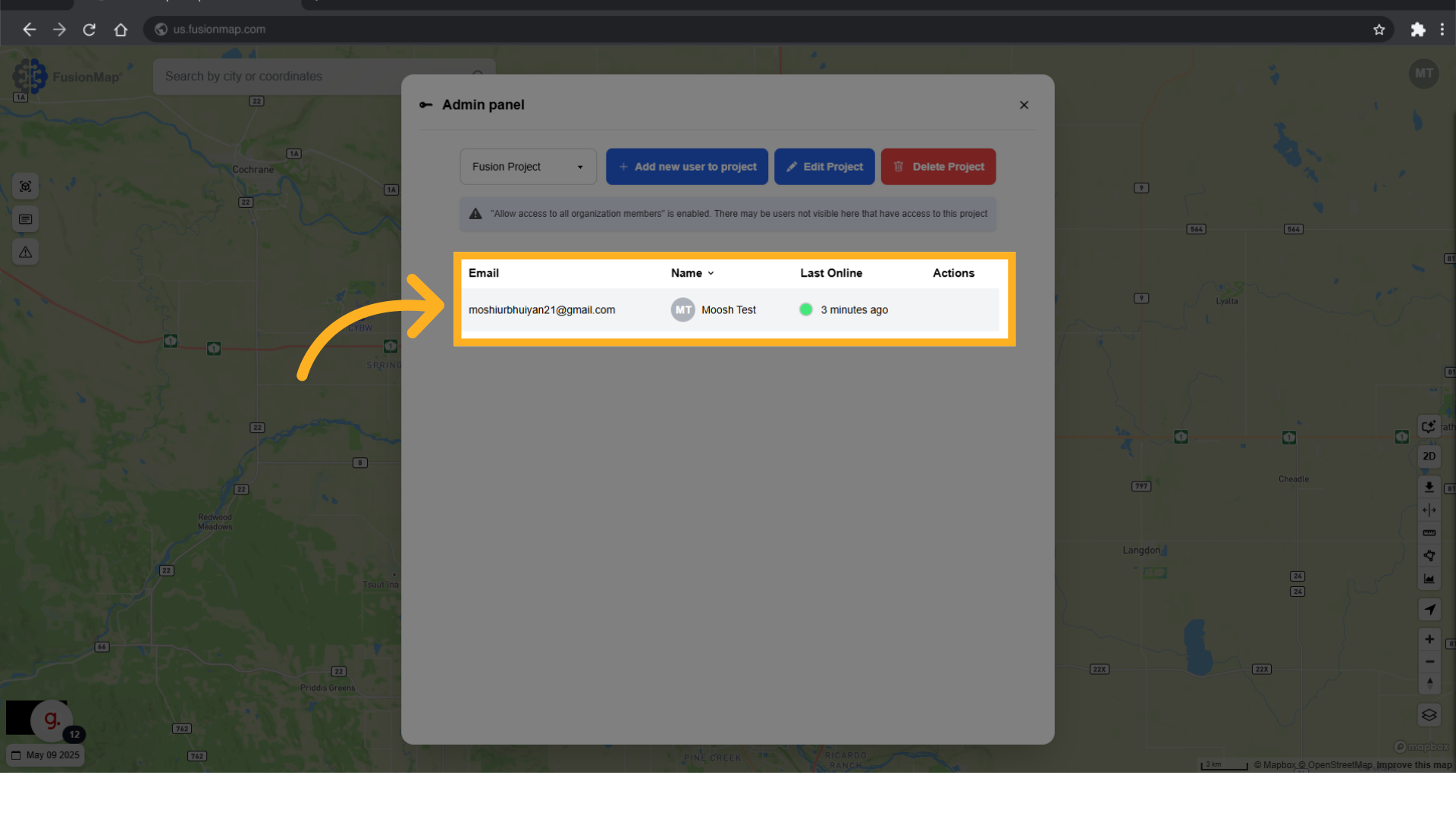
8. User will be added here #
Once the user accepts the invitation, they are added to the list.
This guide walked the user through adding new users to their project.