

In this tutorial, you’ll learn how to connect and upload data from an ArcGIS REST Server into FusionMap.
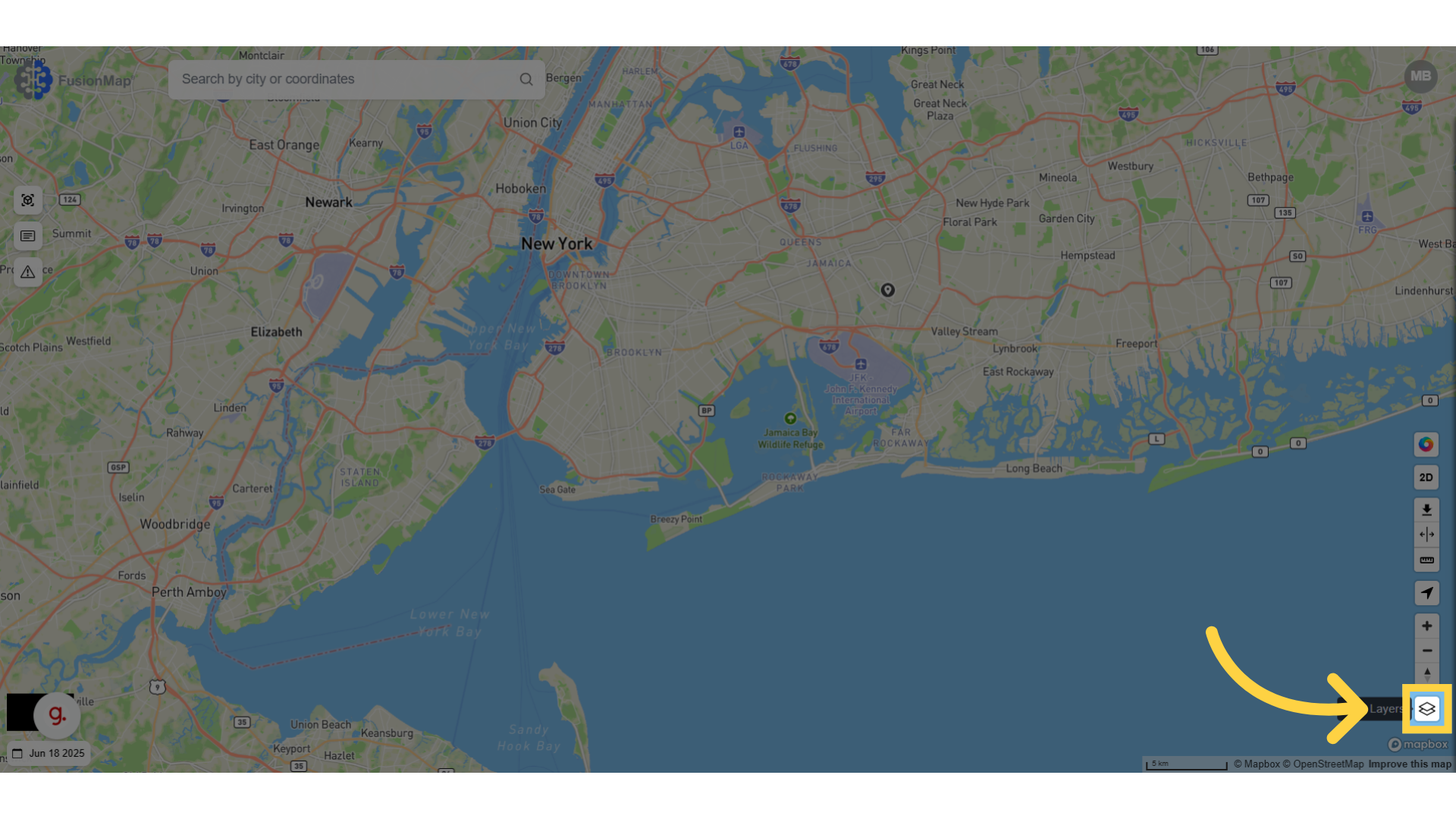
1. Click here #
Open the layers sidebar to start the process of uploading your custom layer
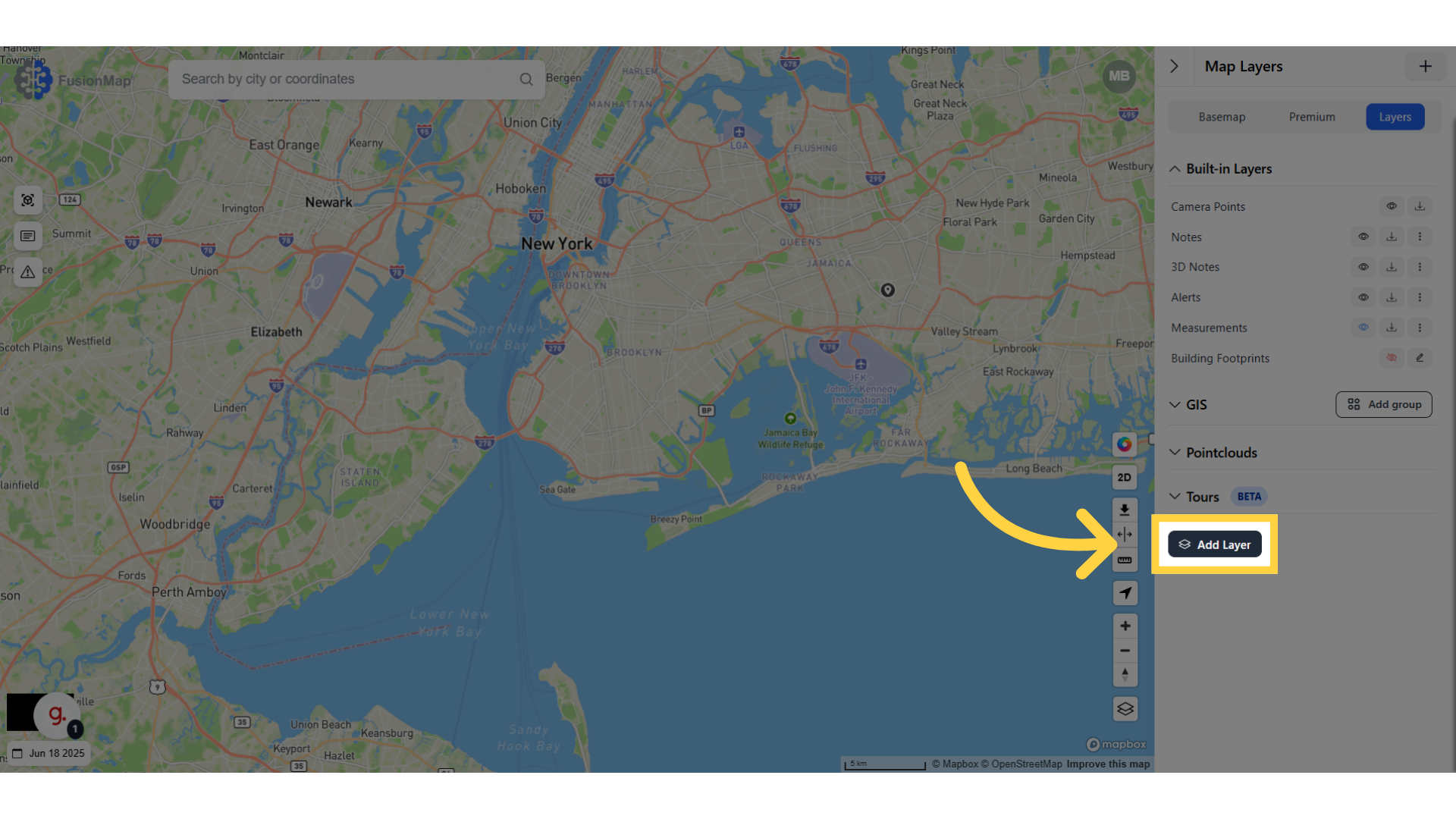
2. Click “Add Layer” #
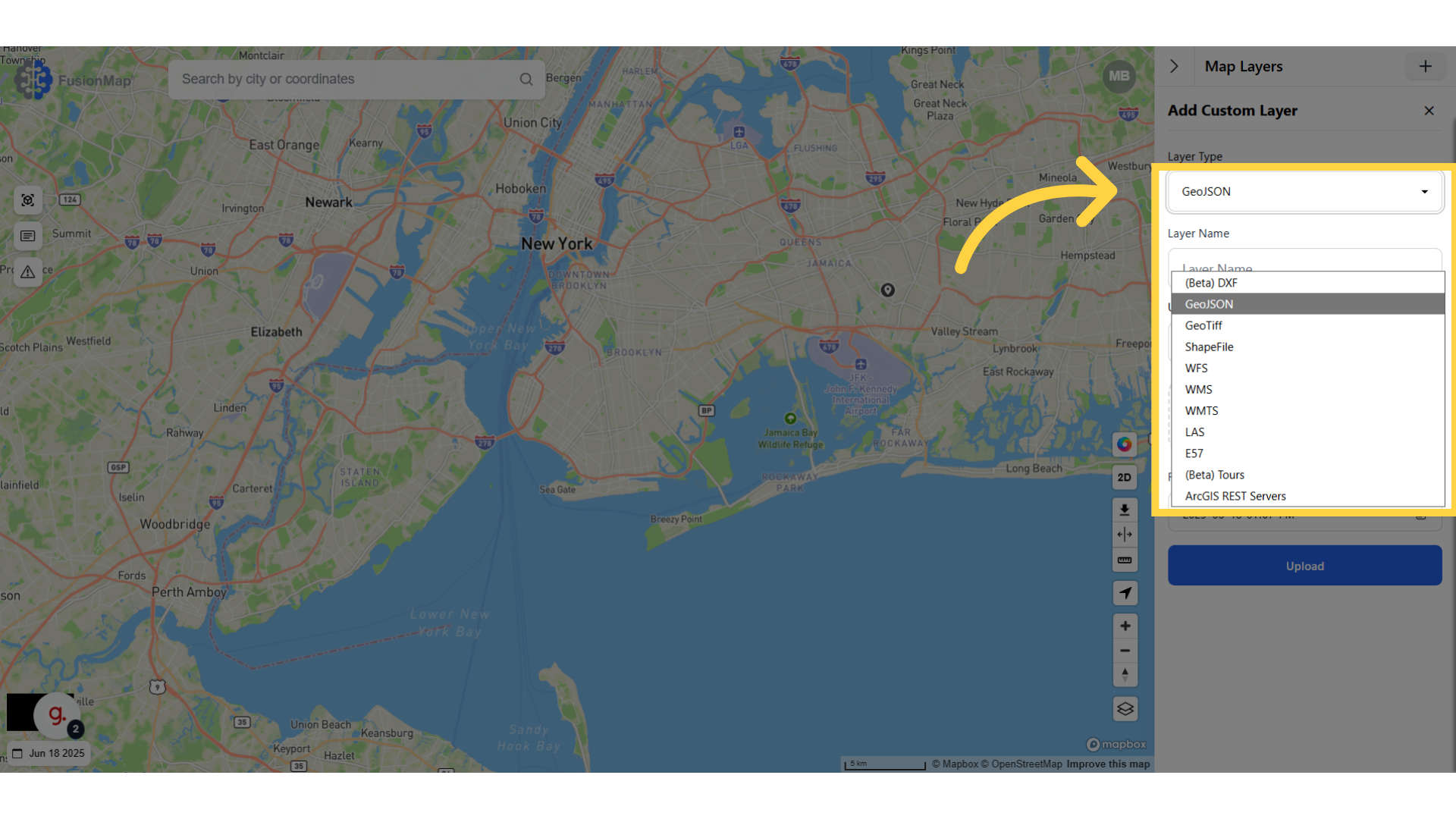
3. Open the drop down menu and select ArcGIS Rest Servers #
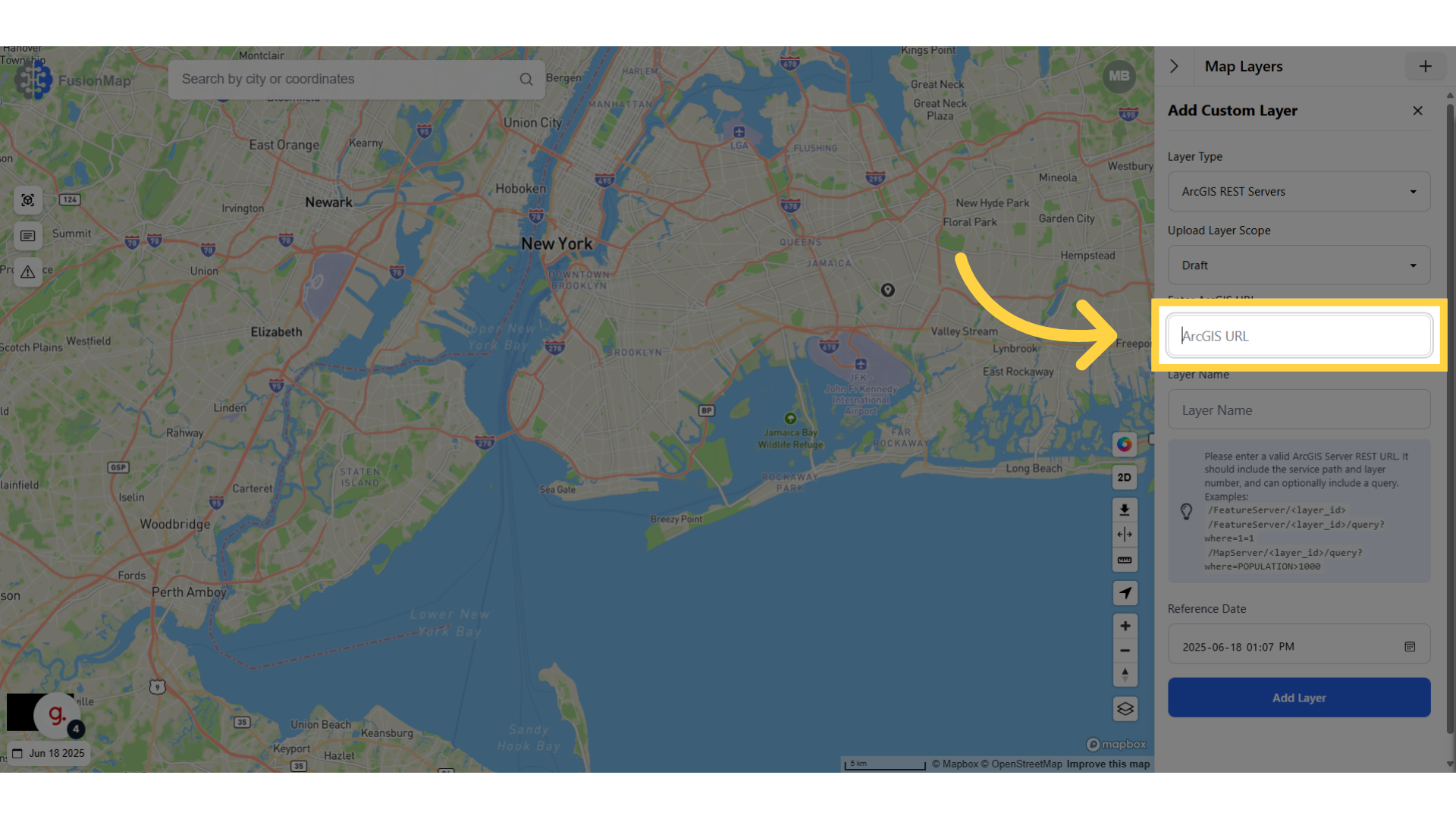
4. Enter your ArcGIS URL #
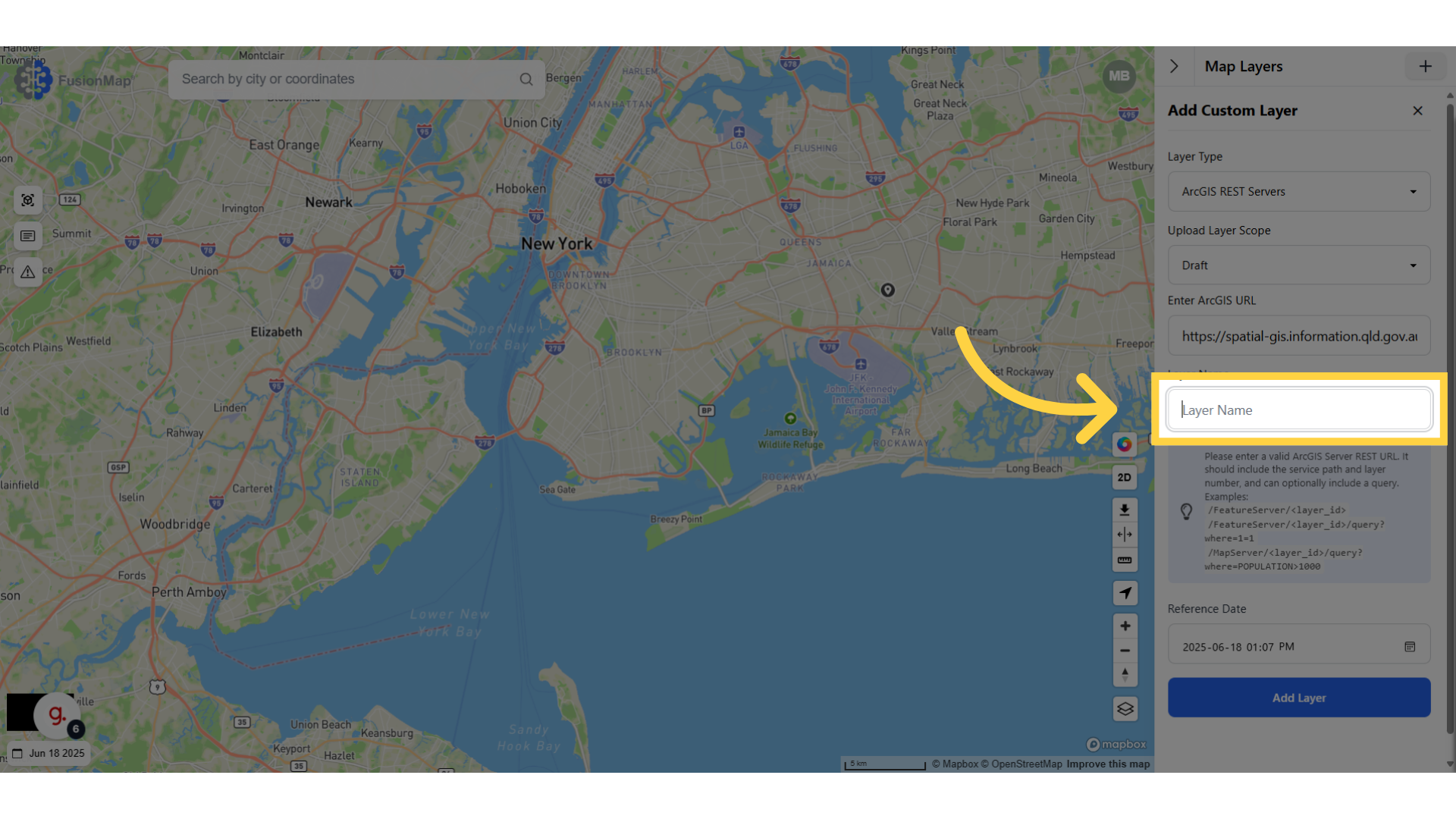
5. Click “Layer Name” #
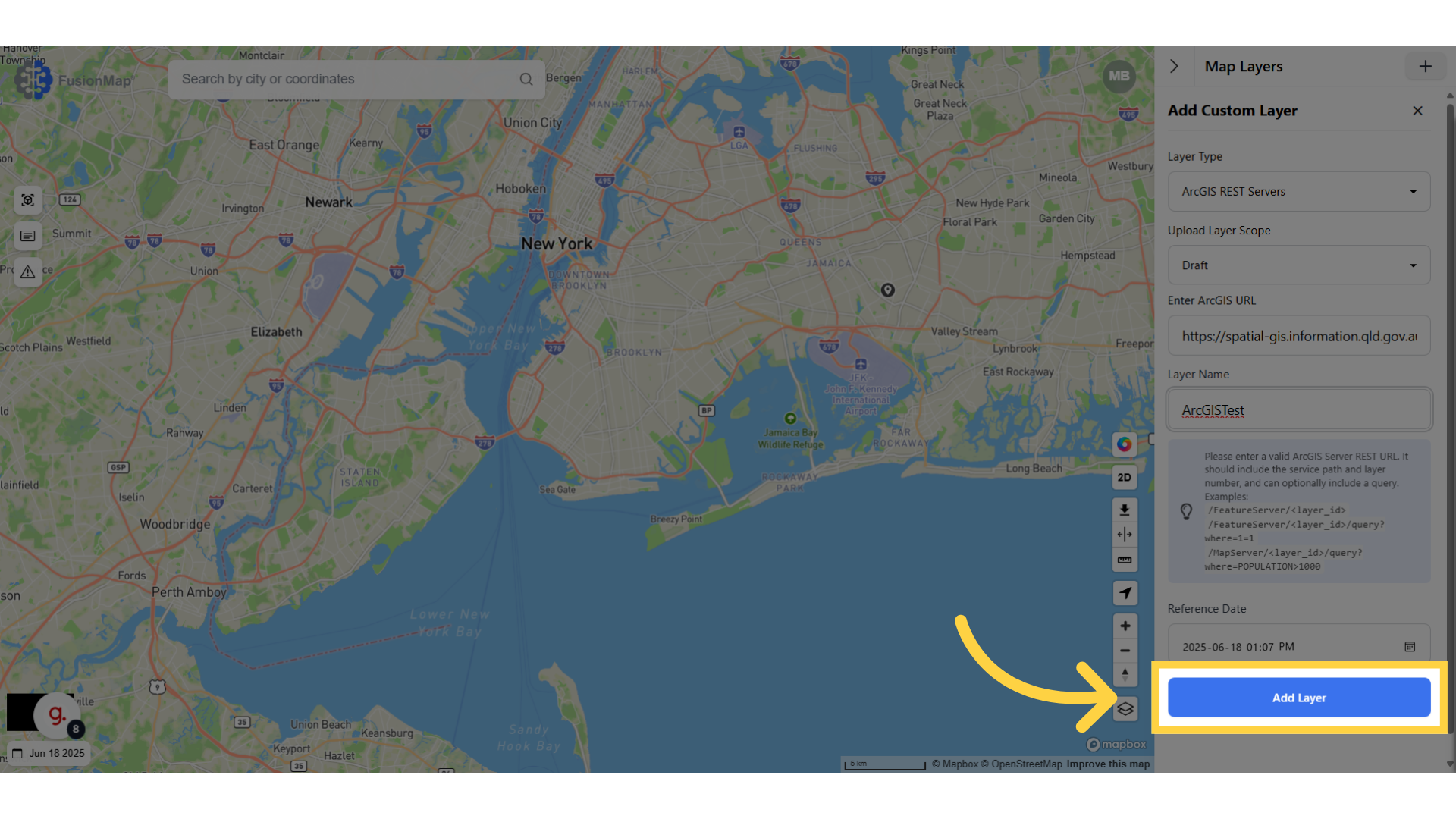
6. Click “Add Layer” #
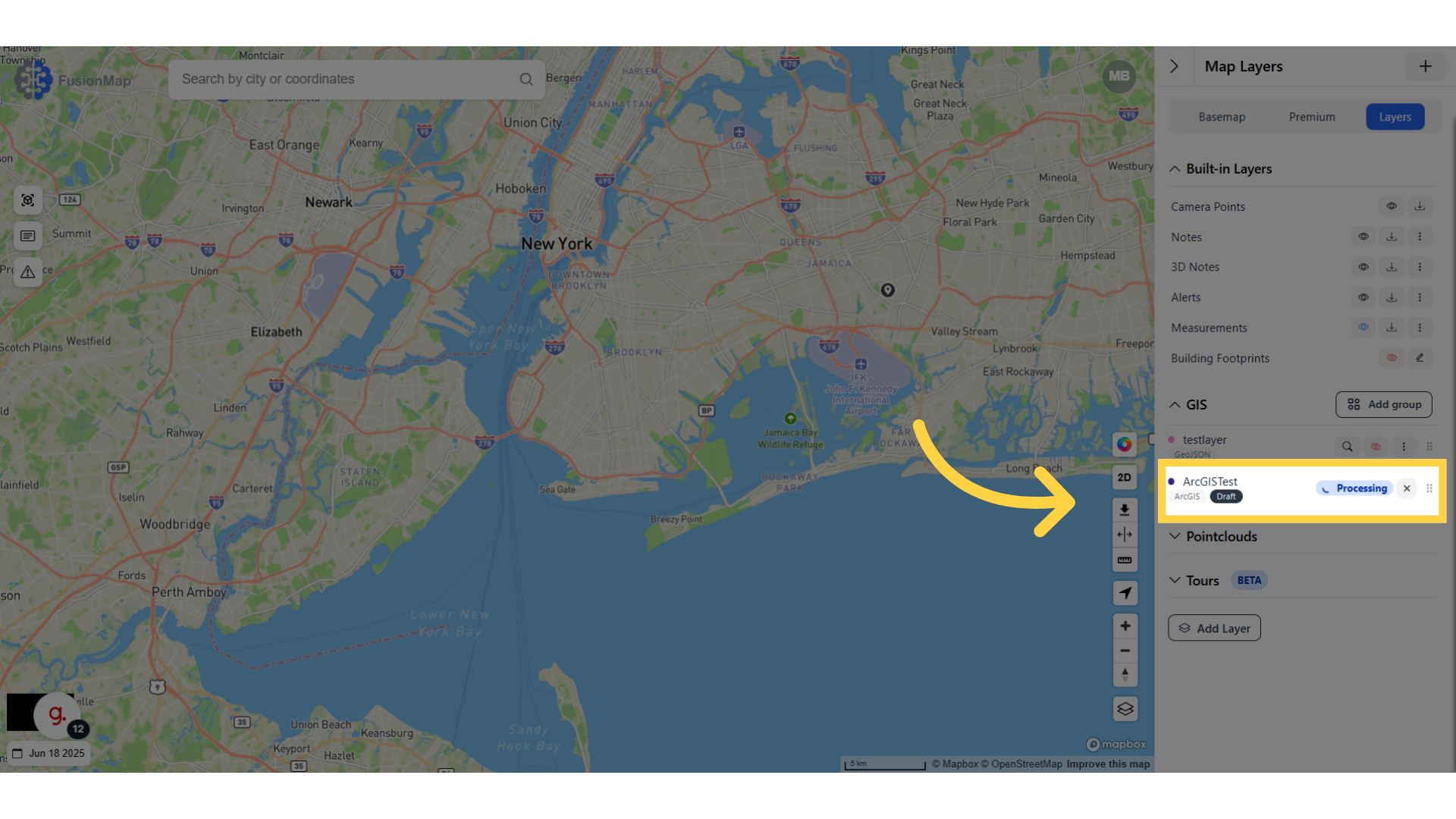
7. Wait for your layer to finish processing #
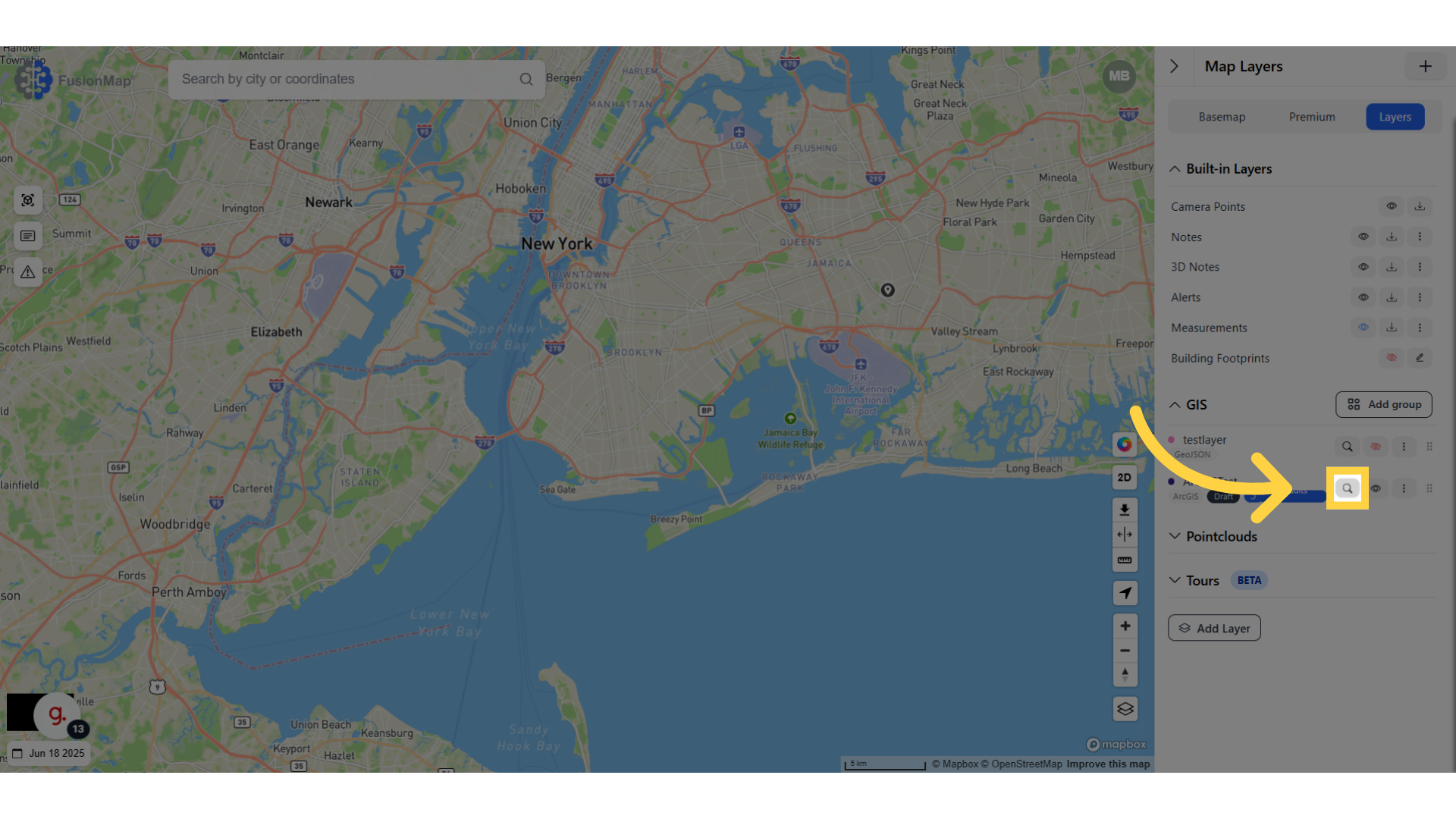
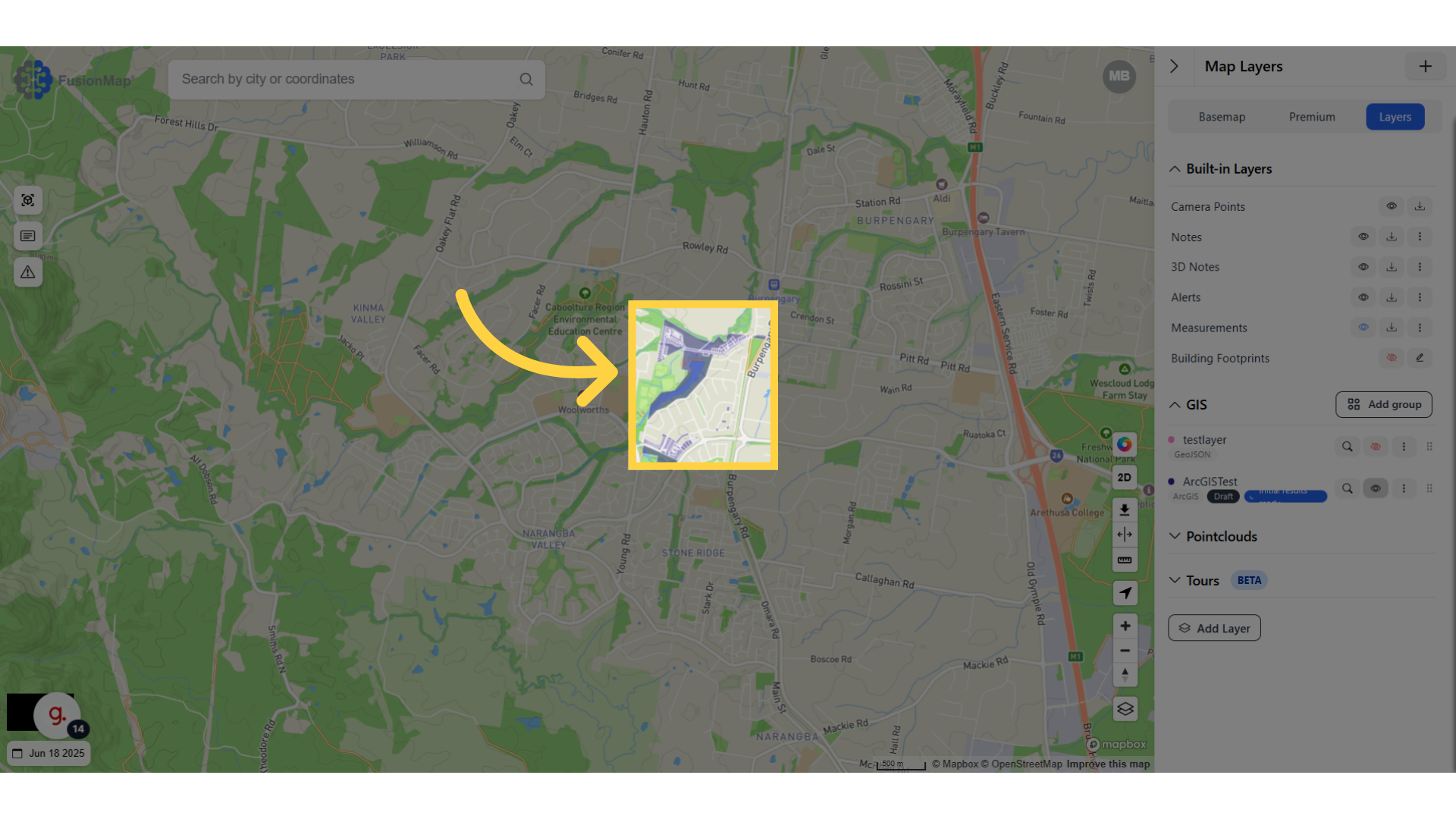
8. Click the search icon #
9. Your ArcGIS Rest Server is visualized on the map #
You’ve now learned how to upload an ArcGIS REST Server to FusionMap, enabling seamless integration of external GIS services into your mapping workflow.