

This guide will walk you through a series of actions in Fusionmap to utilize the SplitView feature effectively for employee training purposes.
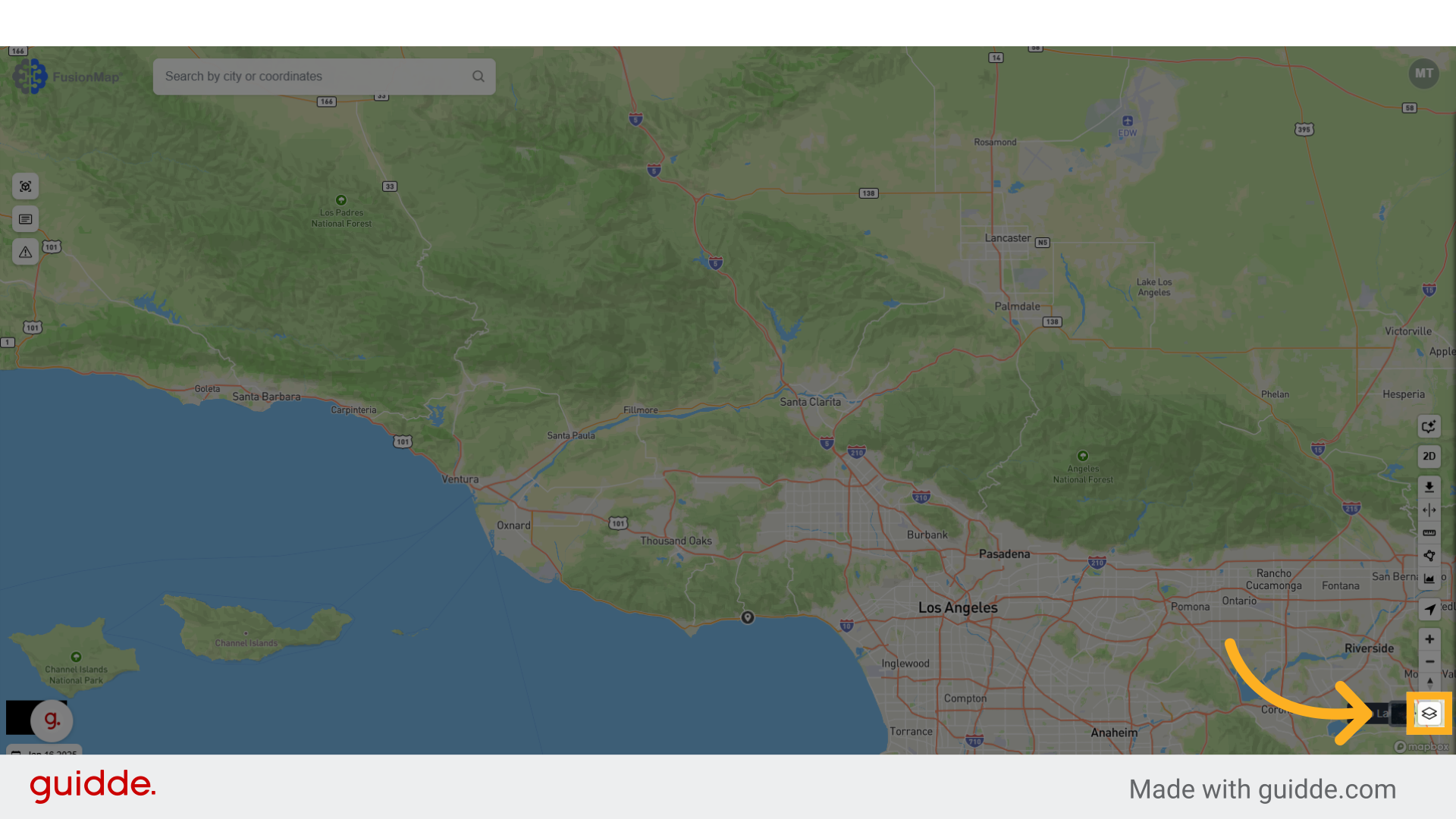
1. Open Layers Menu #
Click on the designated button to proceed.
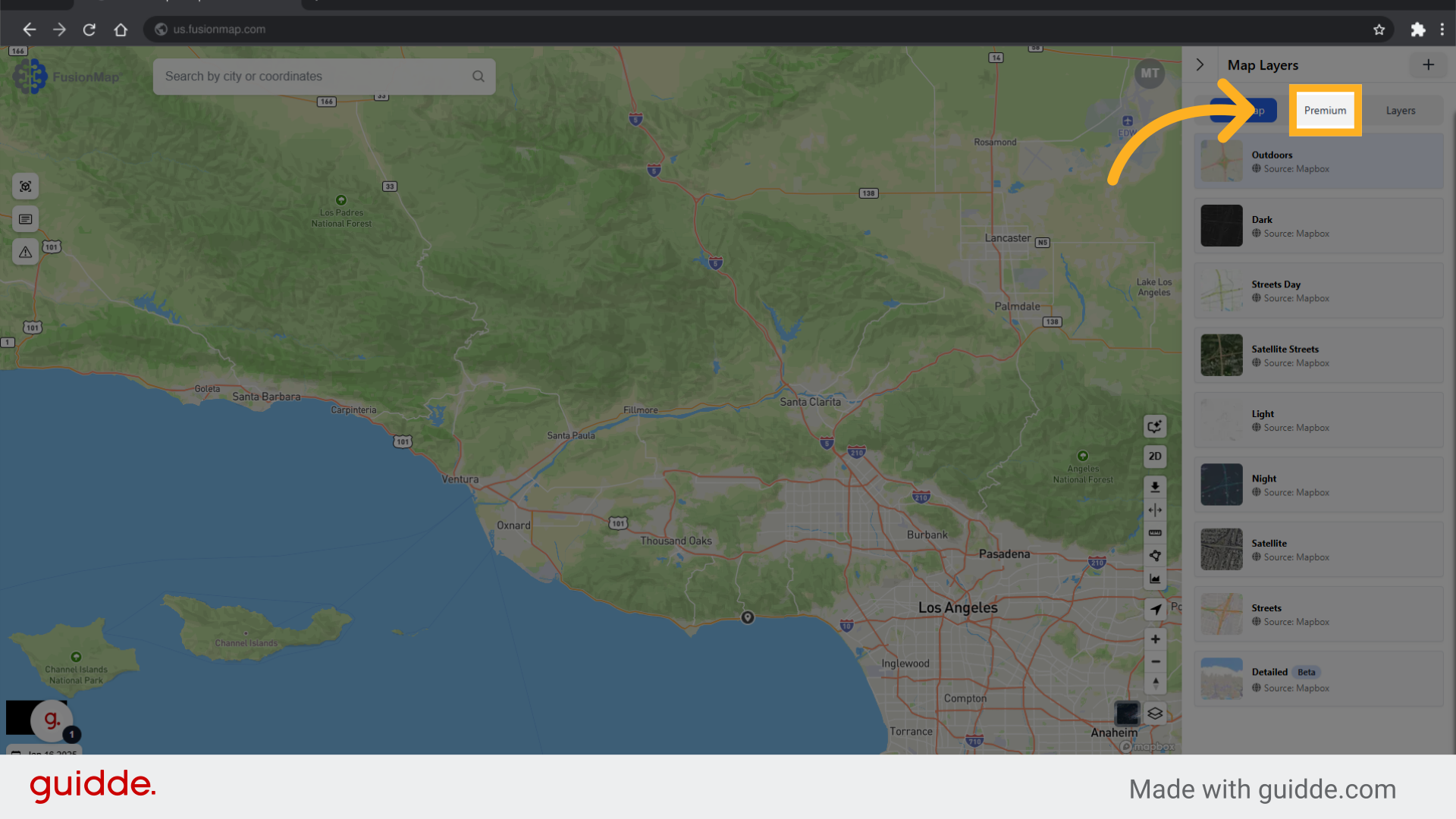
2. Switch to the premium tab #
Select the “Premium” option from the menu.
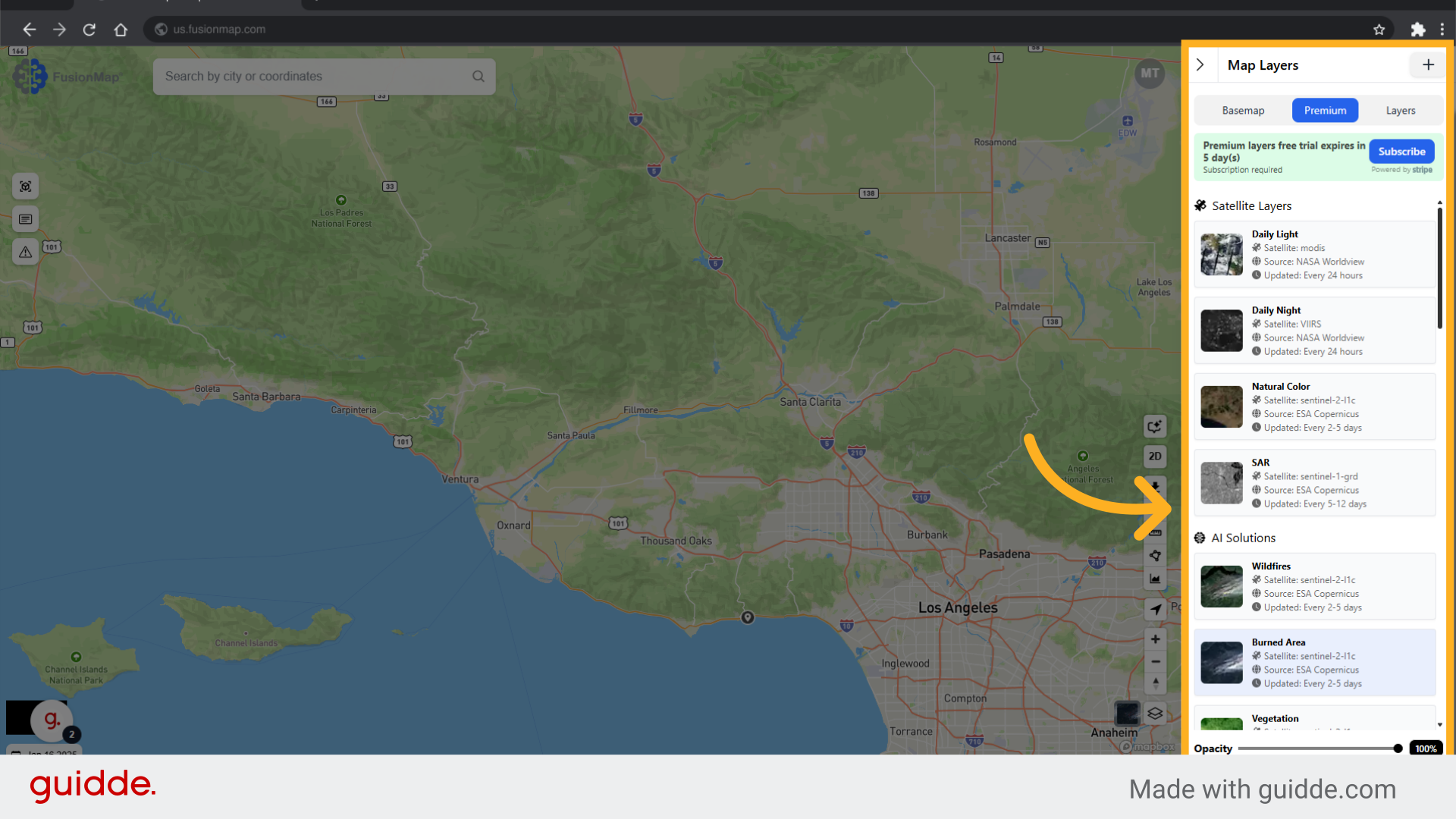
3. Select any premium layer #
Choose the “Satellite: sentinel-2-l1c” option.
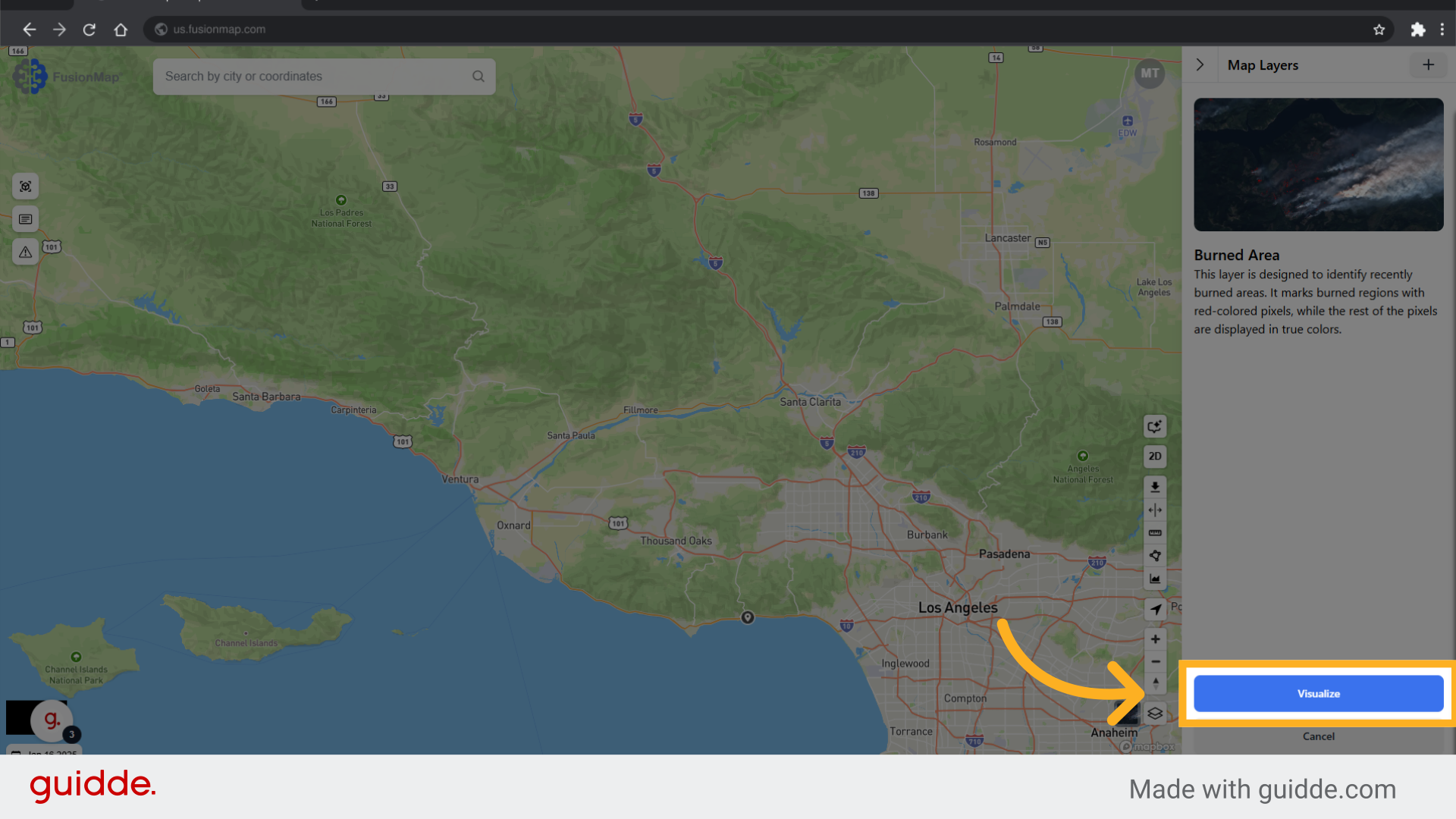
4. Click “Visualize” #
Click on “Visualize” to view the data.
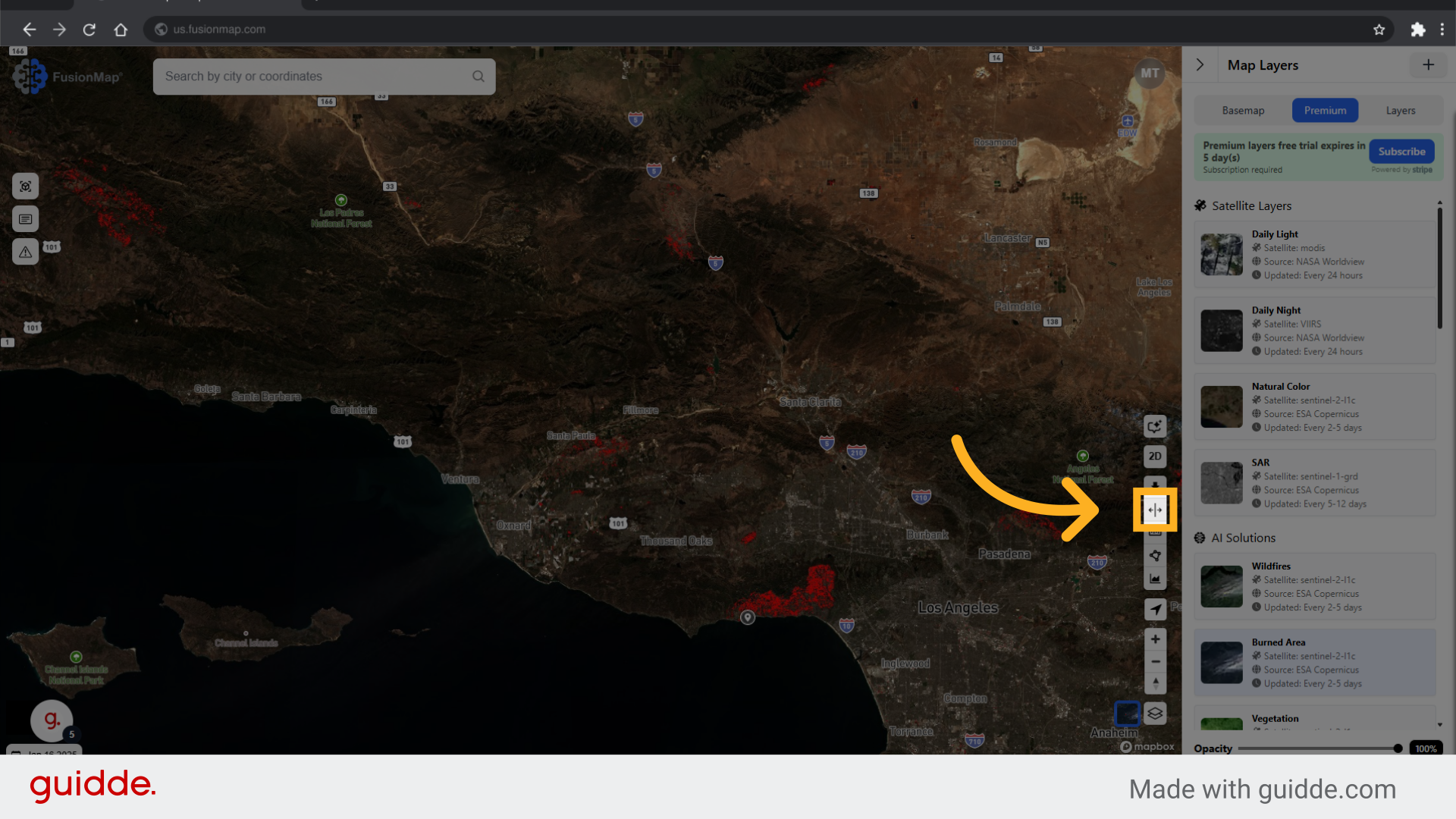
5. Click the SplitView button #
Proceed by clicking on the provided button.
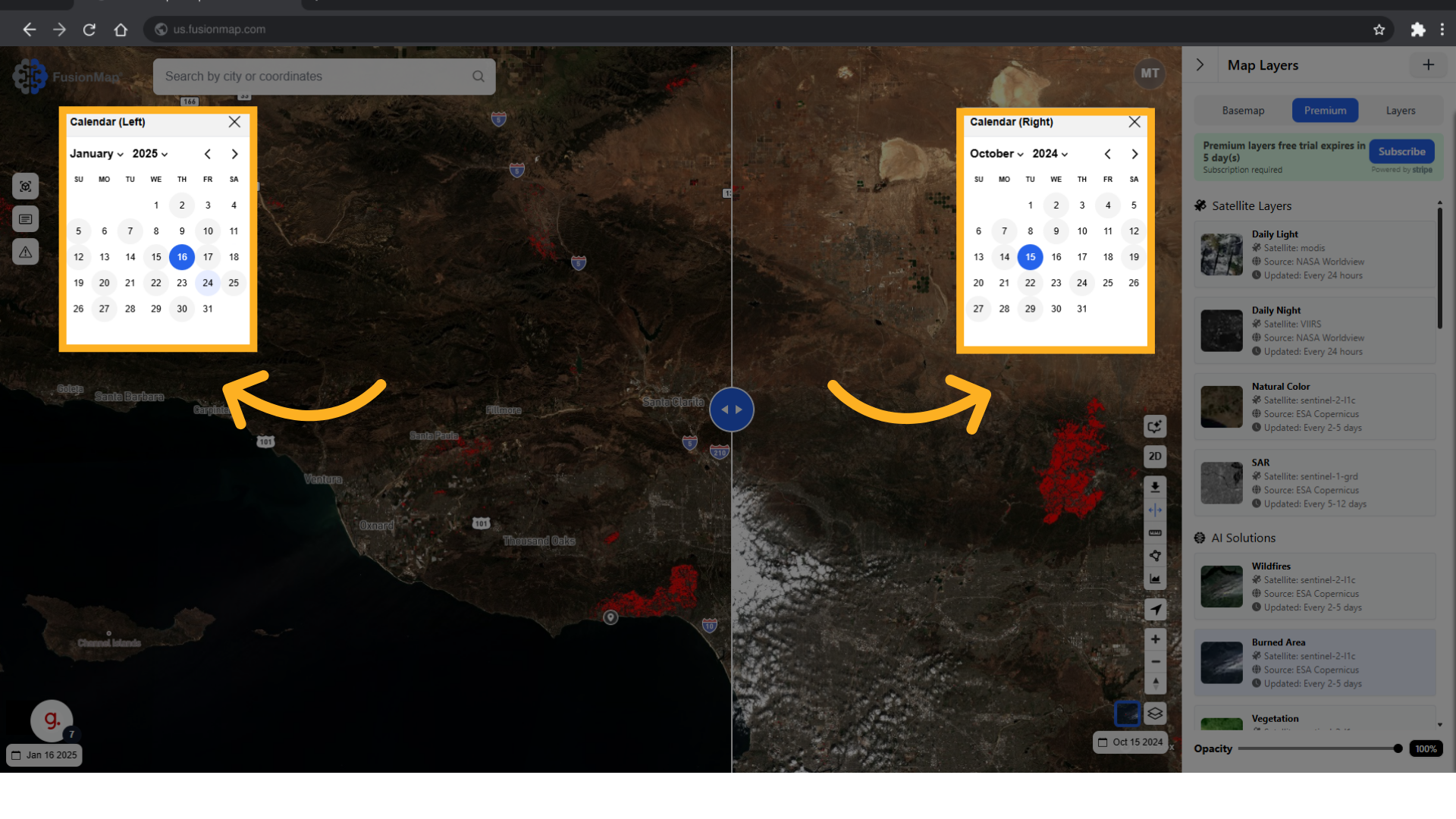
6. Select the two dates to be compared #
Select the option labeled “24” from the list.
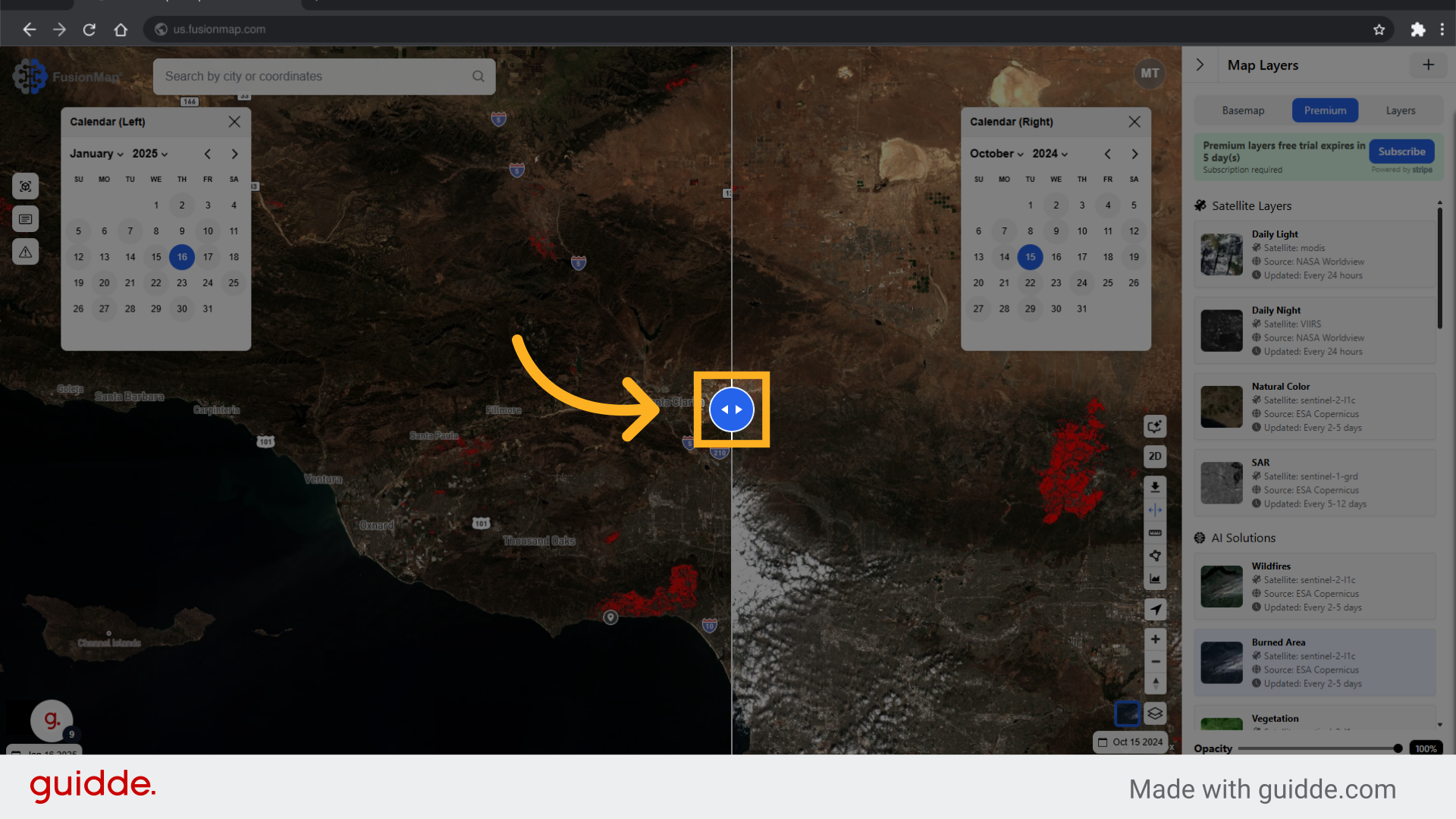
7. Drag this slider to compare #
Click on the specified button to continue.
The guide covered a sequence of actions in Fusionmap, enabling users to navigate the SplitView feature effortlessly for employee training.