

This is a comprehensive guide for layers in FusionMap
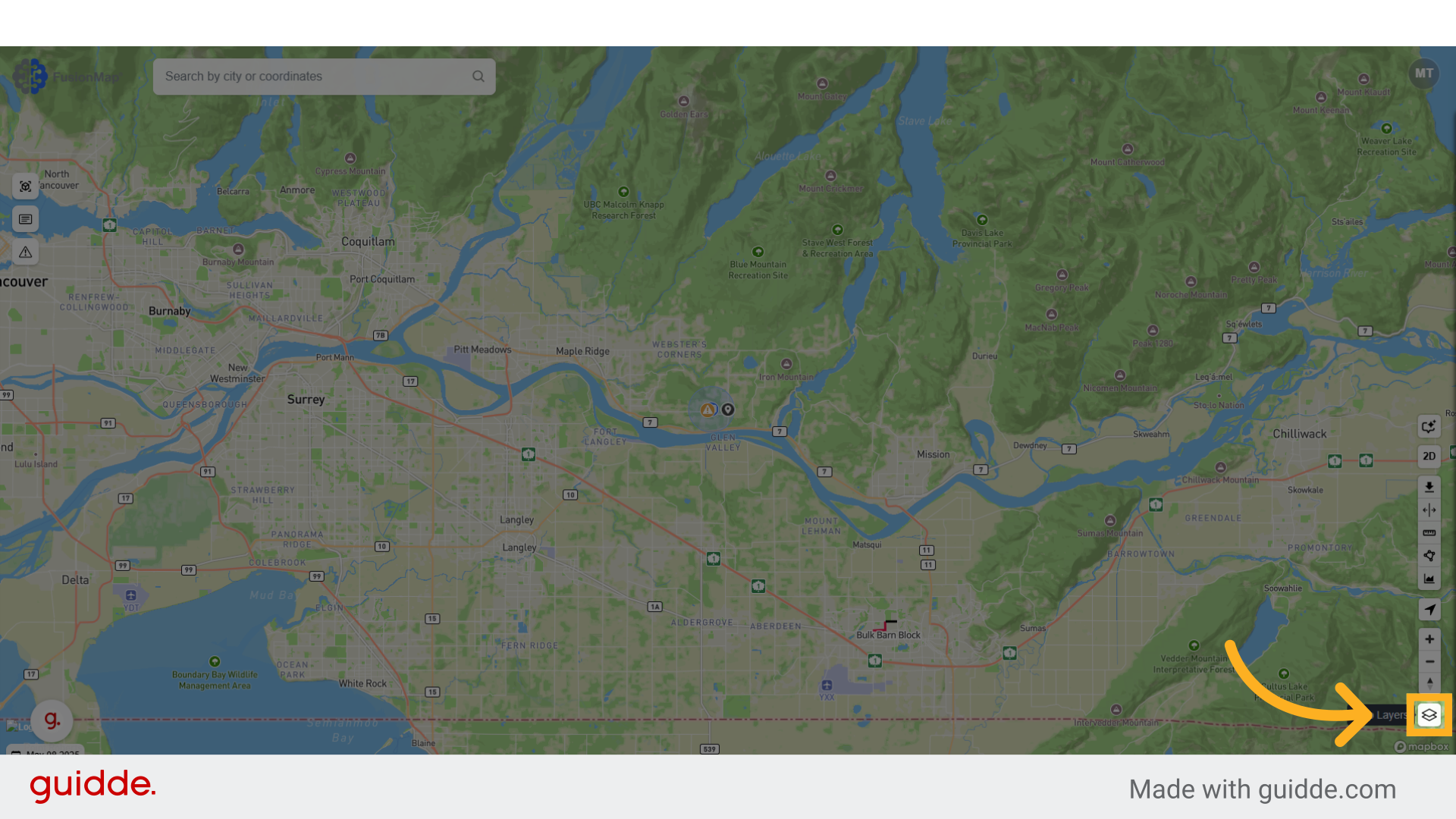
1. Open Layers Menu #
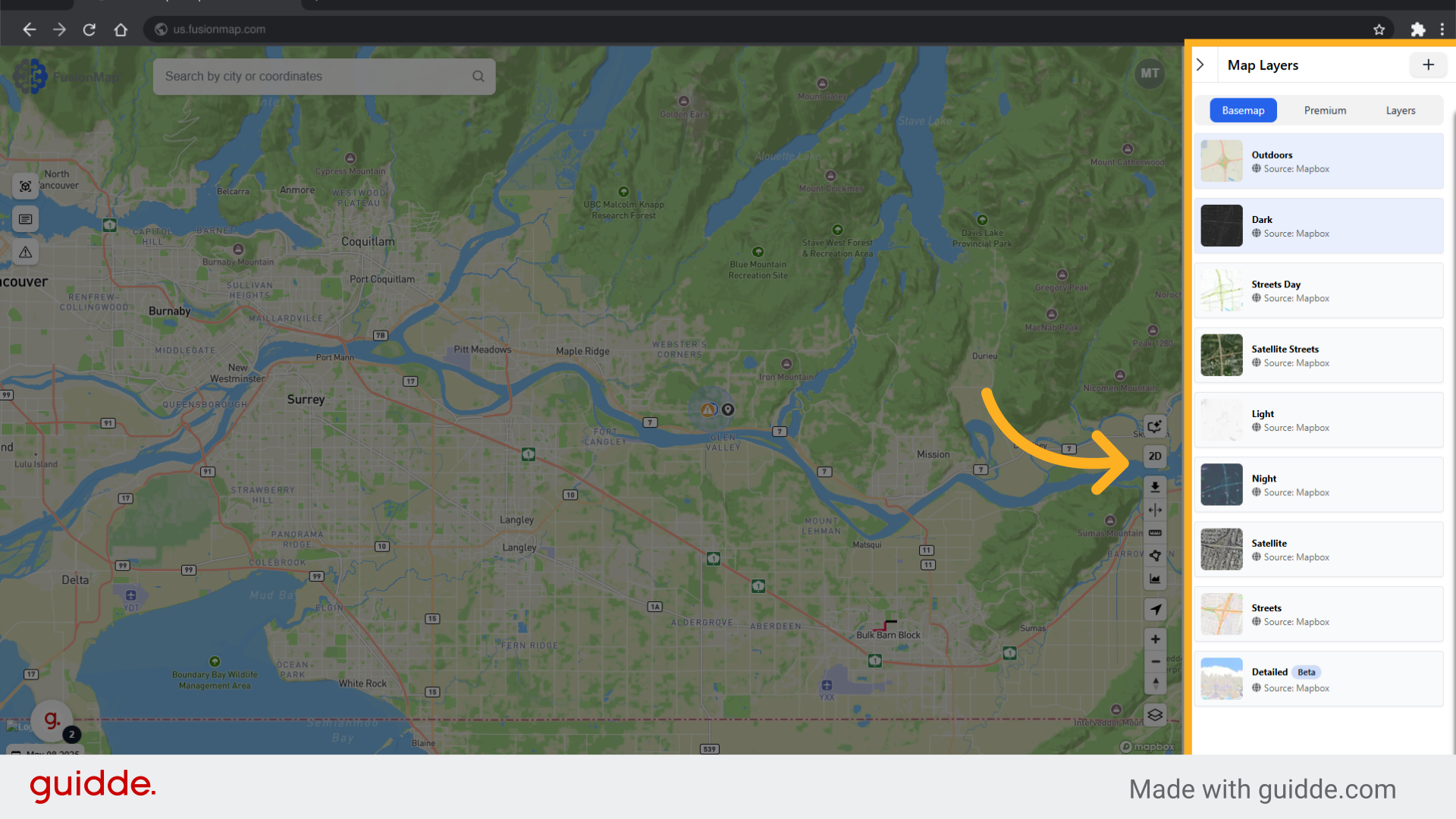
2. Choose from the list of basemaps #
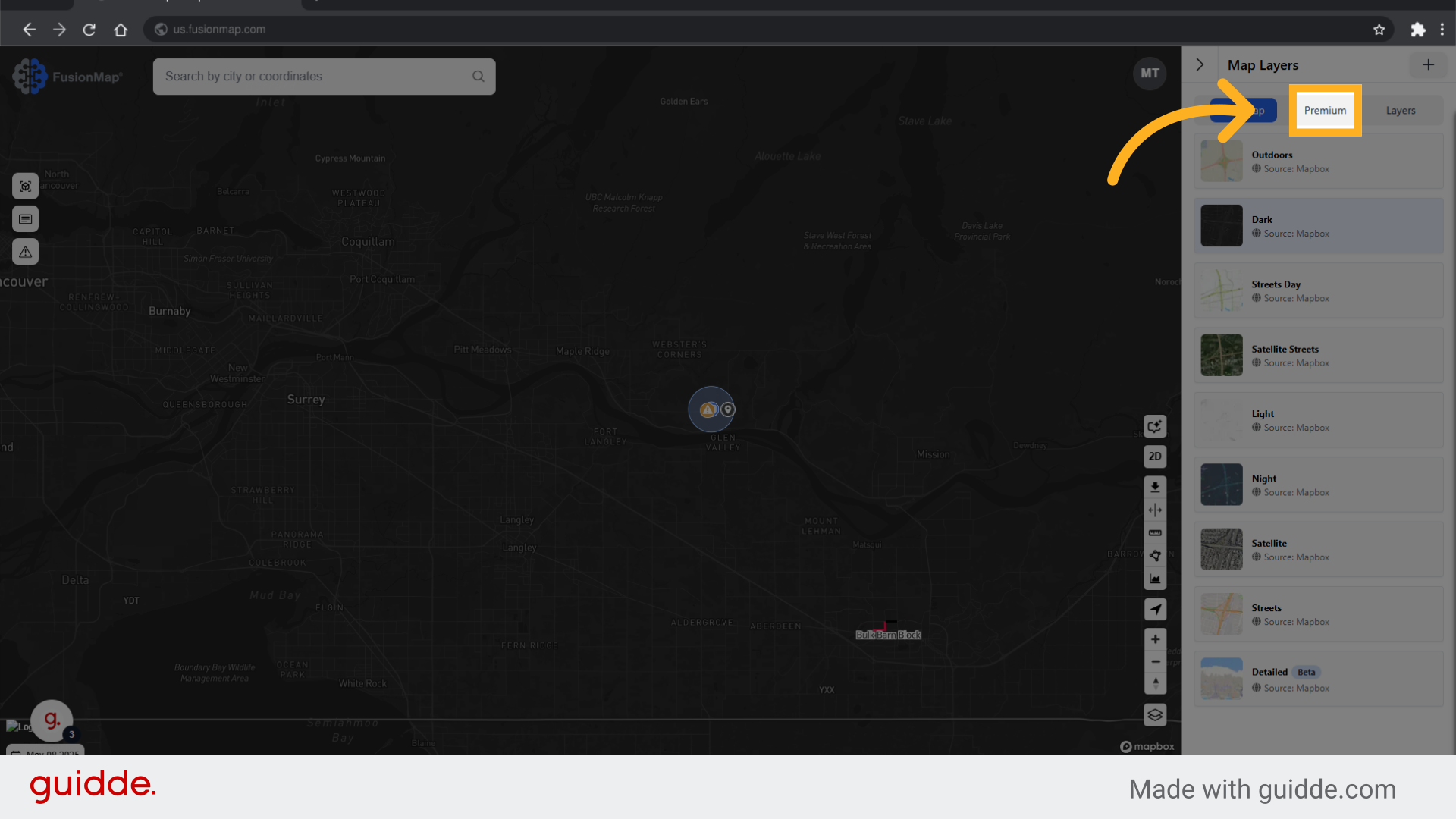
3. Switch to the Premium Tab #
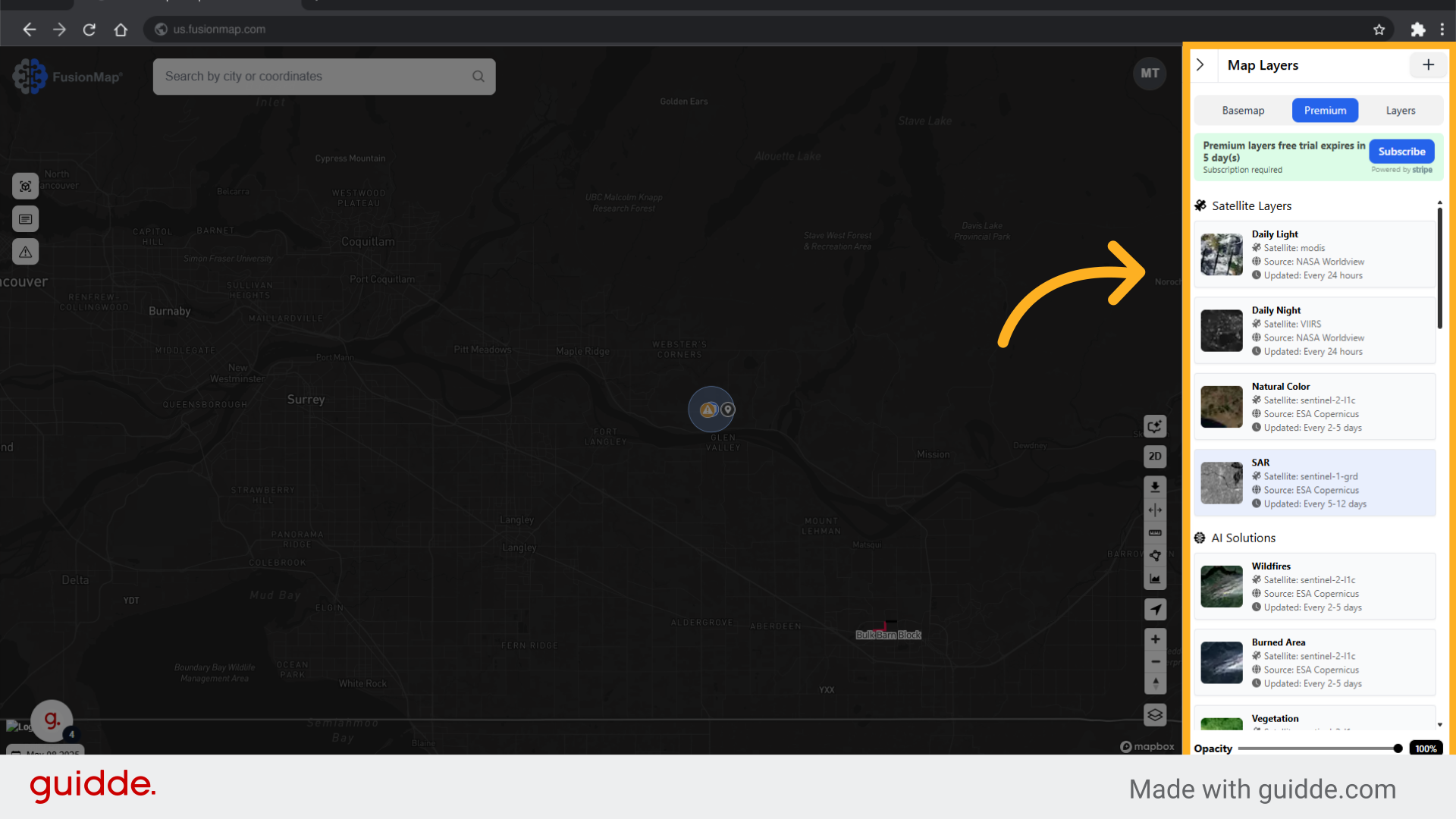
4. Choose from a list of premium layers #
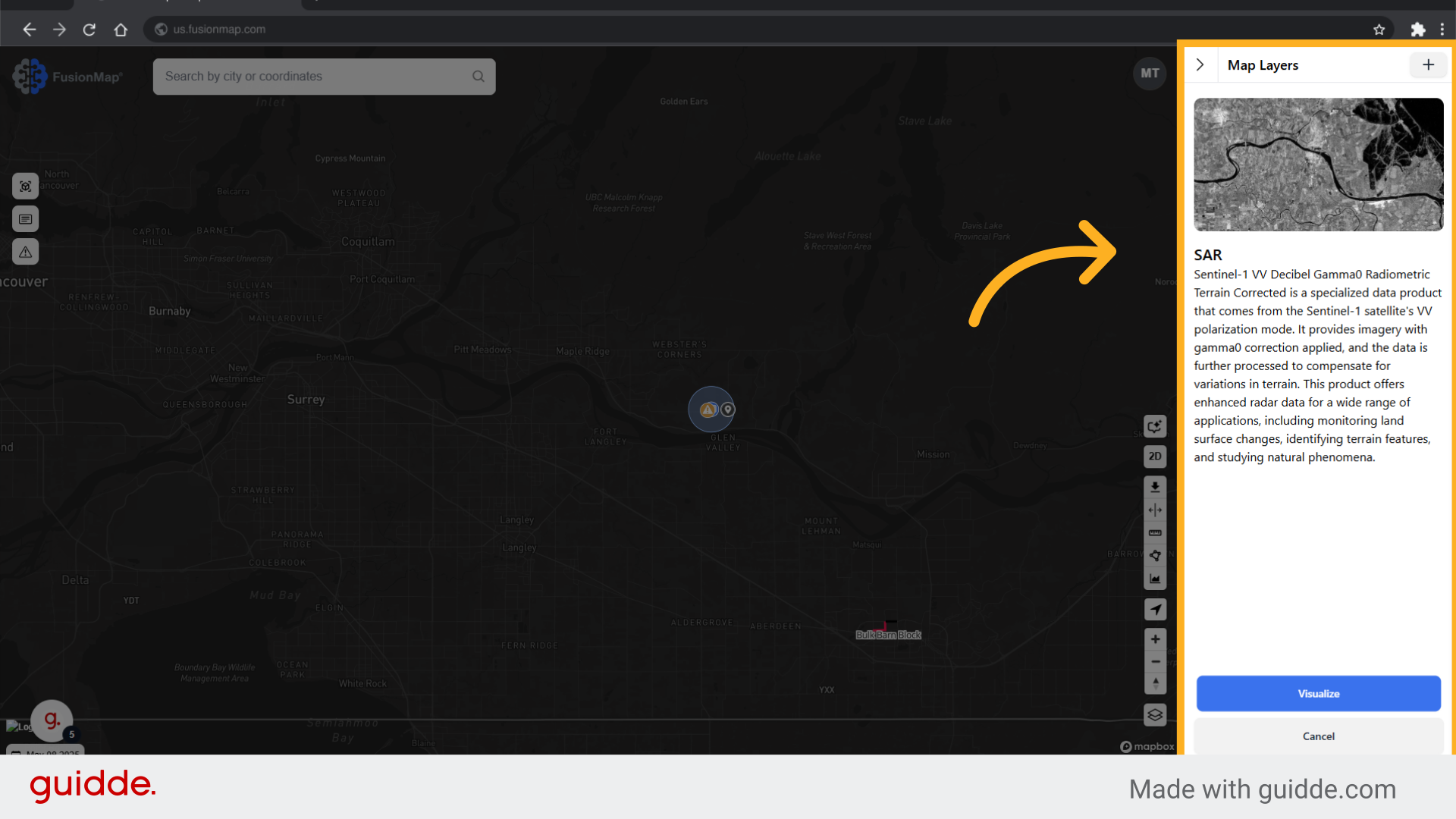
5. Clicking a layer opens up an info tab #
The information tab contains detailed descriptions of each layer, ensuring you know understand the layer you are using.
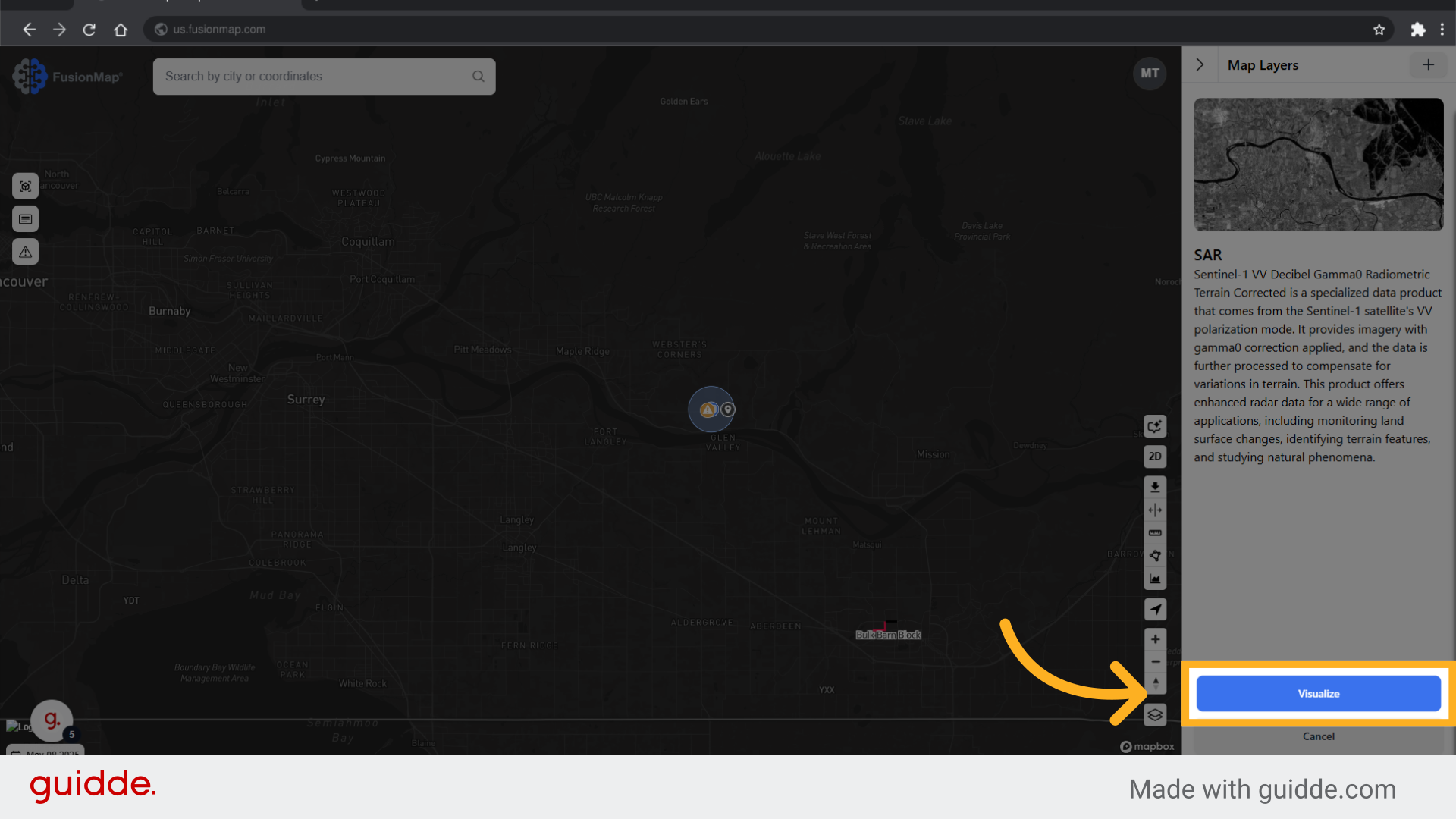
6. Click “Visualize” #
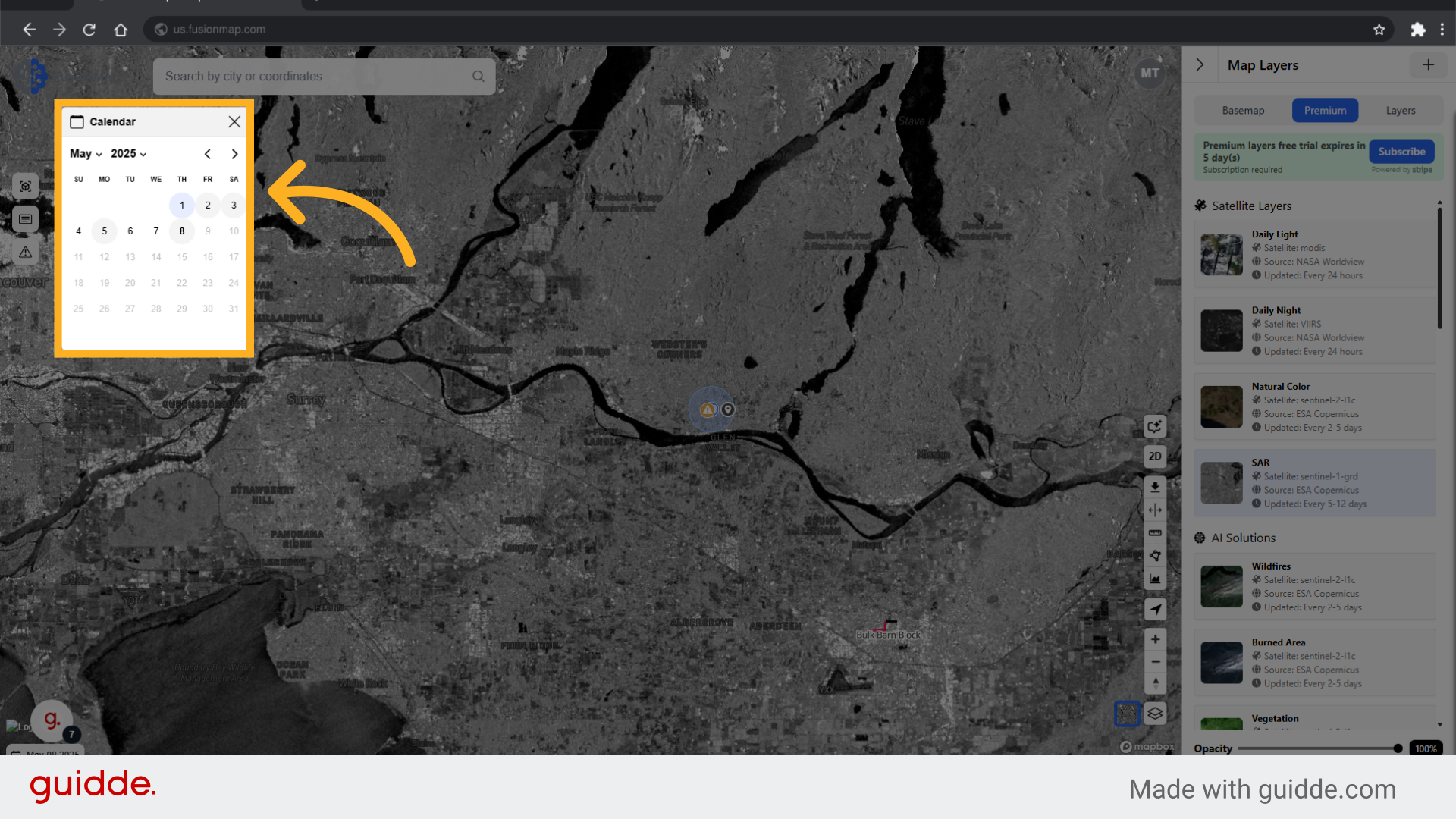
7. Use the calendar to switch to different dates #
FusionMap allows you to view historical data for every premium layer.
8. Switch to the layers tab #
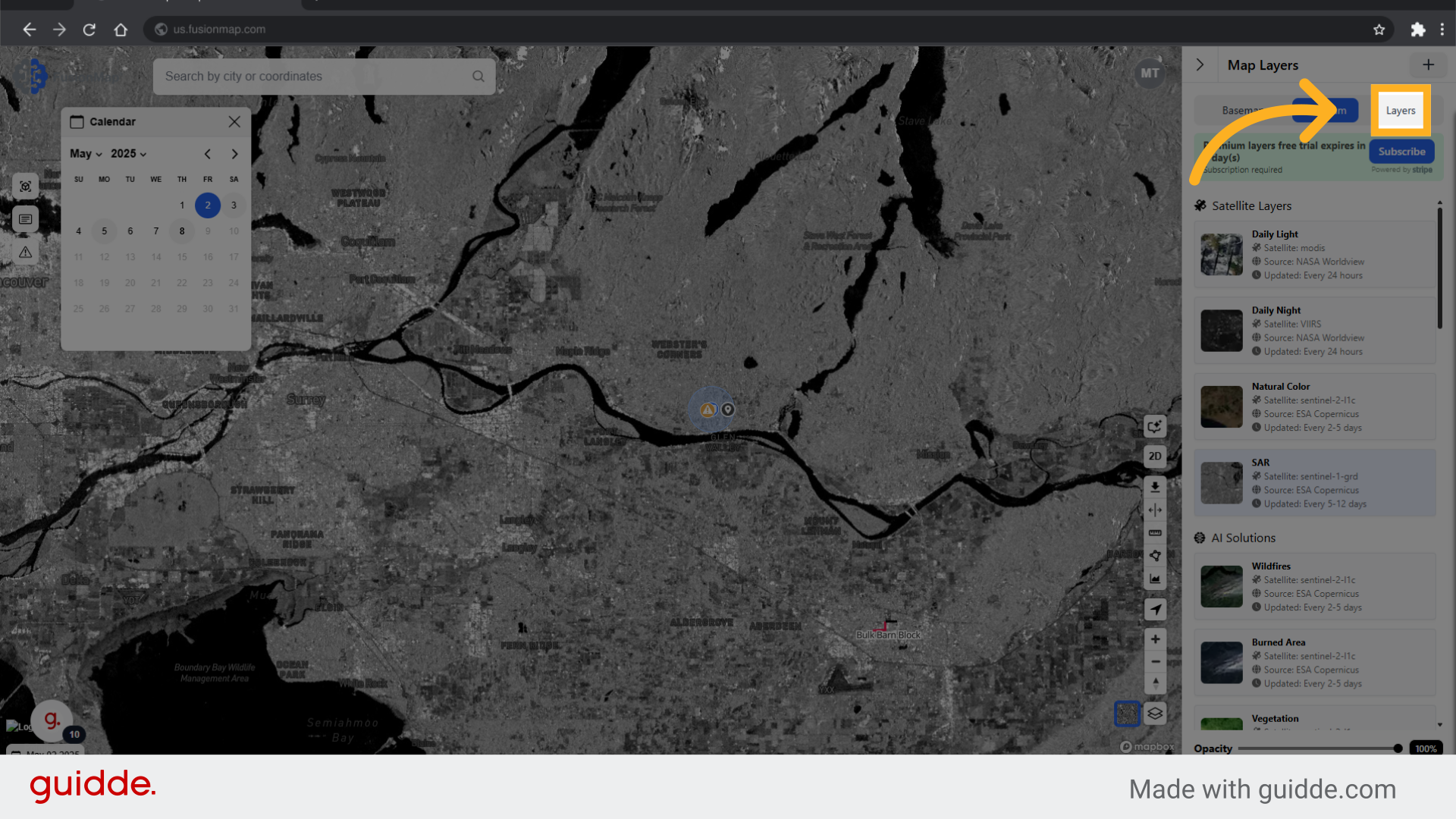
9. Choose from built in layers or upload your own custom layer #
This tab contains built-in layers and allows you to upload your own custom ones to display on the map.
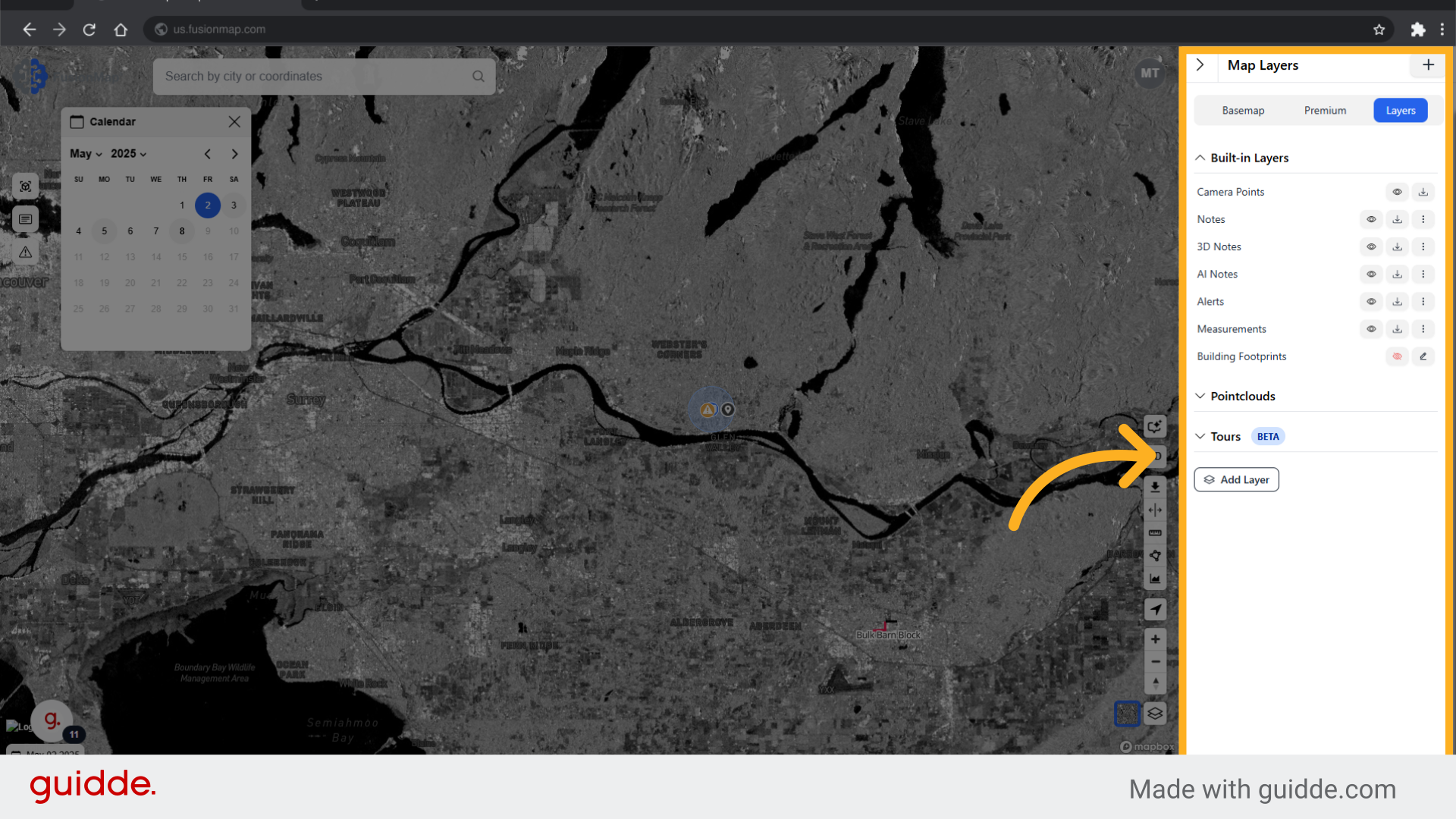
10. Click “Add Layer” #
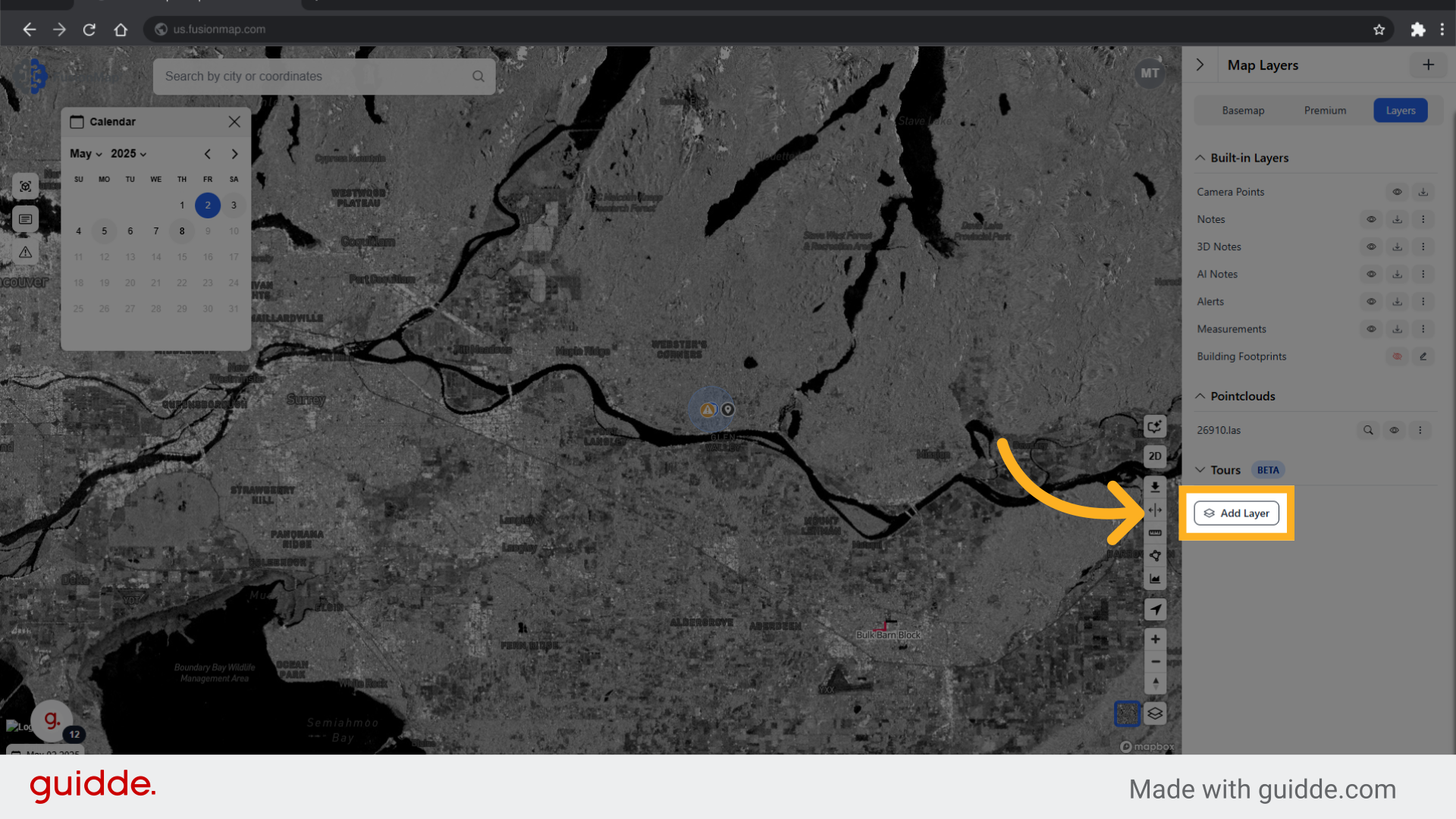
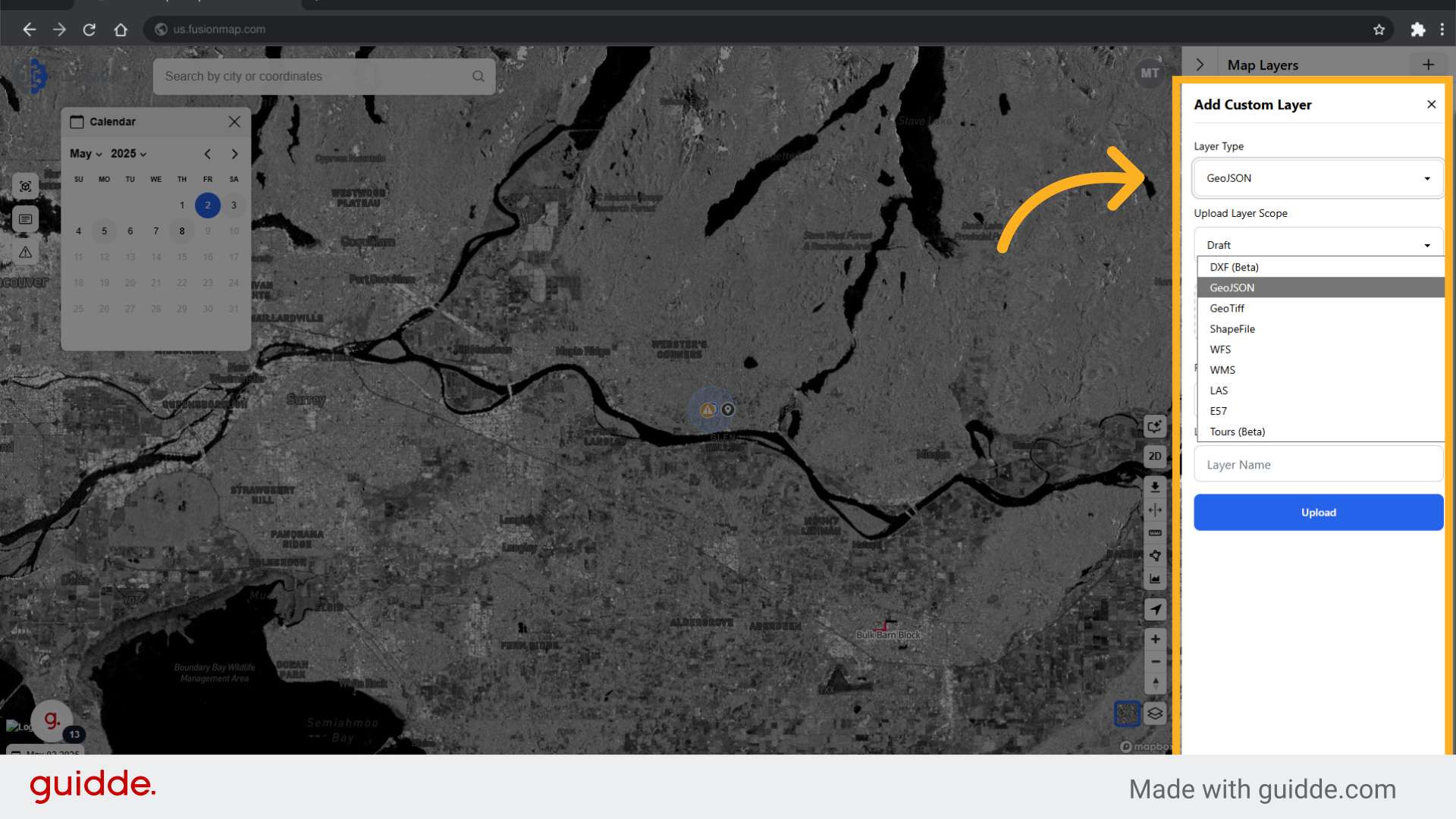
11. Choose from the list of supported layers and upload #
This guide walked the user through everything related to layers in FusionMap.