

This guide will walk you through the process of logging in to Fusionmap
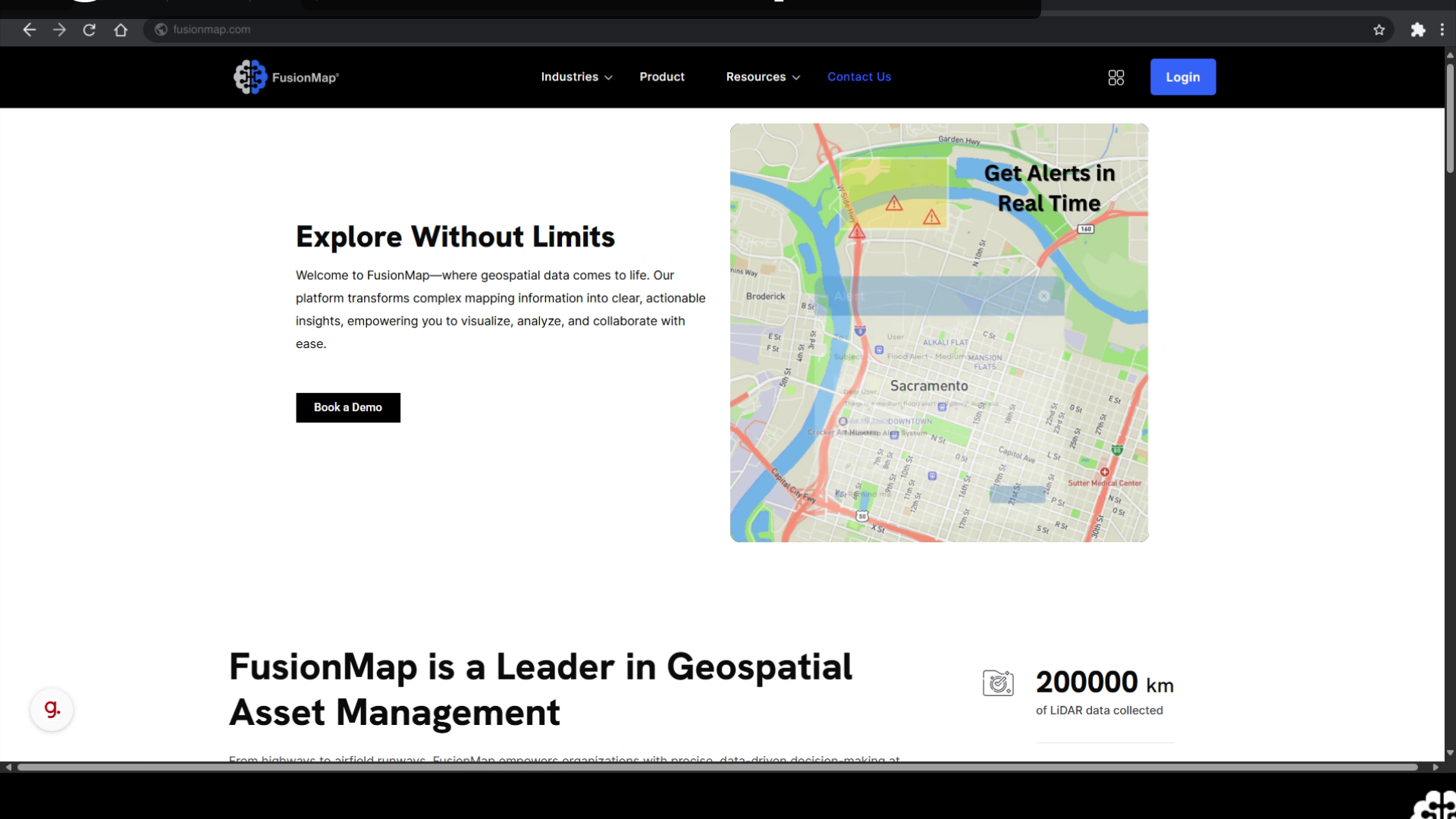
Go to fusionmap.com #
1. Go to fusionmap.com #
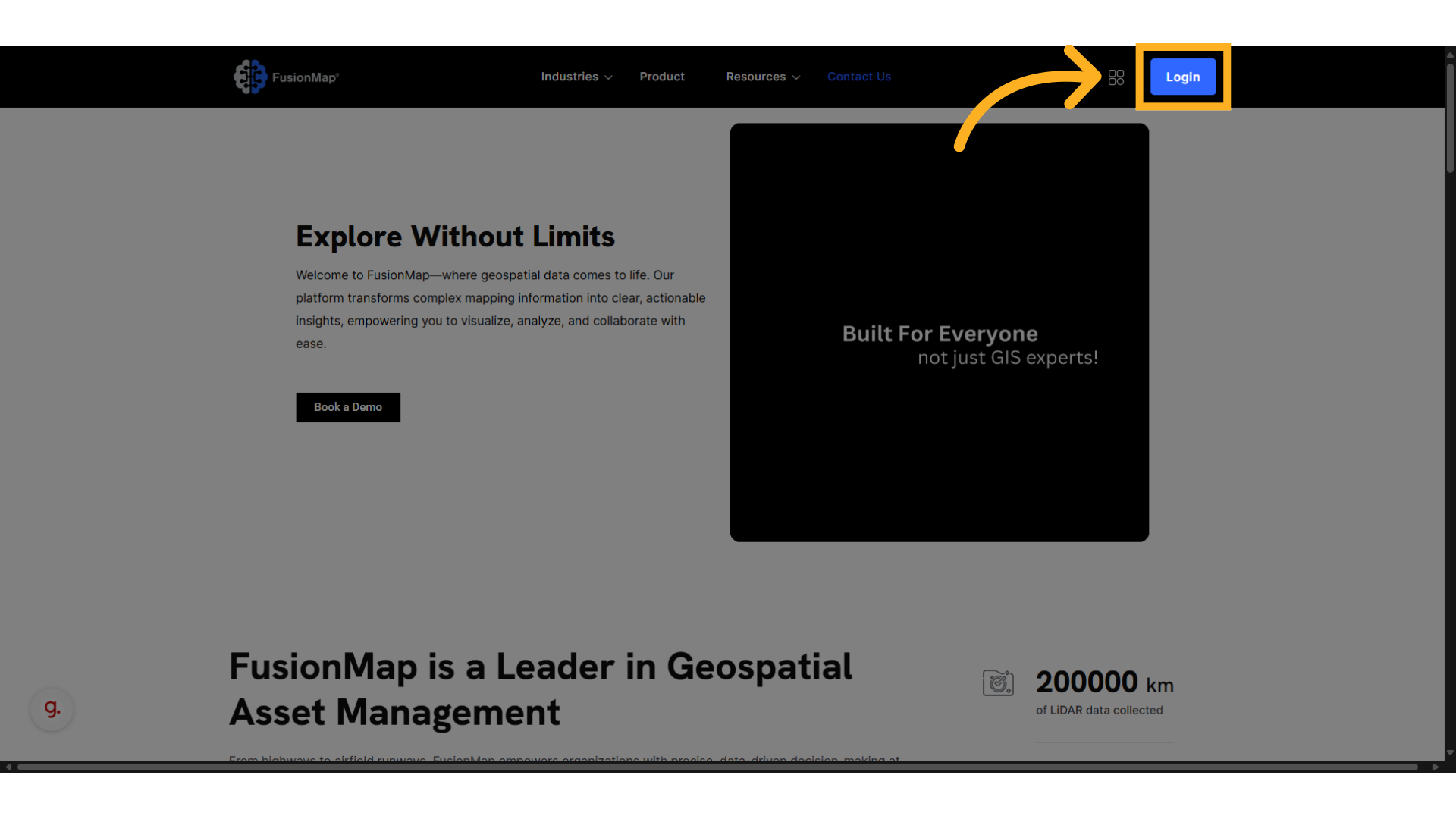
2. Click on the “Login” button #
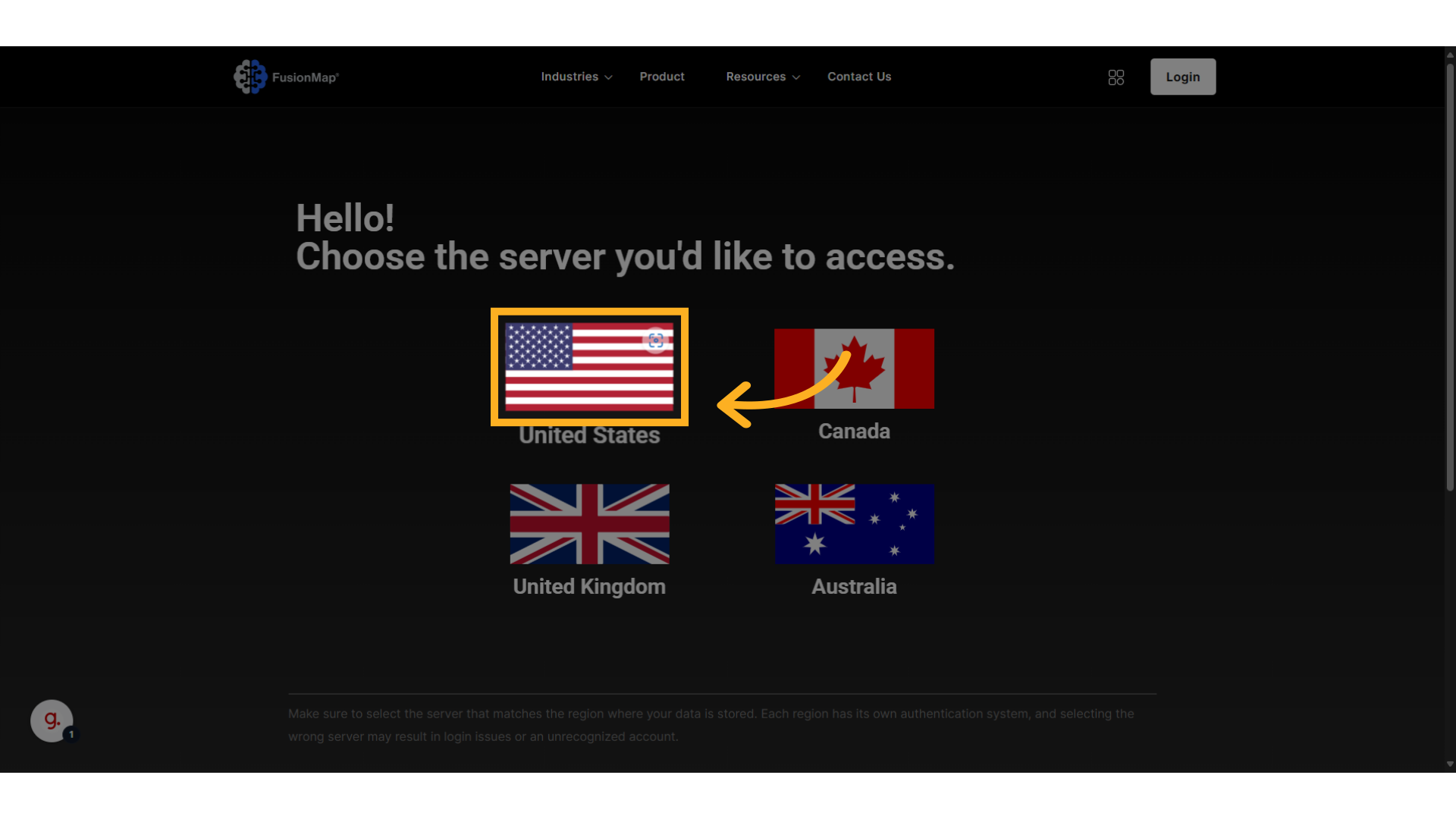
3. Choose Your Region #
4. The Login Page #
This will take you to your respective login page
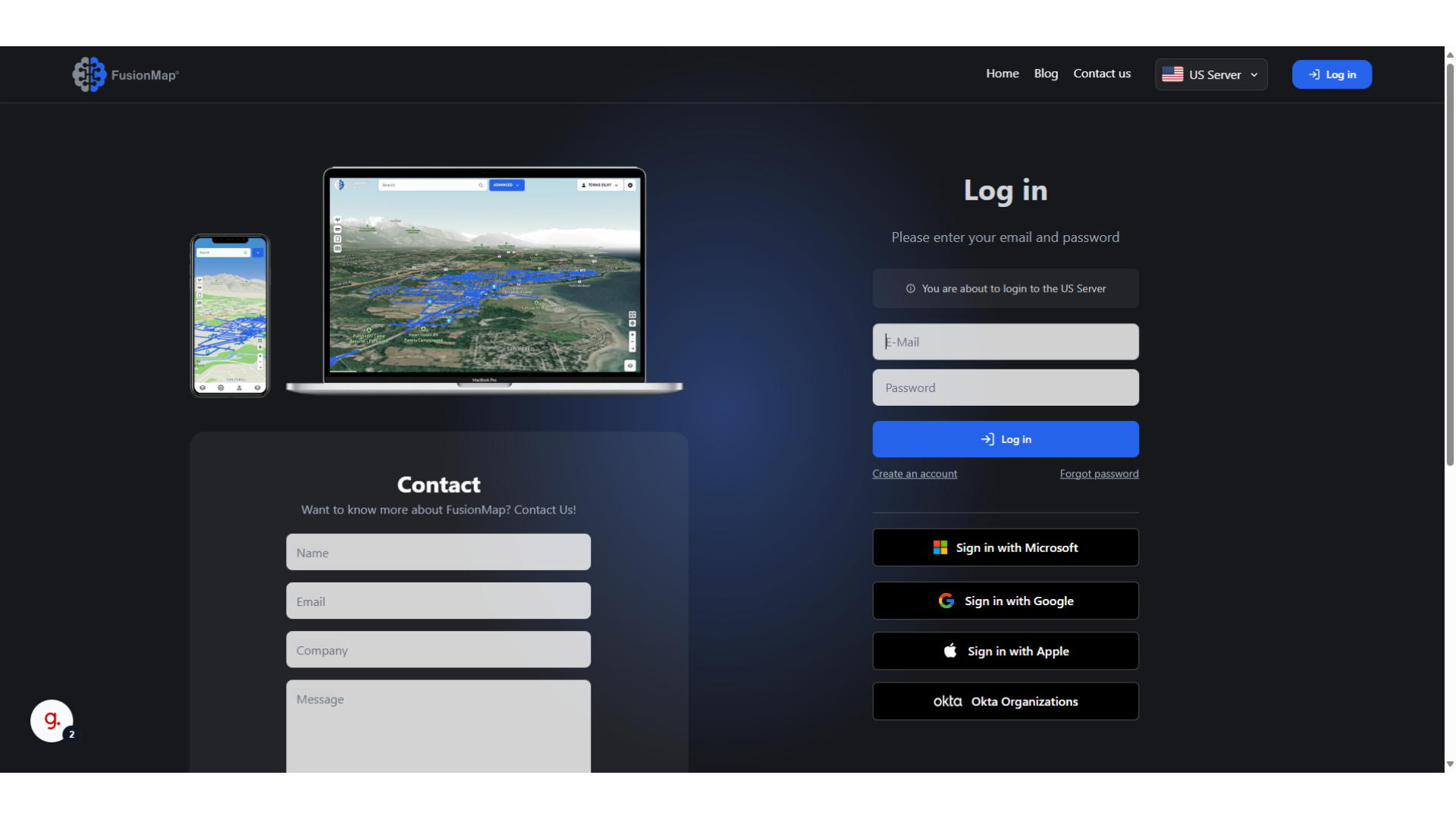
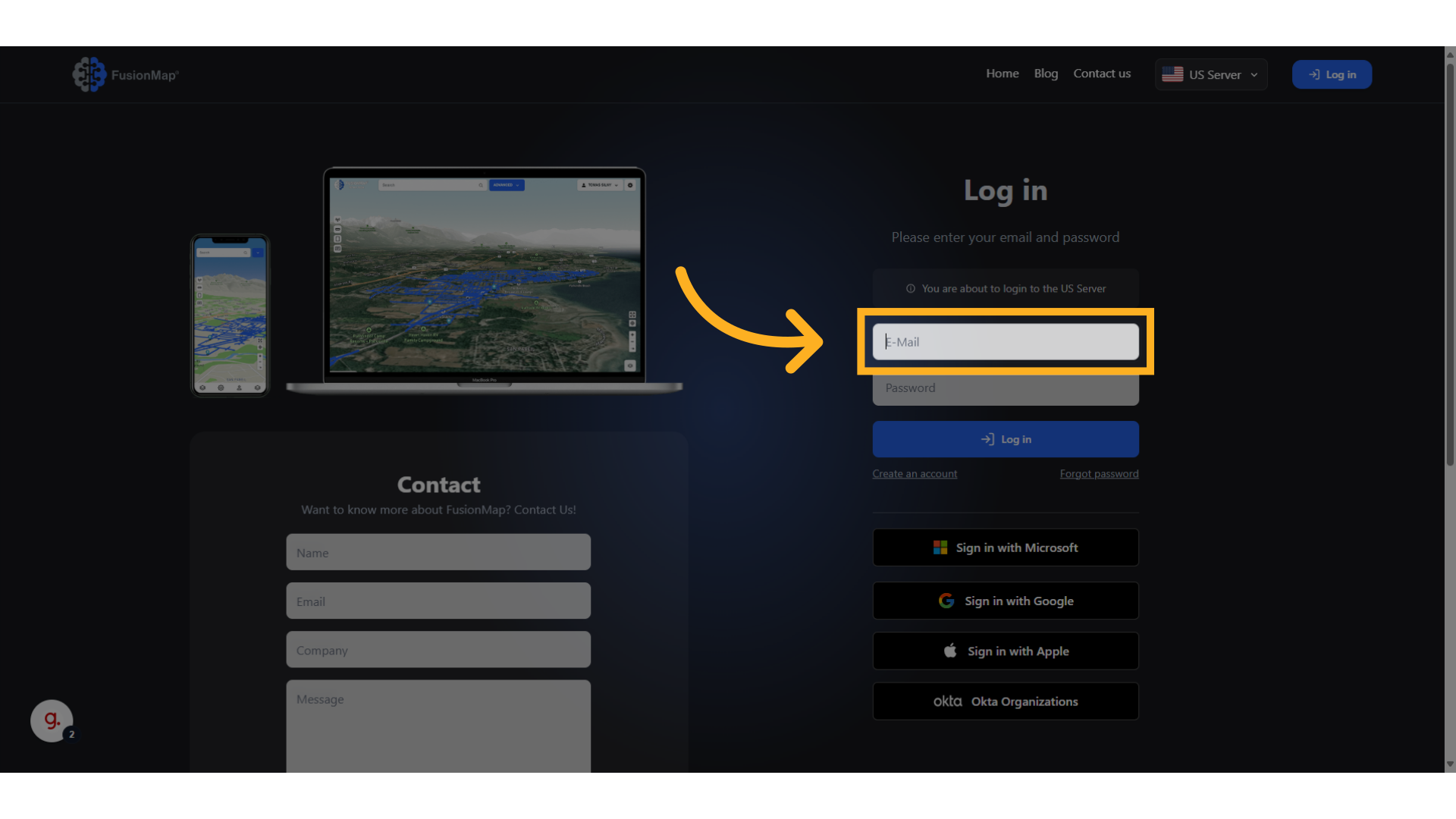
5. Enter Your Email #
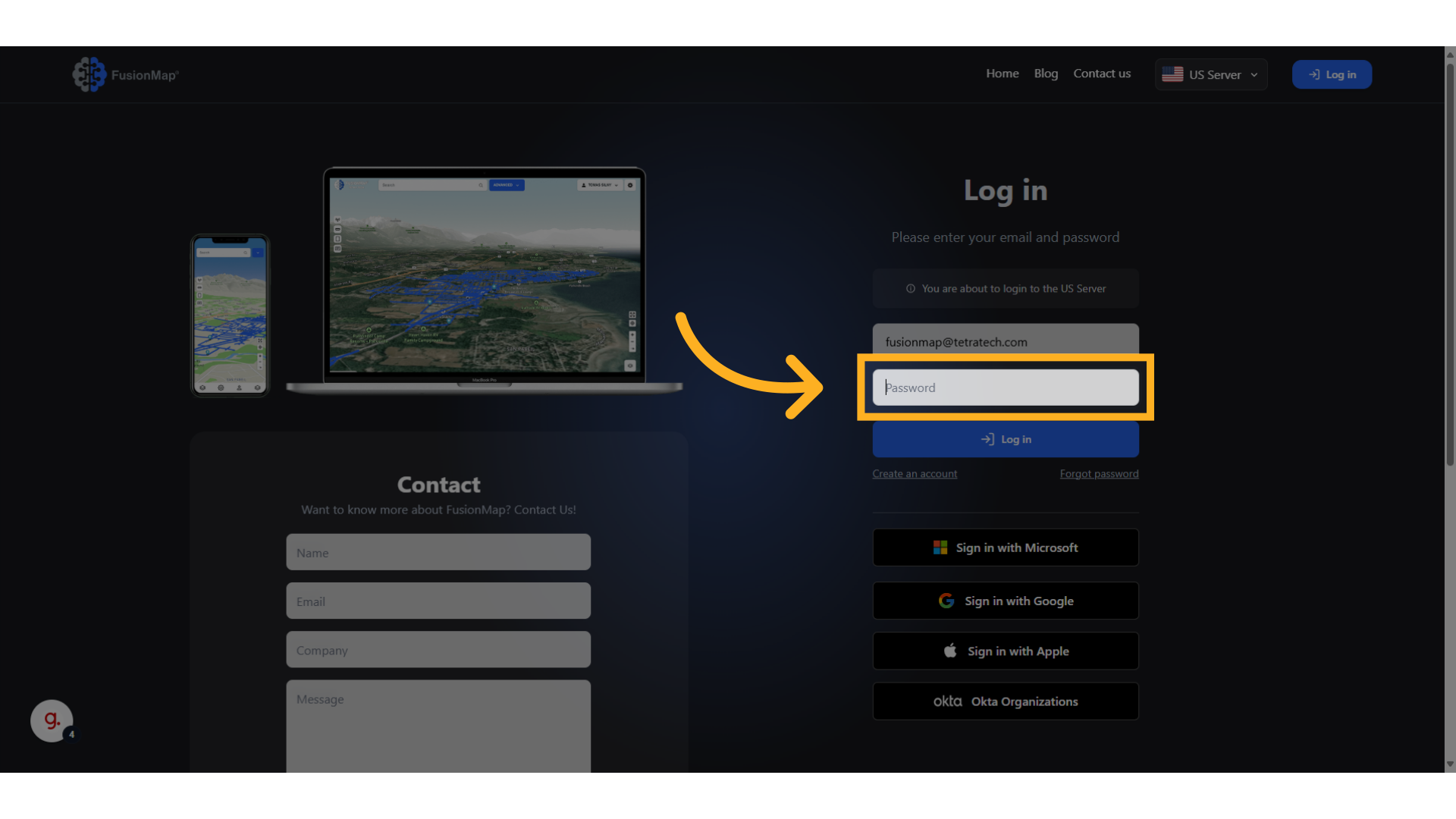
6. Enter Your Password #
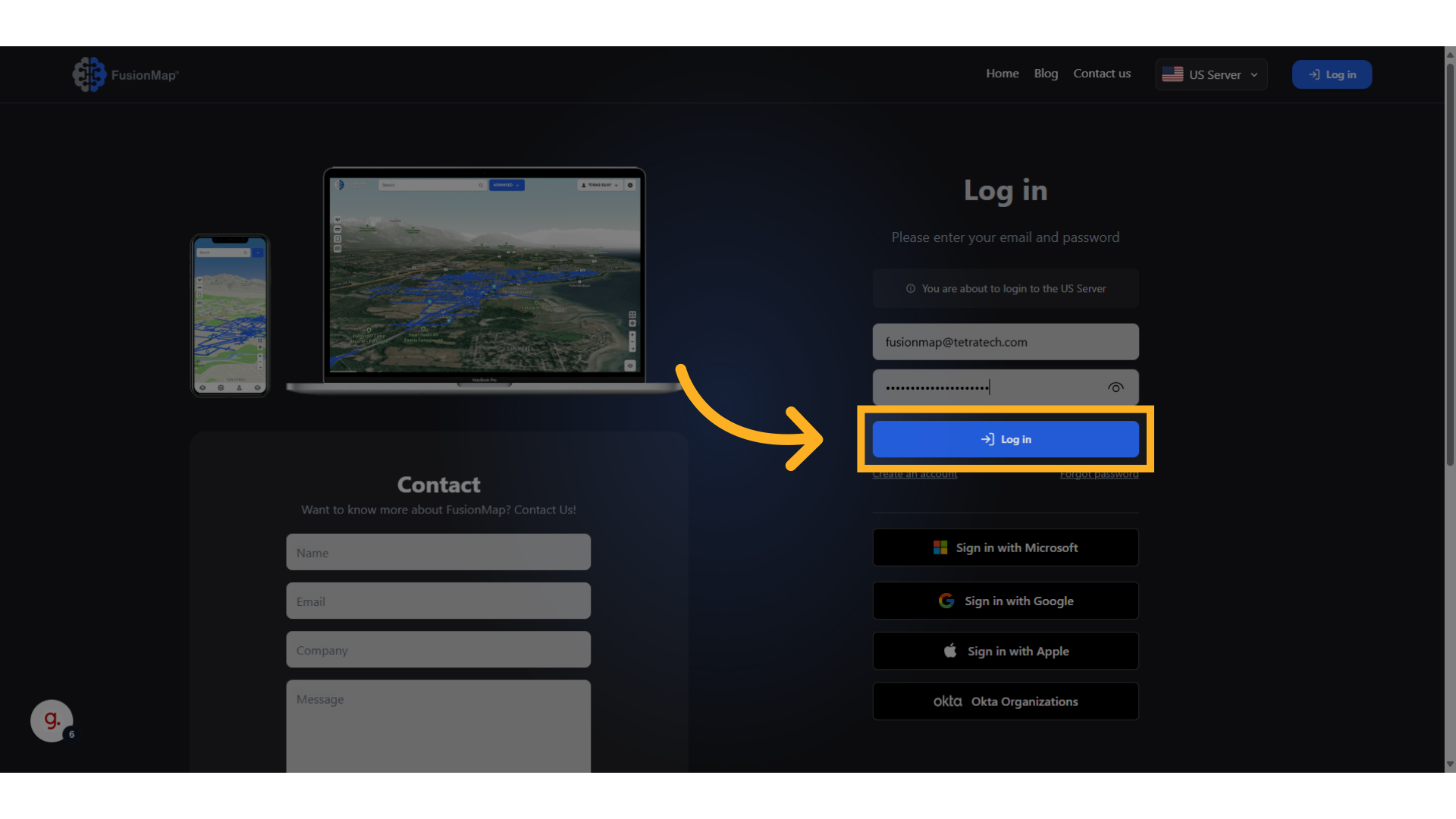
7. Click “Log in” #
Login to your account and get started on your project!
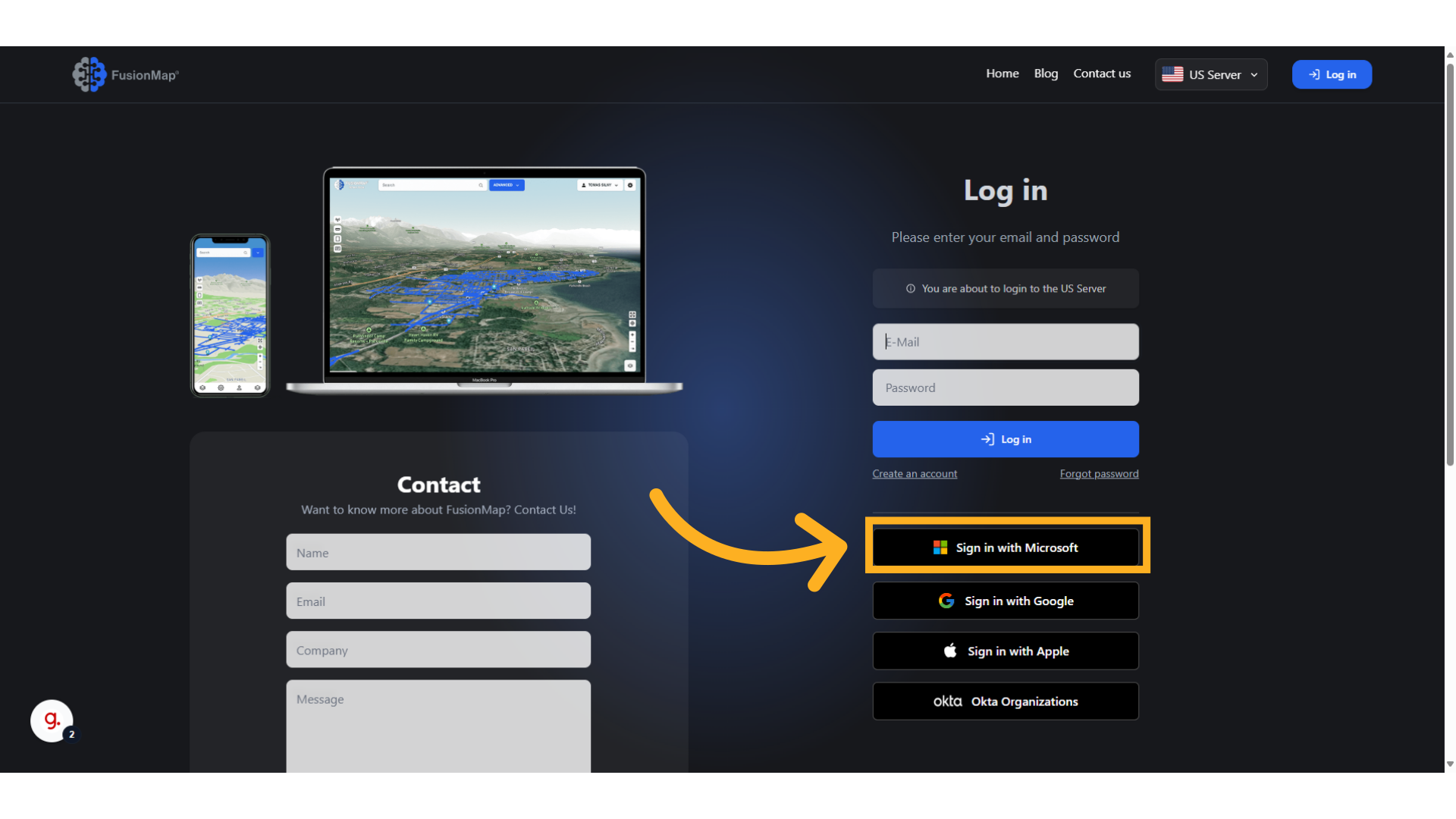
8. Access FusionMap using your organization’s SSO provider: Microsoft #
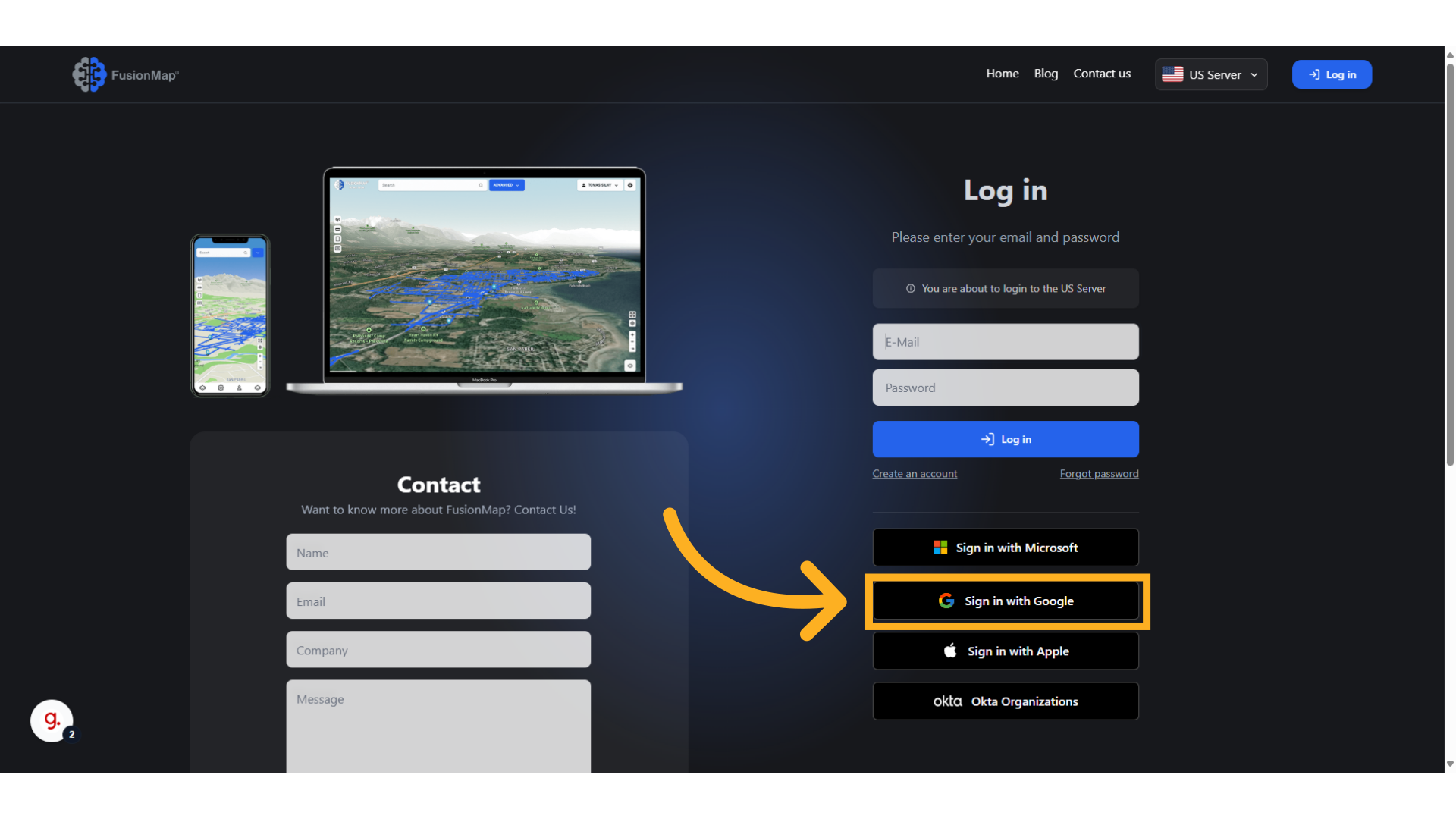
9. Access FusionMap using your organization’s SSO provider: Google #
10. Access FusionMap using your organization’s SSO provider: Apple #

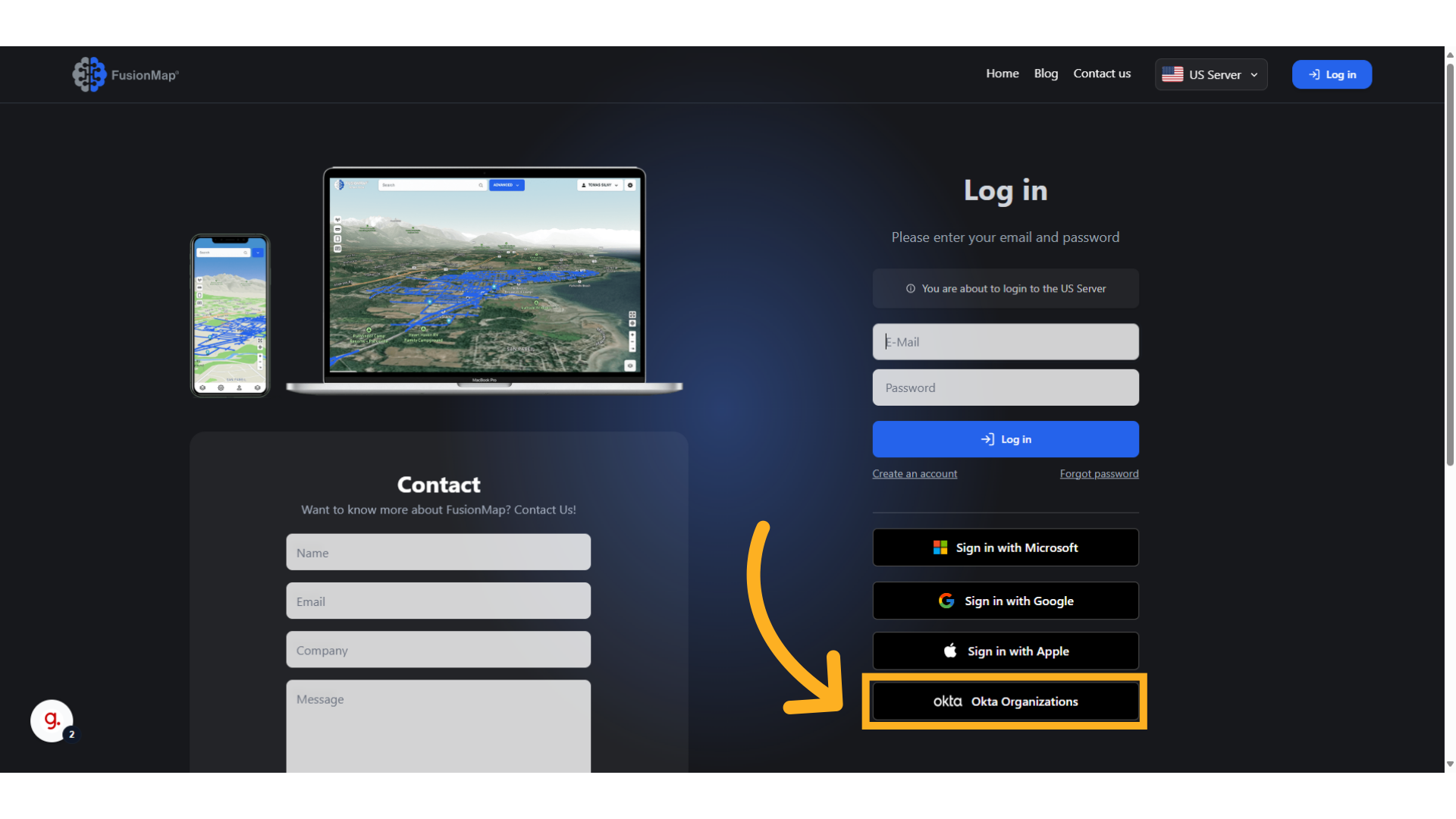
11. Access FusionMap using your organization’s SSO provider: Okta Organizations #
FusionMap supports secure SSO access via Okta.
This guide runs the user through the process of logging in to FusionMap.