

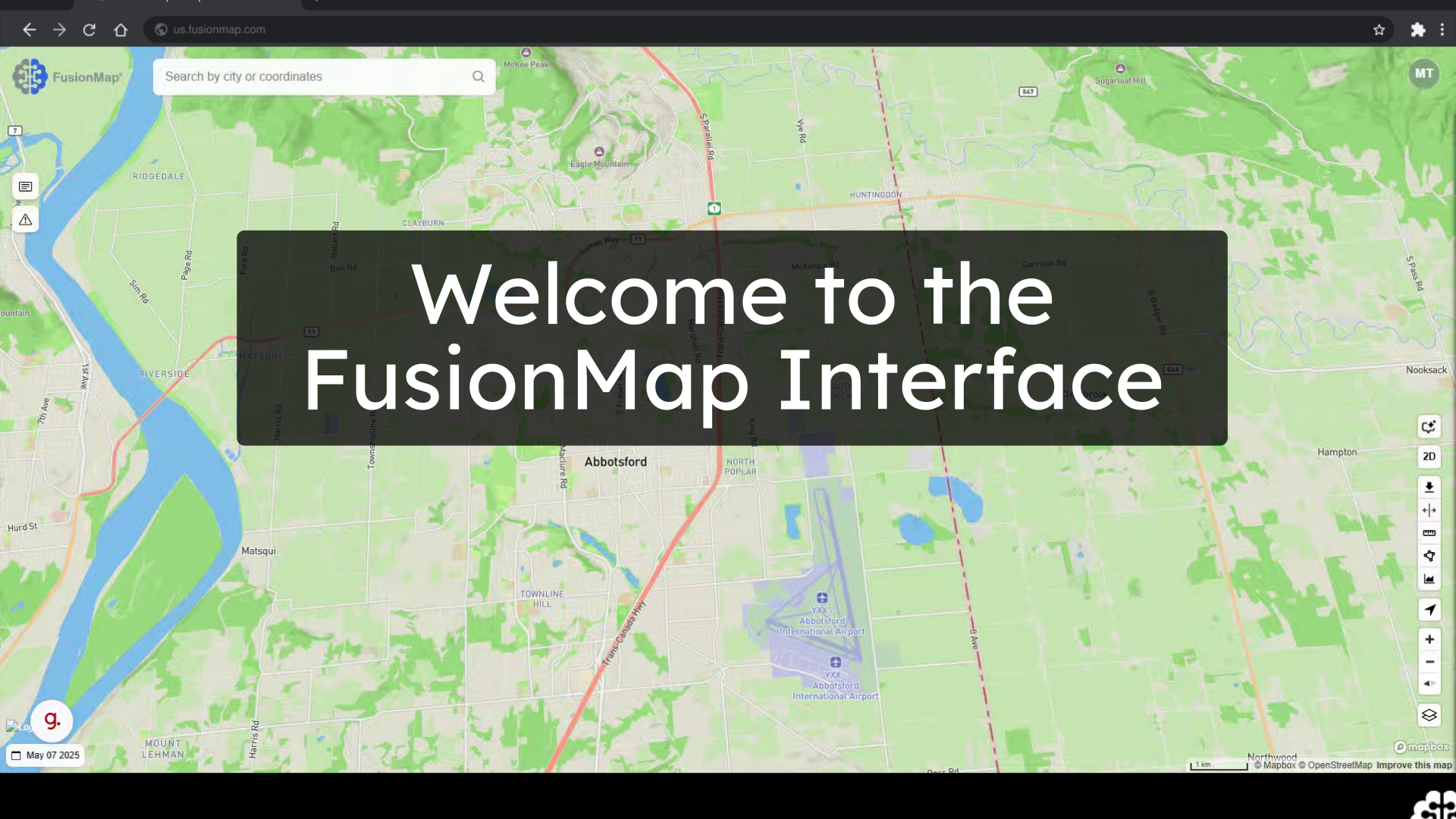
This guide will serve as a first look at FusionMap’s interface.
1. Welcome to the FusionMap Interface #
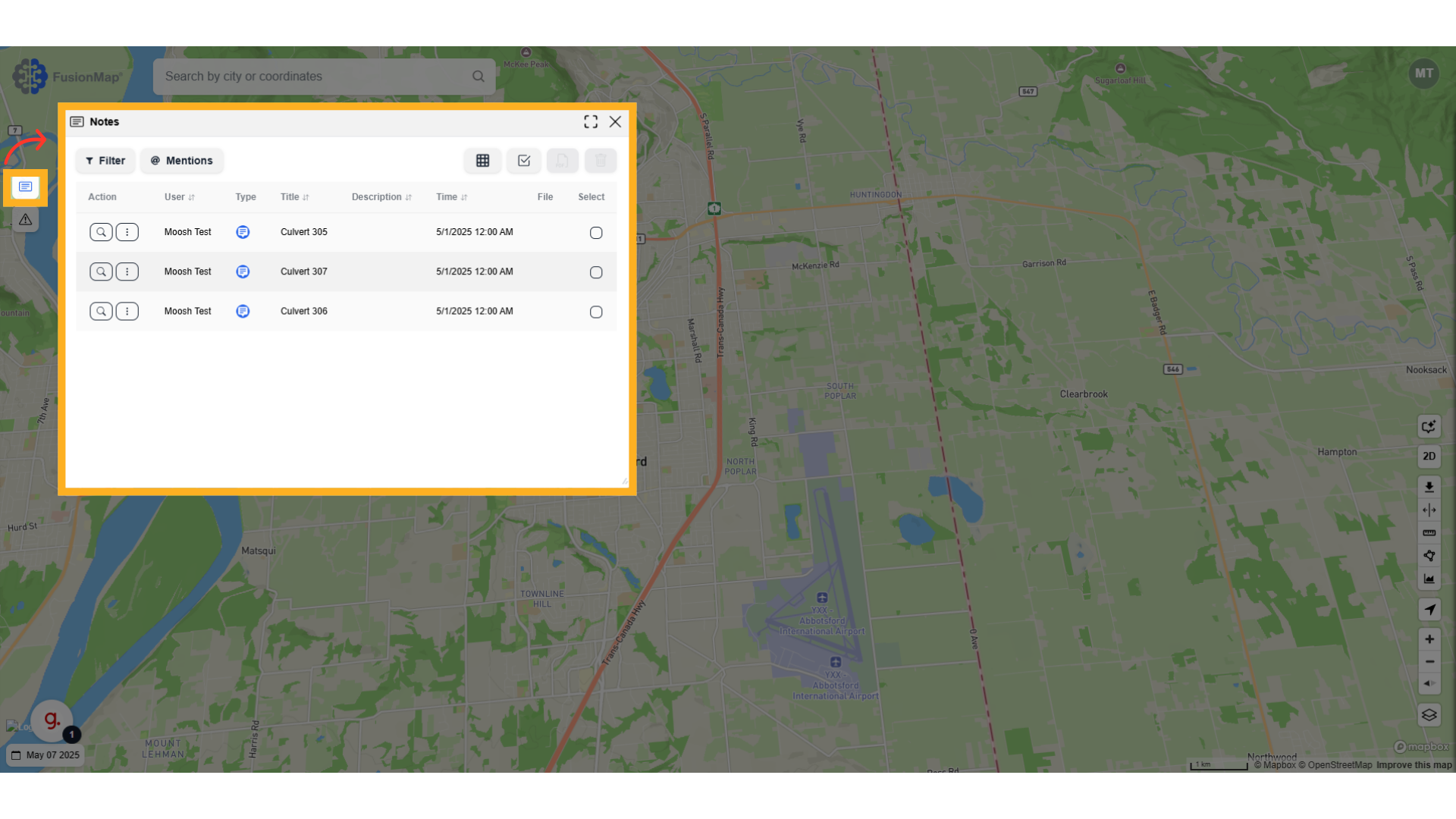
2. Notes #
View all notes created by you and your teammates in one place.
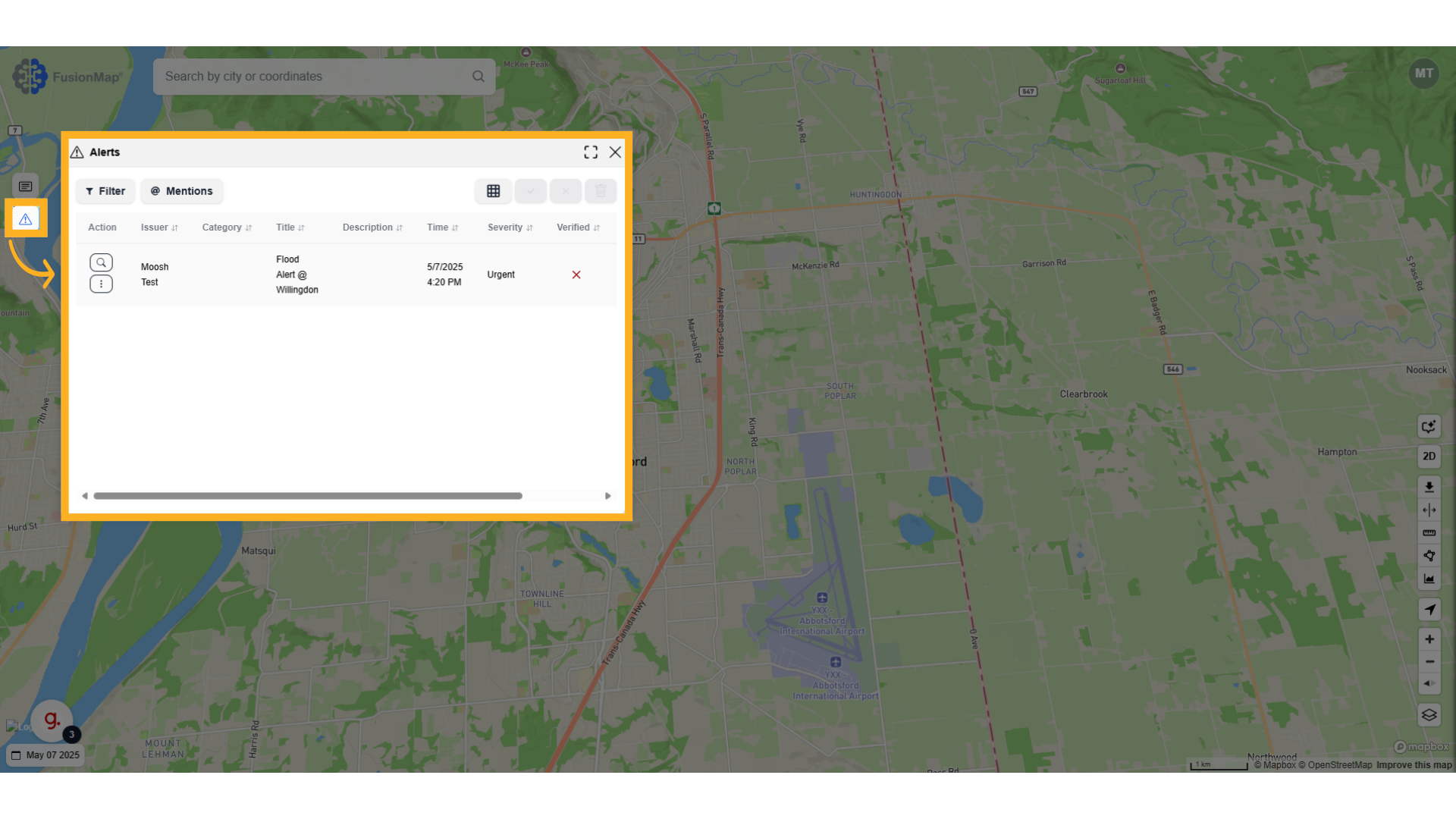
3. Alerts #
View all project alerts in one place.
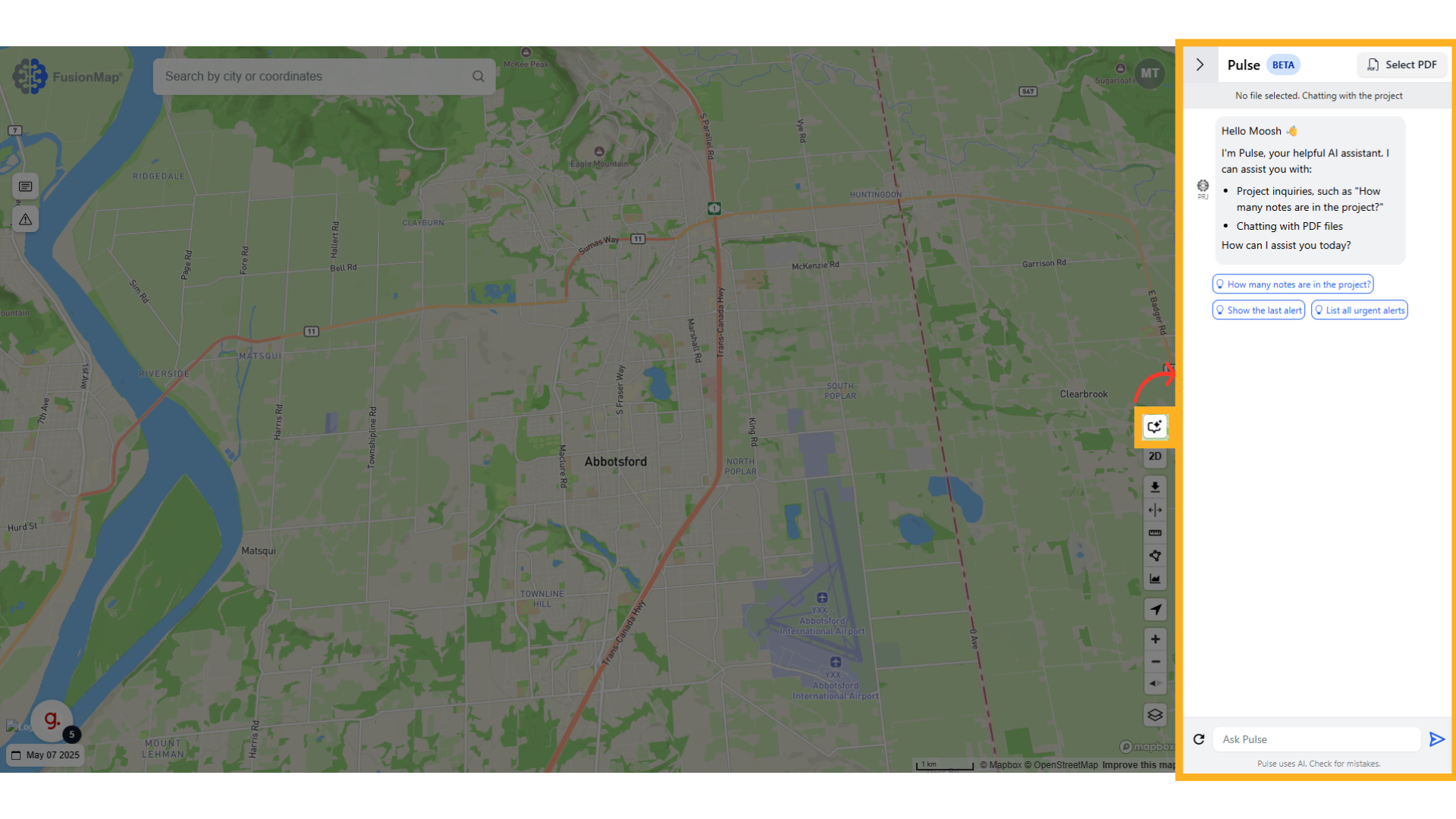
4. PulseAI #
Chat with your project using Pulse AI, your personal AI assistant for FusionMap.
5. Switch between 2D & 3D map views #

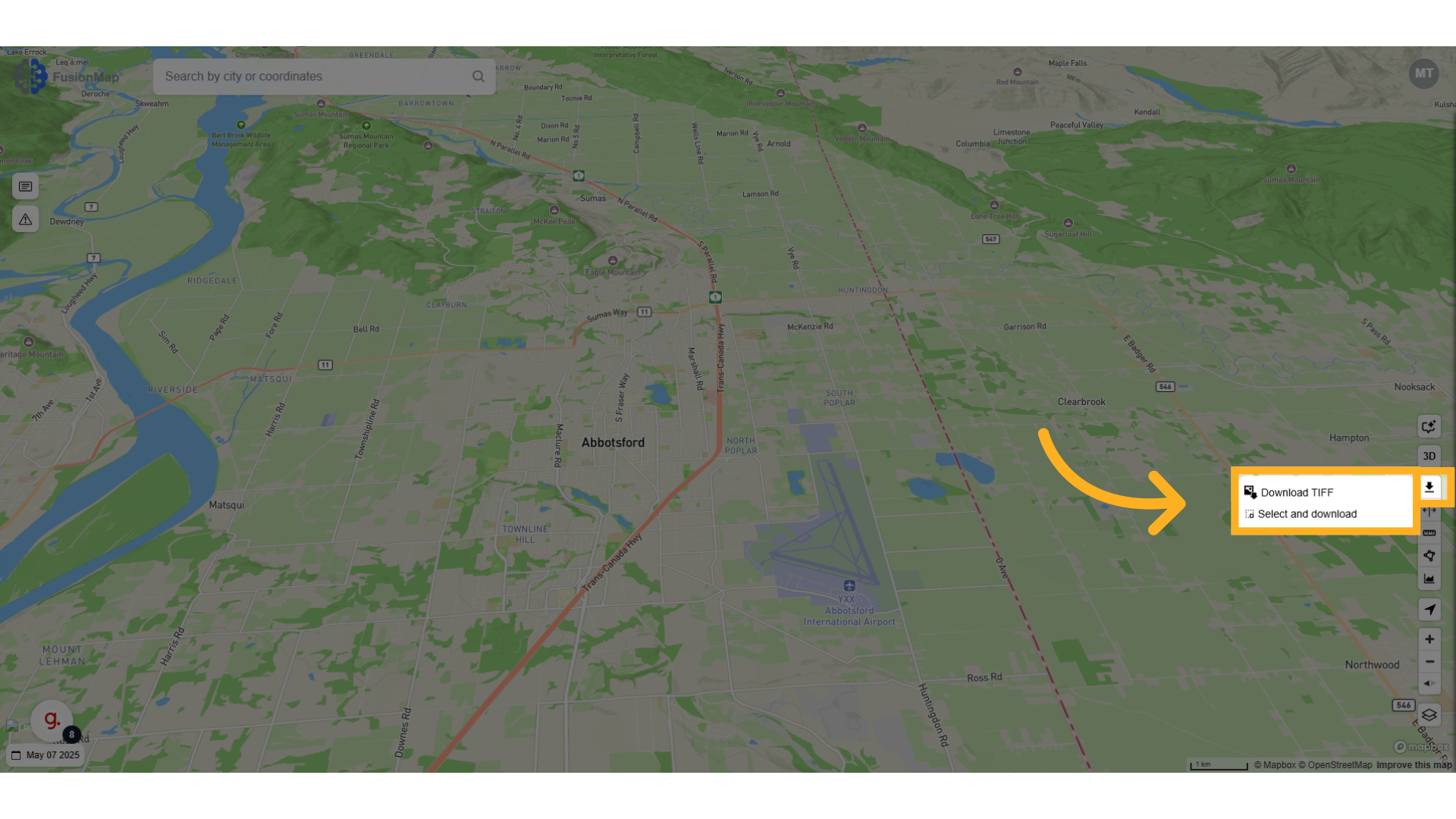
6. View TIFF Export #
Download your current view or selected area as a TIFF file
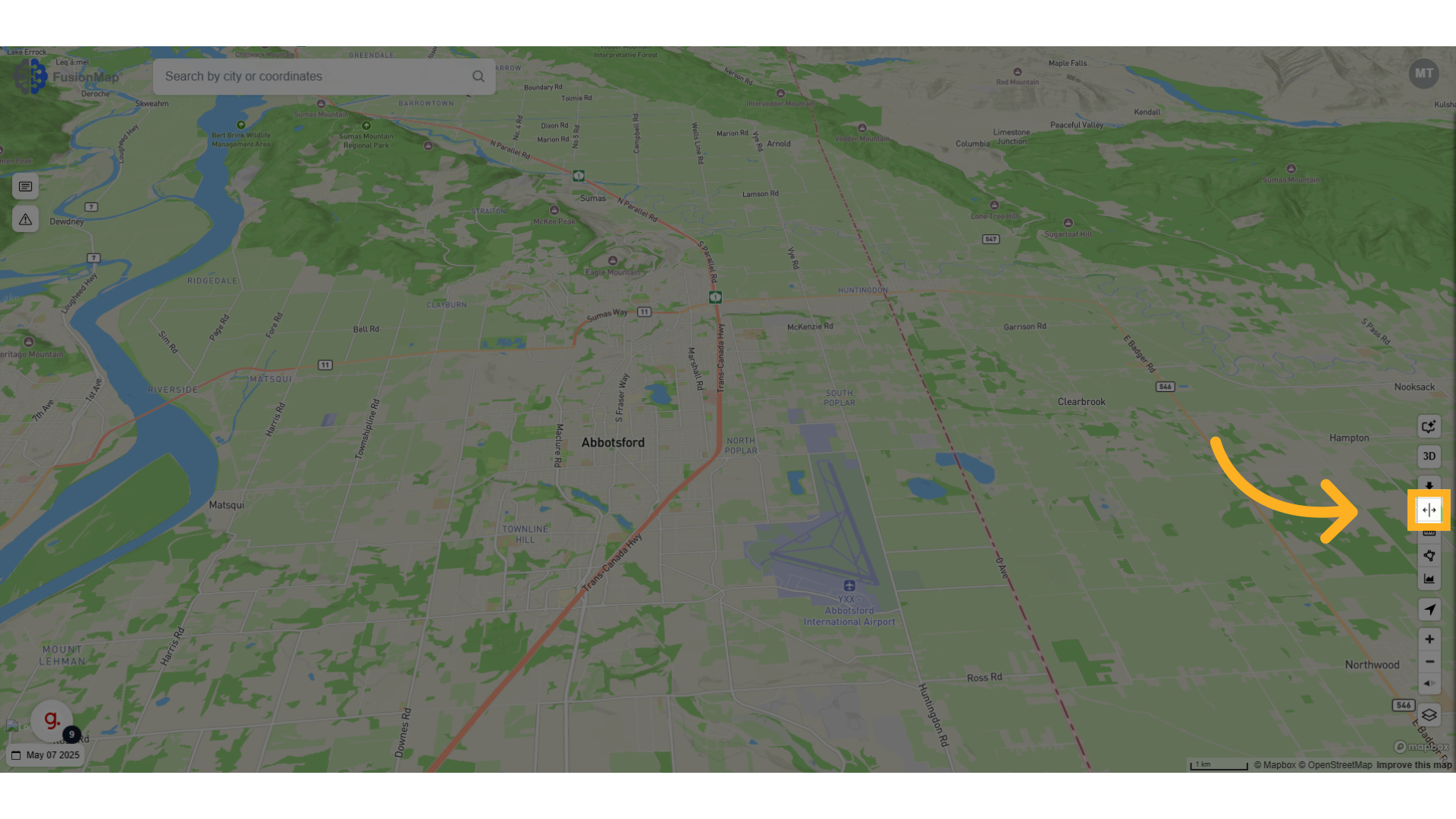
7. SplitViewer #
SplitViewer allows you to compare your map across different days
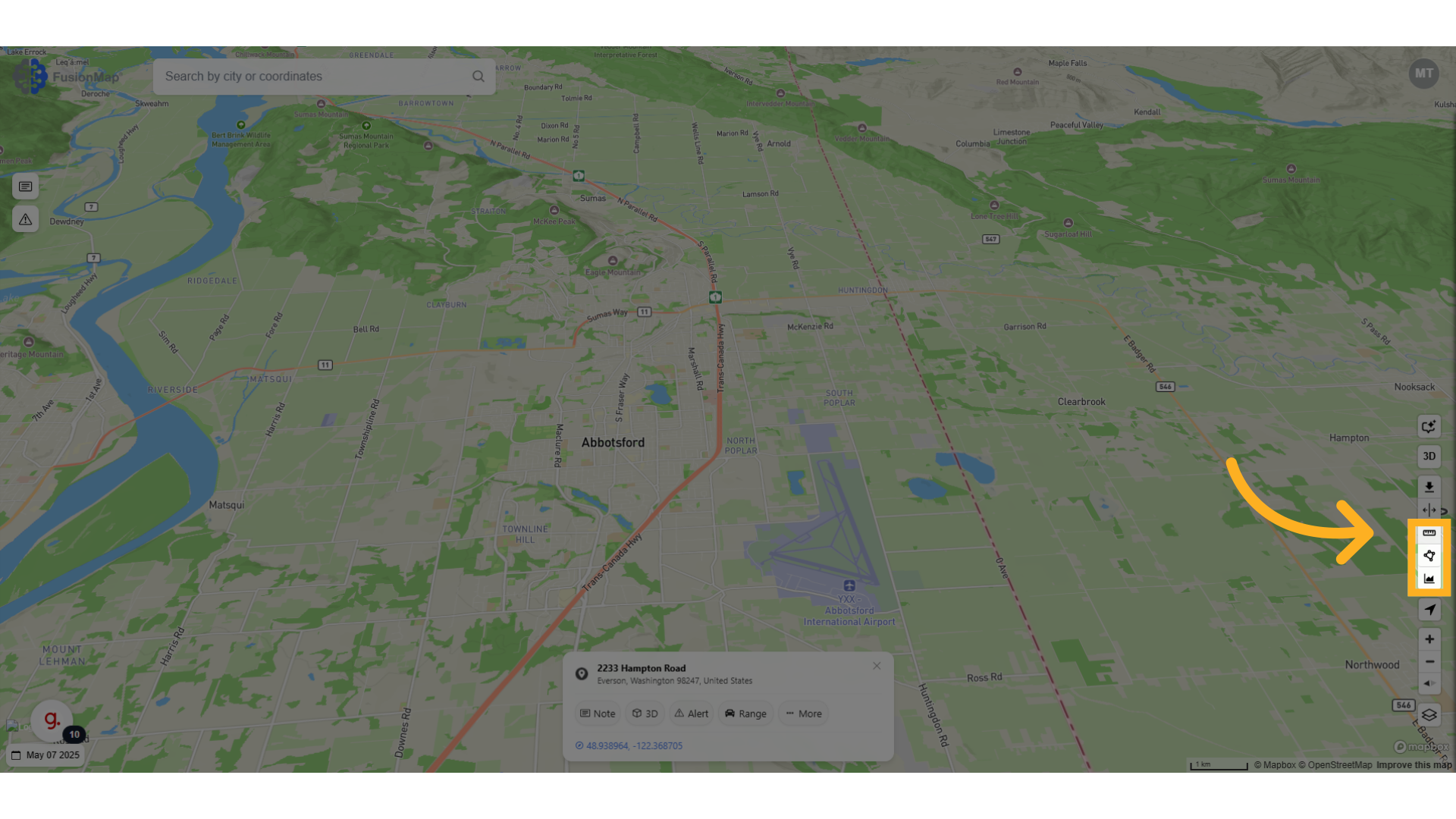
8. Measurements #
Measure distances, areas and elevations directly on the map.
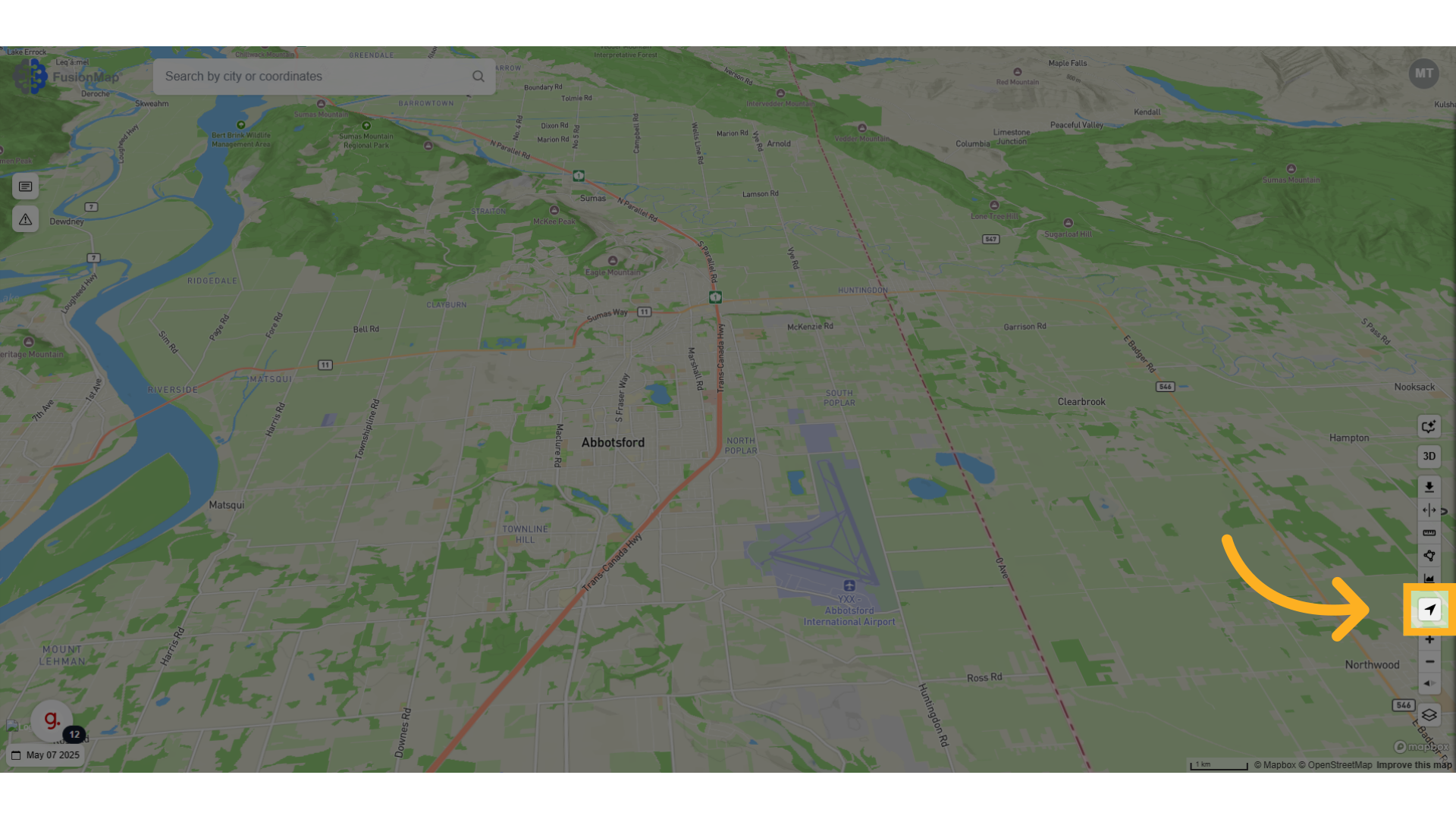
9. Find my location #
Automatically move to your current geographical location.
10. Reset bearing to North #
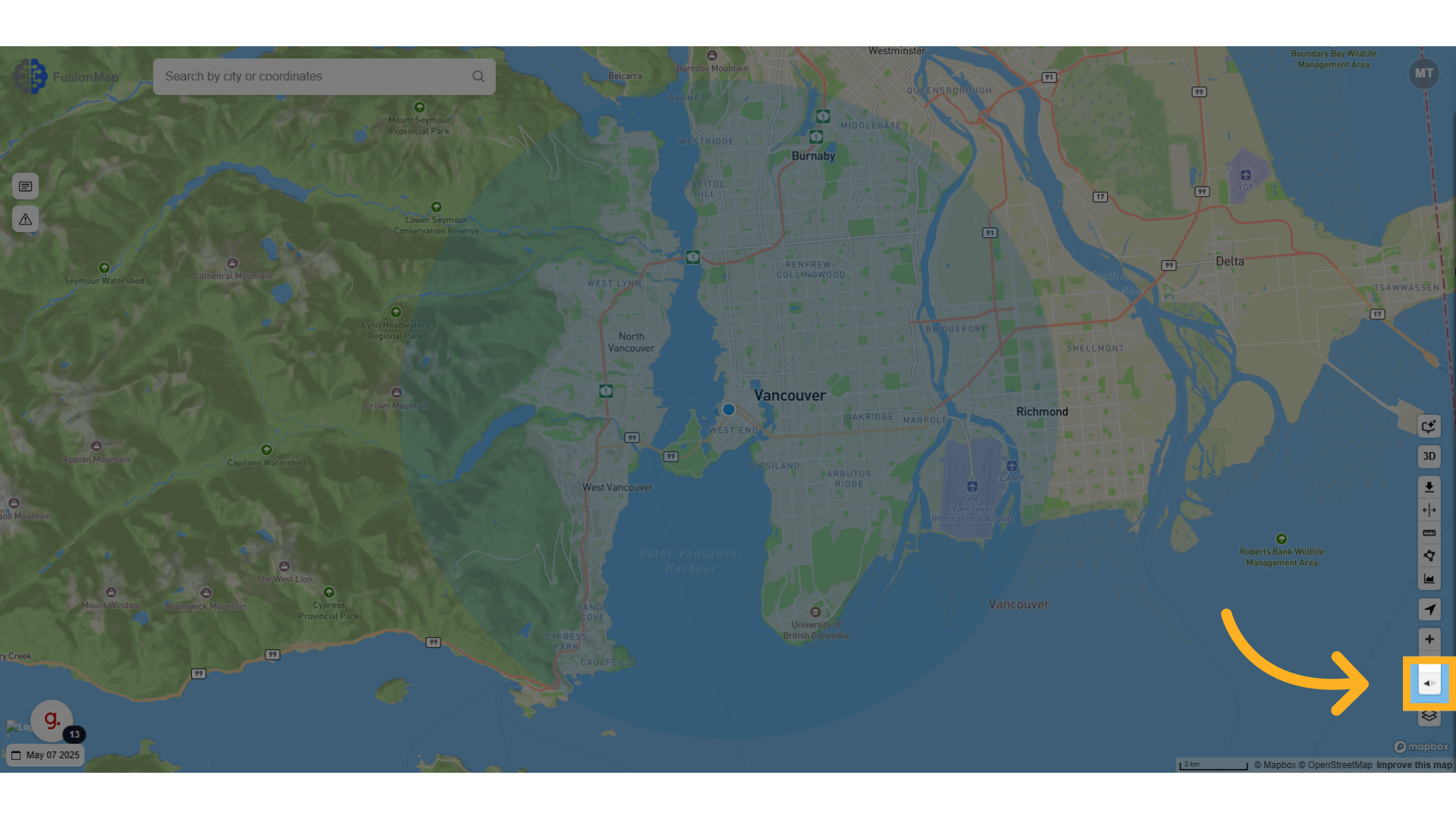
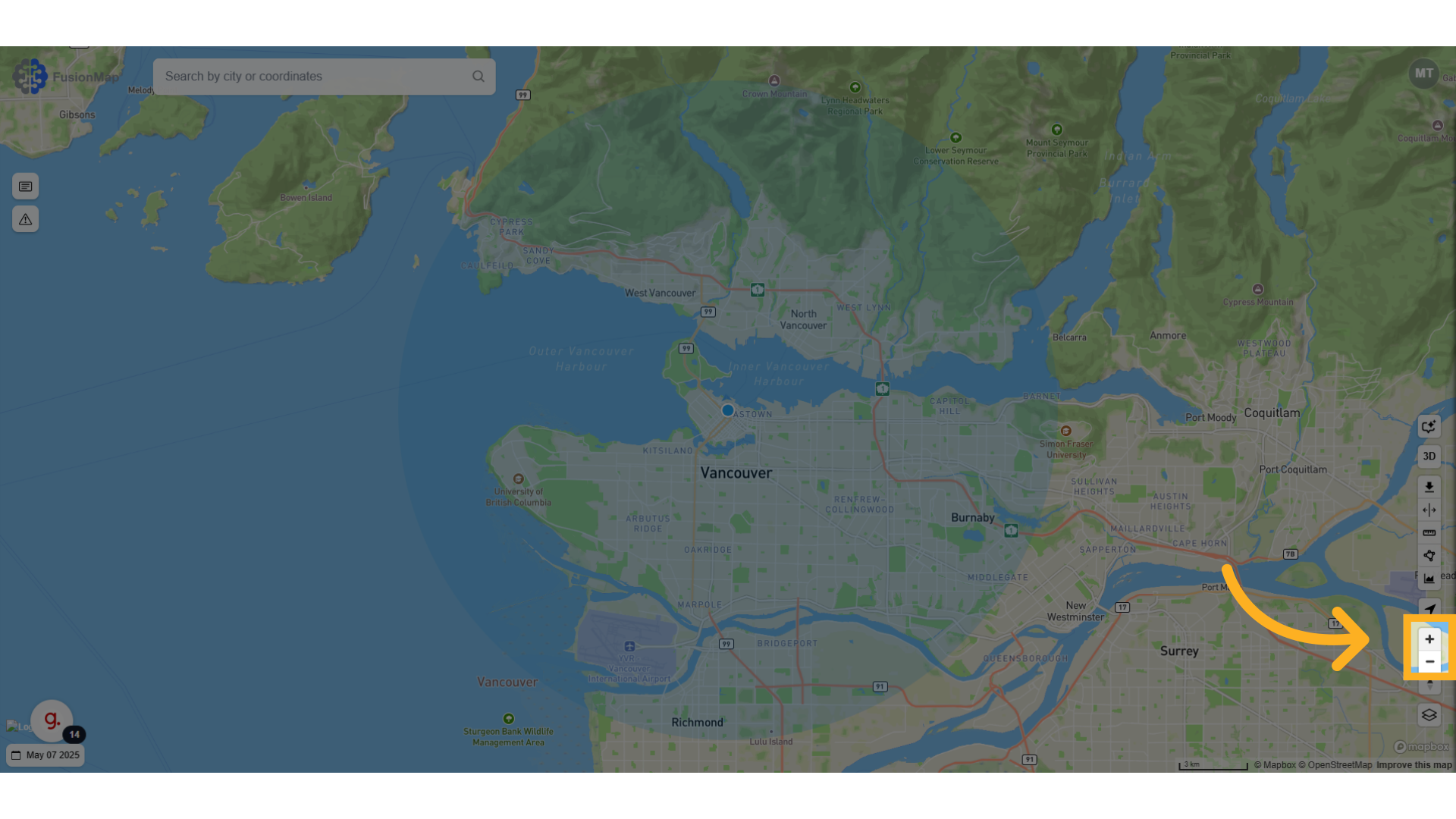
11. Zoom in and out of your map #
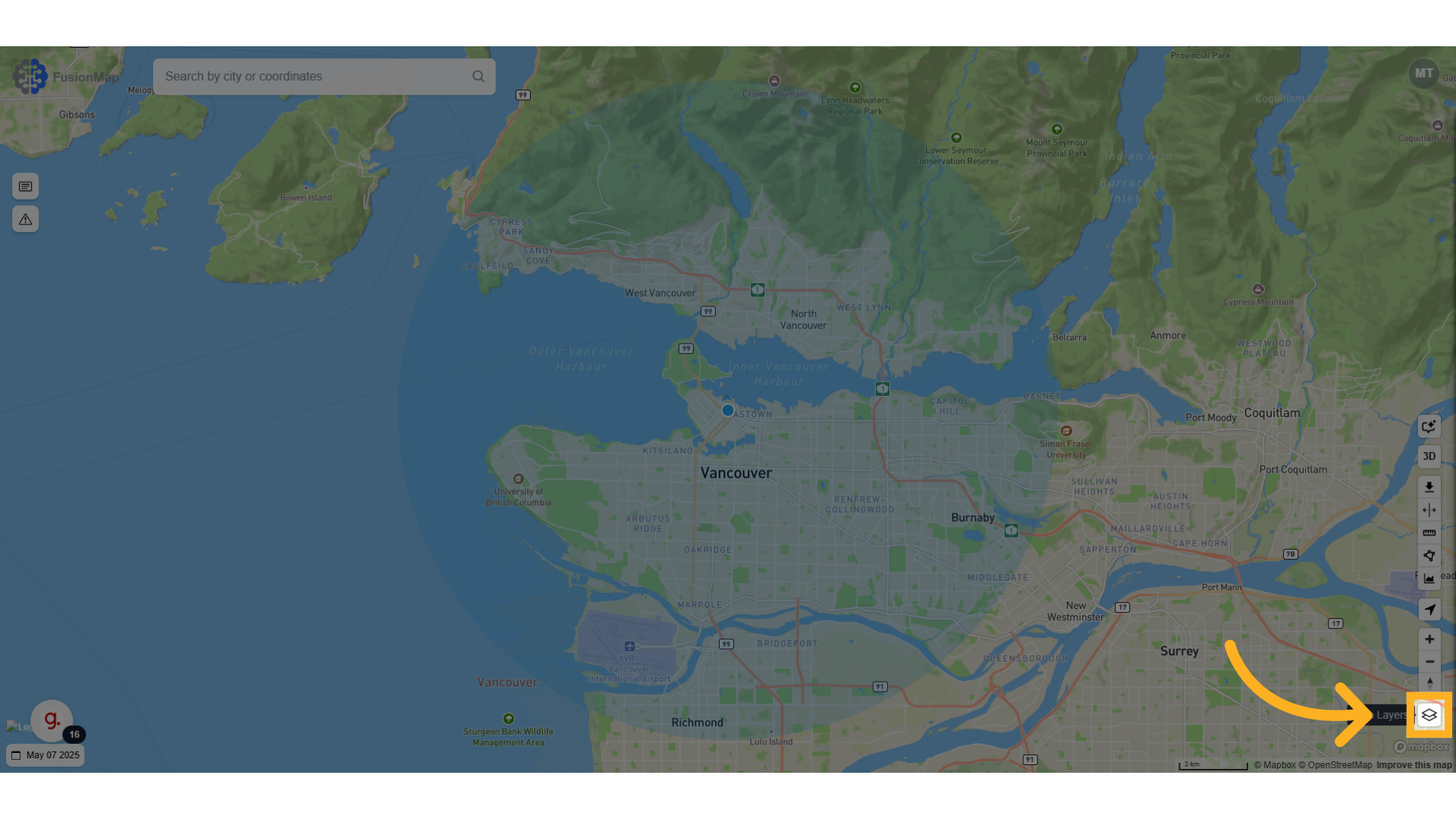
12. Change Your Map Layer #
Change your map layer to your choice between 38 different layers or upload your own!
This guide walks the user through a first look at FusionMap’s interface, equipping them for success.